Complete Guide to Outdoor Solar Security Cameras: Installation, Features, and Setup
Introduction to Outdoor Solar Surveillance
Maintaining continuous security around your perimeter can be challenging when power outlets are unavailable. An Outdoor Solar Security Camera provides a reliable, wire-free surveillance solution by pairing integrated battery storage with direct solar harvesting. Whether protecting a residential home, retail shop, or commercial office, solar surveillance cameras offer flexible installation without expensive electrical wiring. The gap this category fills is a practical one rather than a technical one. Cameras have always ended up wherever power was easy, which on most properties means the front of the house. The places that go unwatched, outbuildings, side gates, rear boundaries, and anywhere without a building at all, are unwatched because running mains there means a trench, armoured cable, and in most jurisdictions a qualified electrician.
Removing the cable removes that barrier, and that is the whole proposition. What it introduces instead are two new requirements: the position needs sunlight, and it needs wi-fi. Both are worth checking before buying, because a solar camera in deep shade or out of signal range will disappoint regardless of how good the camera is.
How Solar-Powered Security Cameras Work
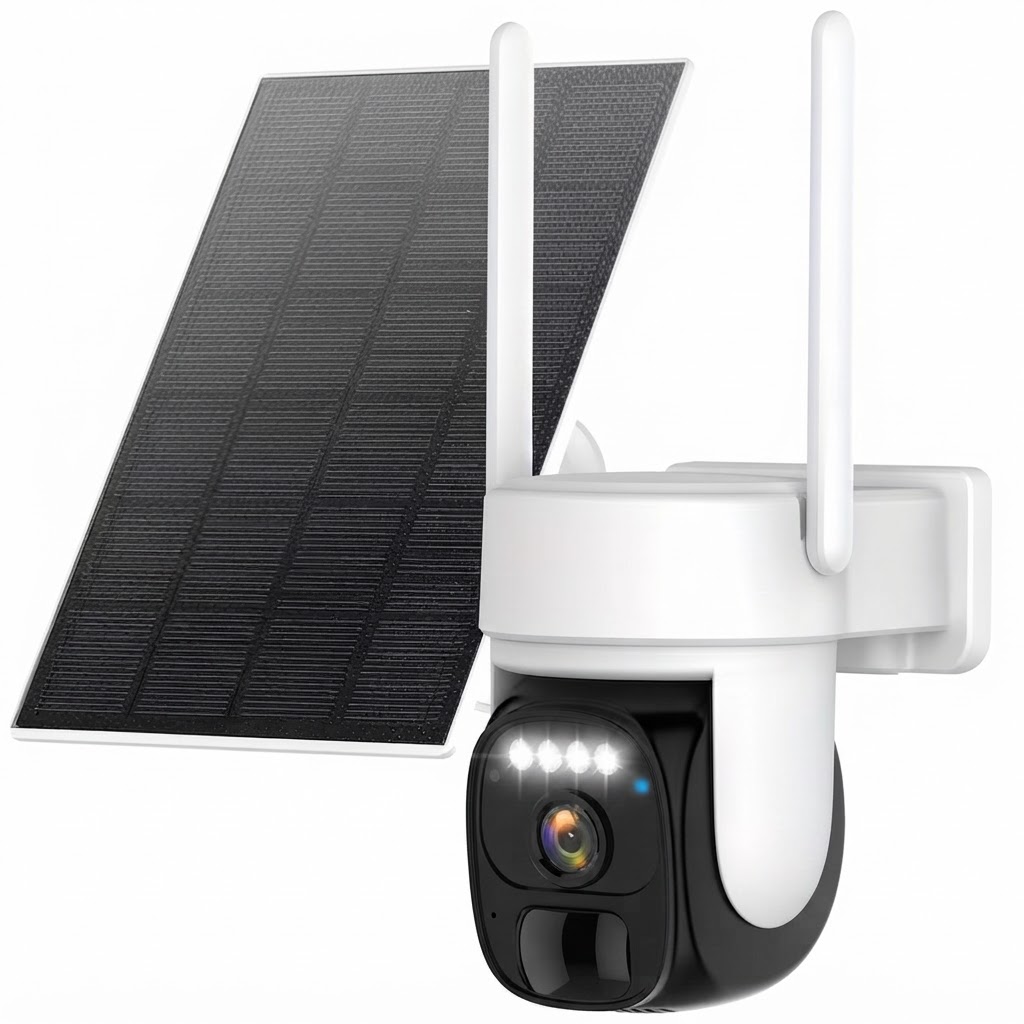
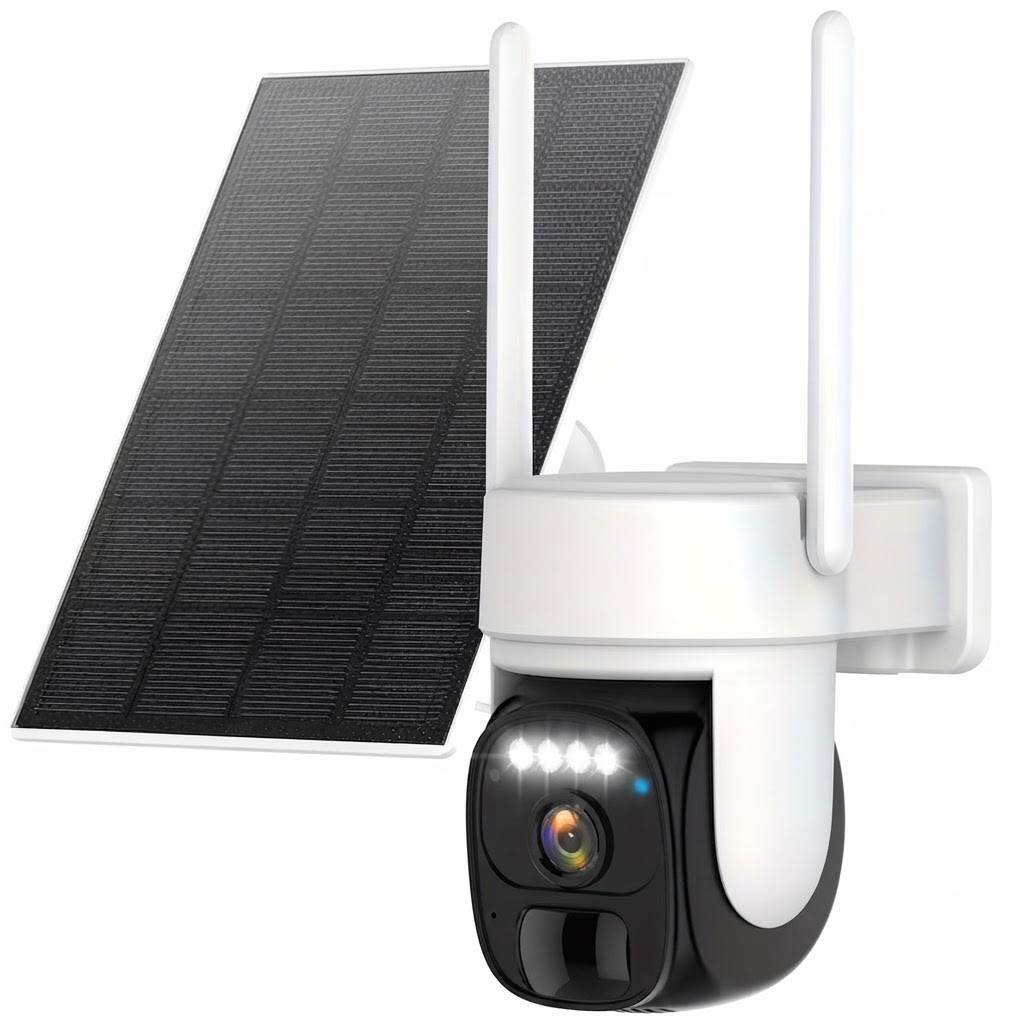
Modern solar security systems rely on dual-power architecture. Sunlight hits a compact 3.5W solar panel, converting solar radiation into electrical energy. This energy continuously trickle-charges an internal 5200 mAh battery, keeping the device operational overnight and during overcast days.
To ensure consistent performance, the camera requires 3-5 hours of direct sunlight daily. Before initial mounting, perform an initial charge time of 8-10 hours using a USB power source to bring the internal battery to maximum capacity. During regular operation, expected battery recharge time takes 4-8 hours depending on solar intensity. The single most useful thing to understand is that the panel does not power the camera. The battery does, and the panel tops the battery up. Think of it as a budget: income from the panel, expenditure from the camera, and stability only when income exceeds expenditure across a week or so.
Income varies with orientation, tilt, season, and shading, and shading matters disproportionately because partial shade collapses output rather than merely reducing it.
Expenditure is dominated by three things: recording, live streaming, and infrared illumination at night. Idle standby costs very little, which is why the camera sleeps between events and why there is a short delay before recording starts.
That framing explains most real-world behaviour. A camera can run fine through a cloudy week on stored charge and then fail in the second week. Full sun does not rescue a camera recording constantly. And the most effective fix for a declining battery is almost always narrowing what triggers it rather than adding hardware.
Key Features of Advanced Solar Cameras
Selecting the right surveillance equipment requires evaluating motion tracking, coverage angles, and visual clarity across varied lighting conditions.
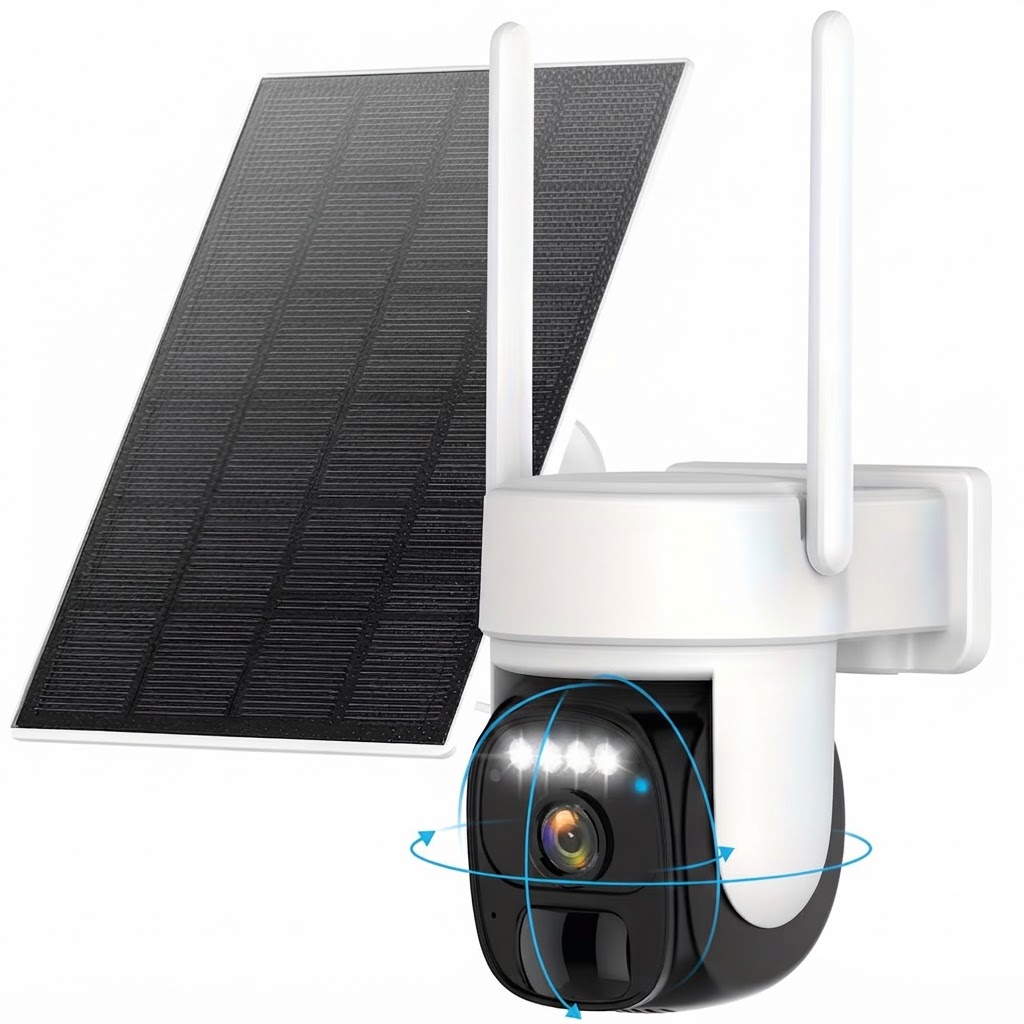
- Pan-Tilt-Zoom (PTZ) Coverage: Broad field-of-view controls prevent blind spots. A camera pan angle of 355 degrees lets you sweep across broad driveways, yards, or parking lots easily via mobile control.
- Color Night Vision: Standard infrared modes offer black-and-white night recording, but advanced sensors provide full-color night vision up to a night vision range of 33 feet in total darkness.
- Two-Way Audio: Integrated speakers and microphones allow real-time communication with visitors, delivery drivers, or trespassers from anywhere.
- Weather Resistance: Outdoor hardware must withstand environmental elements. An IP65 weatherproof rating ensures resistance against rain, dust, and temperature shifts.
Battery capacity and replaceability come first. Capacity is what carries the system through long winter nights, and replaceability determines whether the camera's life is a few years or many.
Whether the panel is separate from the camera body comes second, and it is underrated. An integrated panel forces the camera to point where the sun is; a panel on a lead lets you aim each independently, which on a shaded wall is decisive.
Detection quality is third. Person detection, rather than generic motion, is the single most effective feature for both battery life and alert usefulness.
Weather rating is fourth: IP65 or better for an exposed wall, and check the stated cold-weather operating range against your actual winter.
Night vision is fifth, remembering that colour night vision needs ambient light or a spotlight, and a spotlight running all night is a serious drain on a battery system.
Pan and tilt come last. They broaden coverage and cost power, and two fixed cameras often serve a property better than one that moves between two views.
Placement and Installation Best Practices
Proper placement ensures both optimal security coverage and uninterrupted power generation. Mount the unit at a recommended installation height of 8-10 feet above ground level. This position places the lens high enough to prevent tampering while preserving high accuracy for built-in motion detection features.
Angle the solar panel toward unobstructed sunlight, ensuring nearby gutters, rooflines, or tree branches do not block daylight. The camera connects via wireless WiFi connectivity, so verify signal strength at the installation spot using your mobile phone before permanently mounting the hardware. Three conditions have to be met at the same position, and they frequently pull against each other: sun, view, and signal.
For sun, observe the spot across a full day before drilling. Face the panel toward the equator, allow for eaves shading it at midday, and judge trees at their summer size rather than as they are today.
For view, two and a half to three metres is the usual height: out of reach, but not so high that faces are viewed from above. Aim across an approach rather than straight down it, since motion detection responds far better to movement crossing the frame. Avoid pointing into low sun or at a bright light, which will wash out the image.
For signal, hold a phone where the camera will go and check. Marginal wi-fi is the most common cause of missed clips, and it is much easier to solve before mounting.
On the fixings, use plugs in masonry, seal behind the bracket on a weather-facing wall, and angle slightly downward so rain runs off the lens. Then re-check the aim after a few weeks, since brackets settle.
One non-technical point that matters: avoid covering public pavements or a neighbour's windows. Domestic camera coverage extending beyond your own property carries legal obligations in most jurisdictions, and the sensible approach is to frame the shot so the question does not arise.
Smart Home Integration and Management
Contemporary security units are fully app-controlled through mobile platforms like the Tuya Smart app. From the interface, administrators can view live feeds, trigger motorized pan-tilt adjustments, adjust detection sensitivity, and receive immediate push alerts when motion is detected.
Video clarity is crucial when capturing fine details like license plates or facial features. Units operating at 1080p Full HD provide clear video feeds directly to your smartphone. Integration is convenient rather than essential, and it is worth knowing which parts depend on what.
Most of the useful behaviour, alerts, live view, clip review, and settings, comes from the manufacturer's own app and works independently of any smart-home platform. Integration adds things like viewing a feed on a smart display or triggering a light when motion is detected.
Two practical cautions. Automations that trigger recording or streaming cost battery on a solar camera, so an integration that keeps a feed live on a display all day will drain it. And integrations depend on the manufacturer's servers, which means a service outage can break a camera that is otherwise working perfectly.
The settings actually worth spending time on are the unglamorous ones: notification schedules so alerts arrive when they are useful, detection zones so they arrive for the right reasons, and firmware updates, which are the main route by which security fixes reach an internet-connected camera. That last one matters: a camera on years-old firmware is a genuine weak point on a home network.
Storage Options and Data Security
Securing recorded footage requires reliable storage mechanisms. Users can choose between local physical storage and encrypted offsite backups:
By combining high-efficiency solar harvesting, flexible wireless connectivity, and active app controls, an outdoor solar security camera delivers comprehensive property protection without power cord constraints.
On storage, the three options fail differently, and that is the argument for combining them. A memory card is cheap, needs no subscription, and keeps recording during an internet outage, but goes with the camera if the camera is stolen. Cloud storage survives theft and is reachable anywhere, but costs monthly and needs the connection up at the moment it matters. A local recorder avoids both subscription and theft risk, at the cost of somewhere to site it. Card plus cloud is the sensible default for most homes, and cards are worth replacing every couple of years since continuous rewriting wears them out.
On security, an outdoor camera is a computer on your network with a lens attached, and it deserves the same care. Change the default password to something unique, enable two-factor authentication on the account if it is offered, and keep the firmware updated, since that is the route by which security fixes arrive.
On privacy, domestic cameras covering only your own property are generally straightforward, while coverage extending to public pavements or a neighbour's home brings additional legal obligations in most jurisdictions. Audio is treated more strictly than video almost everywhere. The practical approach is to frame the view so it covers what you own, which avoids the issue rather than managing it.
Related in this cluster
- How Do Outdoor Solar Security Cameras Work? Solar & Battery Tech Explained
- How to Install an Outdoor Solar Security Camera for Optimal Sun and Coverage
- Solar Security Cameras vs. Hardwired Outdoor Cameras: Which Is Right for You?
- Why the Outdoor Solar Security Camera Is Essential for Off-Grid Property Protection
- Outdoor Solar Security Camera FAQ: Charging, Night Vision, and App Controls
- 7 Must-Have Features to Look for in a Wireless Solar Security Camera