How Do Outdoor Solar Security Cameras Work? Solar & Battery Tech Explained
Understanding Solar Security Camera Power Systems
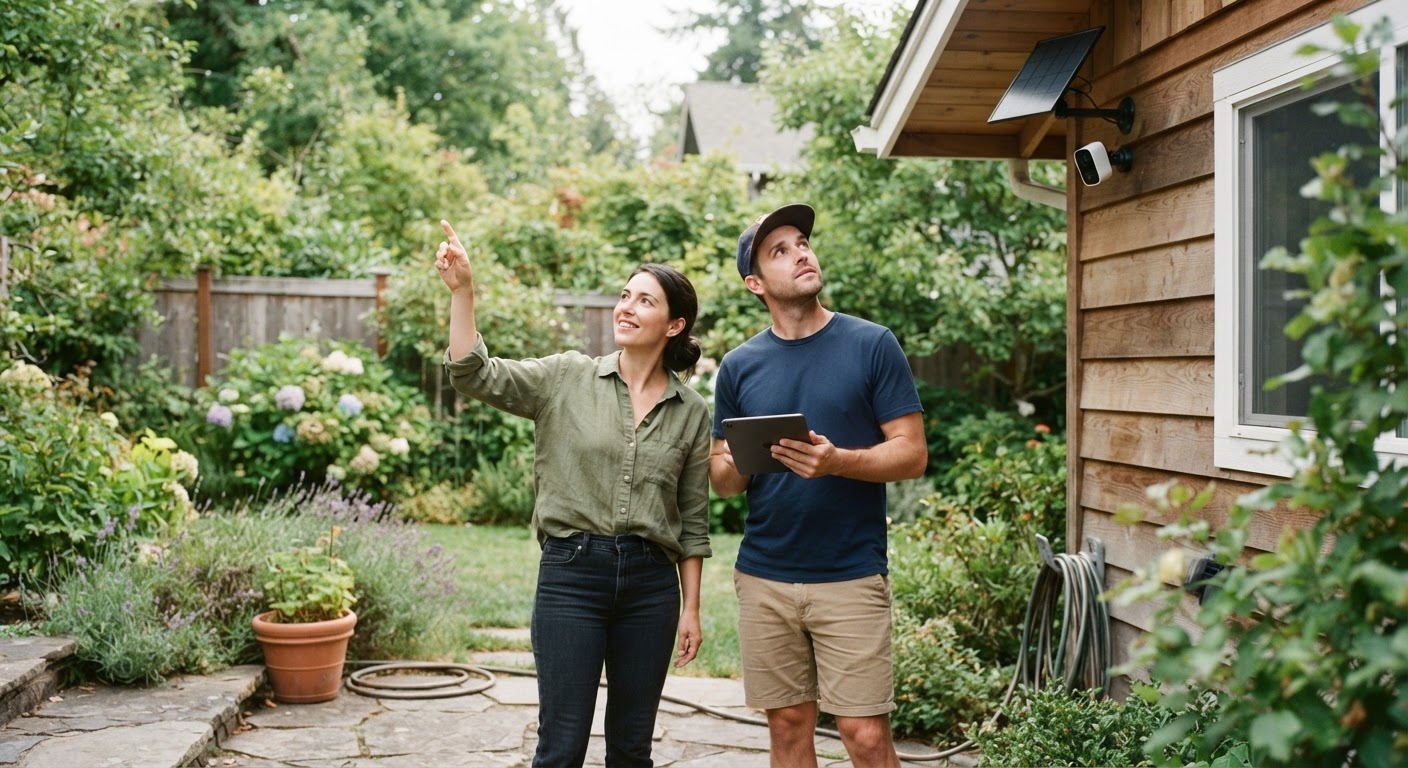
Solar security technology has evolved to provide robust outdoor surveillance without hardwired electrical connections. An outdoor solar security camera functions through three integrated components: a photovoltaic panel, an internal rechargeable battery, and energy-efficient camera hardware. To better understand positioning and setup, review [the main guide] on camera installations. The important thing to understand about the architecture is that the panel does not run the camera. The battery runs the camera, and the panel tops up the battery. Everything else follows from that relationship.
It explains why a camera keeps working perfectly through a week of thick cloud and then fails after a fortnight: the battery was carrying it and eventually ran down. It explains why full sun does not help a camera that is already recording more than the panel can replace. And it explains why the first thing to do with a new camera is charge it fully from the mains, because a panel is sized to maintain a charge rather than to build one from empty.
The whole system is a budget with income and expenditure. Income is what the panel collects, which varies with season, orientation, shading, and how clean the glass is. Expenditure is what the camera spends, which is dominated by recording, live streaming, and infrared illumination. Keep income above expenditure across a week and the system is stable. Let expenditure win and the battery declines until the camera stops.
Solar Panel Efficiency and Energy Storage
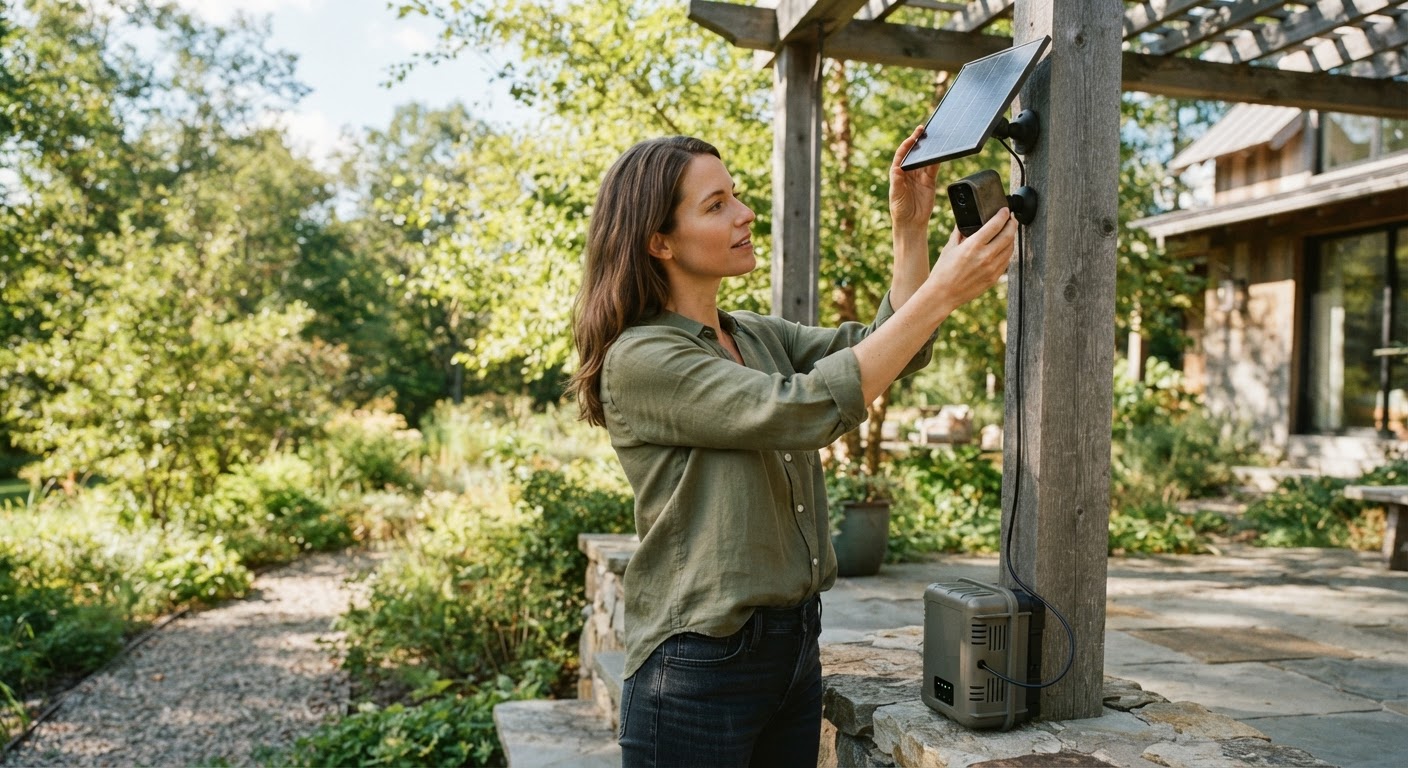
The continuous operation of a wireless camera relies on efficient energy harvesting. Sunlight strikes a 3.5W solar panel, converting light energy into direct current electricity. This current flows continuously into an internal 5200 mAh battery, keeping the device powered without manual intervention.
To keep the internal battery charged under standard operating conditions, the panel requires 3-5 hours of direct sunlight daily. During periods of direct exposure, the system experiences a battery recharge time of 4-8 hours, restoring consumed power from active motion monitoring or extended live streaming sessions. Panel output varies far more than most people expect, and the variation is not gentle. Orientation, tilt, season, latitude, and cloud each take a share, and partial shading in particular does not reduce output proportionally so much as collapse it. A panel shaded for two hours in the middle of the day loses far more than two hours' worth of charging.
That is why placement beats specification. A modest panel in clear sun outperforms a better one under an eave, and no amount of efficiency compensates for a tree.
On storage, the battery is a consumable with a working life of a few years, and its capacity declines gradually rather than failing suddenly. Cold weather reduces available capacity too, so a battery that comfortably covers a summer night can fall short on a January one at the same charge level.
The practical implication is to plan for winter rather than for the day you install it. A system that is exactly in balance in June will be in deficit in December, and the adjustment that fixes it is usually narrowing the motion detection zone rather than adding hardware.
Daytime Charging vs. Nighttime Battery Operation
During daylight hours, the solar panel generates surplus energy that powers active monitoring while recharging the power cell. As ambient light dims, the system transitions smoothly to internal battery reserve power.
At night, the camera continues operating drawing solely from stored energy. Advanced hardware features, such as color night vision with a night vision range of 33 feet, draw minimal power thanks to low-energy LED illuminators and efficient sensor management. Night is when a camera spends most heavily, which is unfortunate because it is also when the panel contributes nothing. Infrared illumination is power-hungry, and any night-time activity means recording as well as illuminating.
This is why a camera facing a busy road behaves so differently from one facing a quiet garden. Passing headlights and pedestrians trigger recording repeatedly through the night, each event costing battery, and by morning the deficit is substantial. The same camera on a rear boundary might record twice.
Season compounds it, and in the worst possible direction. The longest nights coincide with the weakest charging, so the two curves move against each other and midwinter is where a marginal system fails.
The most effective lever is not a bigger panel but a tighter detection zone. Excluding the road, the pavement, and any moving foliage, and using person detection where it is available, typically cuts night-time recording dramatically. That reduces the drain at exactly the point it matters, and it has the side benefit of making the alerts worth reading.
Smart Power Management and Motion Detection
To preserve battery power, solar security cameras do not record empty air continuously. Instead, intelligent motion detection wakes the camera from low-power standby mode only when physical activity occurs near your property.
Once motion triggers the device, it records the event to local media (supporting a max MicroSD card capacity of 128 GB) or pushes recorded clips directly to cloud servers. Users can adjust system settings and monitor battery levels via the Tuya Smart app to maintain optimal performance year-round.
Read the full guide: Complete Guide to Outdoor Solar Security Cameras: Installation, Features, and Setup
The reason a solar camera works at all is that it spends almost all its time doing very little. A low-power sensor watches for movement while the camera itself, the radio, and the recording hardware stay asleep, and they wake only when something triggers. Idle draw is small; active draw is large.
That design has a consequence users notice: the short delay between something entering the frame and recording beginning, which is the camera waking up. It is also why a camera pointed at constant movement performs so badly, because it never gets to sleep.
Most motion sensors on battery cameras detect heat movement rather than visual change, which is why they respond well to people and animals and poorly to a car with a cold engine, and why they can be triggered by sun-warmed foliage moving in wind.
The settings that matter most are therefore detection zones, sensitivity, and person detection if the camera offers it. Getting those right does two jobs at once: it keeps the battery in balance, and it stops the alert stream filling with passing traffic, which is what makes people stop reading alerts entirely.