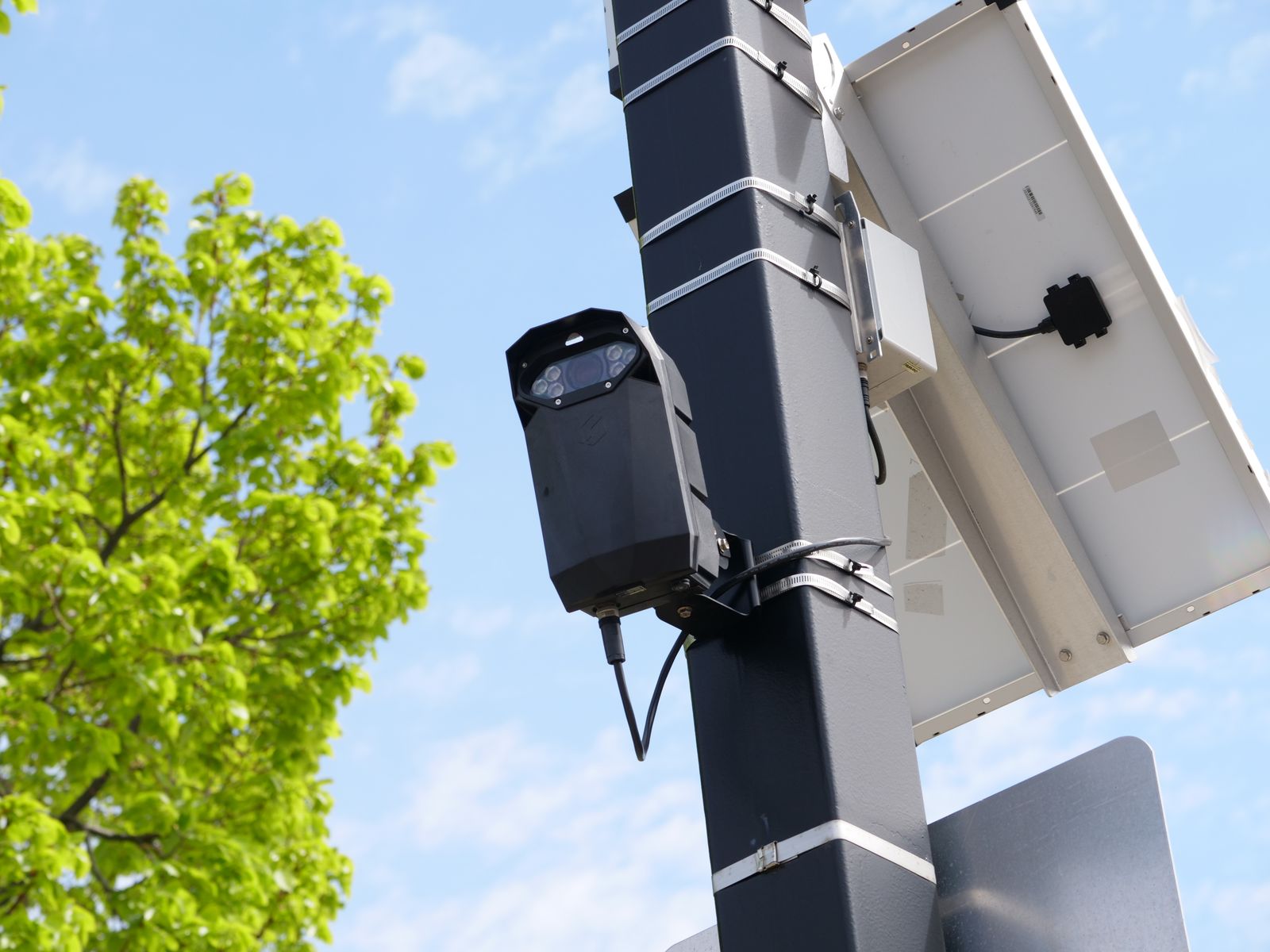
Solar PTZ Camera Won't Hold Position or Respond to Pan Commands: Fix List
When a pan-tilt-zoom camera drifts away from its saved view, lags behind your controls, or stops responding altogether, the cause is nearly always one of four things: a weak wireless link at the mounting point, a low battery forcing the camera to conserve, a mechanical obstruction or loosened mount, or a preset that was never actually saved. Each has a distinct symptom pattern, and working through them in order takes about twenty minutes without any tools.
Symptoms and what each one usually means
| Symptom | Most likely cause | First thing to check | |---|---|---| | Controls respond after a delay of several seconds | Marginal wireless signal at the camera | Signal strength shown in the app, at the camera | | Camera moves, then slowly returns or settles slightly off | Mount flex or gravity on a loose bracket | Tighten the bracket and re-save the position | | Stops responding at certain times of day | Low charge triggering power conservation | Battery level and the multi-day charge trend | | Movement is jerky or stops partway through an arc | Physical obstruction against the housing | Look for cable, sealant, insect nest, or gutter contact | | Presets go to the wrong place | Presets saved before the mount was final | Delete and re-save every preset | | Image is upside down or reversed | Orientation setting versus inverted mounting | The image flip or installation-orientation option | | Camera is aimed somewhere nobody chose | A manual look that was never returned to default | Set a default resting position and use it |
Start here: camera, link, or app?
Why control lag is almost always a signal problem
Video and control travel over the same wireless link, and control commands are small but latency-sensitive. On a marginal connection the video stream consumes what bandwidth exists while your pan command waits its turn, which is why the classic signature is a picture that looks acceptable alongside controls that feel unusable.
Signal at an exterior mounting point is routinely far worse than people assume. An exterior wall, a metal soffit, or a run around the corner of a building each cost more than expected, and a camera that worked on the kitchen table can be marginal on the wall. The remedies, in order of effort: shift the camera so the path to the router is less obstructed, add a mesh node or access point closer to that wall, or relocate the router. Where none of that is practical, the options are covered in what a solar camera can and cannot do without reliable WiFi, including when a cellular connection beats fighting a weak signal.
Why the camera drifts off its saved position
Three separate causes get lumped together as drift:
The mount is moving, not the camera. A bracket that is slightly loose, fixed into soft material, or anchored to a fascia board that flexes will let the whole camera settle over days, and the view creeps downward because gravity only pulls one way. Grip the camera body gently and check for play at the bracket. Tighten, then re-save every preset.
Presets were saved before the installation was final. If you saved positions and then adjusted the bracket, the stored coordinates describe the old mounting angle. The camera is doing what it was told; the reference frame changed. Delete and re-save.
Manual repositioning that was never undone. By far the most common. Someone checks the rear gate, gets distracted, and the camera stays there — nothing is broken, it is simply pointed where it was last left. The fix is a designated default resting position and a timed return to it if the app offers one. This is the single largest cause of "the camera missed it," because coverage quietly moves off the approach that matters and nobody notices for weeks.
Why cold weather and low charge affect movement first
Moving the camera is one of the more power-hungry things it does, so it is one of the first things a camera short on energy will do reluctantly. On a low battery, expect sluggish controls, slow presets, and live view sessions that end early. The pattern that gives it away is time-of-day dependence: responsive in the afternoon after a day of charging, unresponsive at dawn.
Cold compounds this from both sides, because batteries deliver less usable energy at low temperatures at the same time as shorter, weaker daylight delivers less charge. If the problem started with the season rather than an install change, the cold-weather performance notes are the right place to look, and the fix is usually panel exposure rather than anything to do with the controls.
Mechanical causes worth ruling out
- Cable interference. A power or panel cable routed too tightly around the housing will bind the movement partway through an arc. Leave a deliberate service loop.
- Sealant, paint, or overtightened housing screws. Any of these can bond or compress a moving joint, which typically shows up as movement in one direction only.
- Insect and spider nests. Common in the gap between a rotating housing and its base, and a frequent cause of movement that stops at the same point every time. Ice does the same in freezing rain; do not force it, let it thaw.
- Contact with a gutter, downpipe, or eave. Easy to miss because the camera was pointed elsewhere when it was fitted. Test the full pan range before finalizing the mount, which the installation walkthrough covers as part of positioning.
The image is upside down or mirrored
Photo by Jan van der Wolf on Pexels
This is a setting, not a fault. Cameras mounted inverted under an eave need the image flip or installation-orientation option applied, after which the tilt controls also read the correct way around. If the controls then feel inverted — pressing up moves the view down — check whether a separate control-orientation setting exists, since some apps expose the two independently.
When to reset, and what it costs
A factory reset is the right move only after you have ruled out signal, charge, obstruction, and settings. You will typically lose saved presets, detection zones, schedules, and any additional user access, and you will need to re-add the camera and re-enter wireless credentials, so write your zones and presets down first. Do it with the camera at a comfortable charge level.
If a reset does not resolve genuinely unresponsive movement, the problem is likely mechanical and further resets will not help. Note the exact behavior — whether the motor is audible, whether it stops at the same point, whether one axis works — before contacting support.
A note on positions and local rules
Any time you re-save presets or move a mount, re-check what each position can see. Rules on filming areas beyond your own property vary by country, state, and city, and rules on recording audio are frequently stricter than those covering video. Keep frames on your own entrances, driveway, and approaches; set pan and tilt limits, or use privacy masking where available, so no saved position can be aimed into a neighbor's windows or garden; and never attempt to film inside a neighbor's property. Check the rules that apply where you are, including any notice requirement for a business, before finalizing new positions.
FAQ
Why does the camera respond instantly sometimes and not at all at other times? Look at the time of day. Responsive in the afternoon and unresponsive early in the morning is a charge pattern. Unresponsive at random times, with stuttering video, is a wireless signal pattern.
My presets all point slightly off. Do I need a new camera? Almost certainly not. Uniform offset across every preset means the mount moved after the presets were saved. Tighten the bracket, then delete and re-save each position.
Should I leave the camera on a patrol cycle instead of a fixed position? A patrol covers more arcs but means the camera is looking away from your highest-value approach most of the time. On a property with one obvious approach, a fixed default position catches more. On a property with several, a patrol is the better trade.
Next step
Check three readings before changing anything: the wireless signal shown for that camera in the app, the battery level today and tomorrow, and whether the camera physically moves when you send a pan command. Those three answers separate a network problem from a power problem from a mechanical one, and each has a different fix. For a sense of how much coverage one well-behaved moving camera should be delivering, the warehouse coverage breakdown is a useful benchmark.
Cover photo by Giant Asparagus on Pexels.