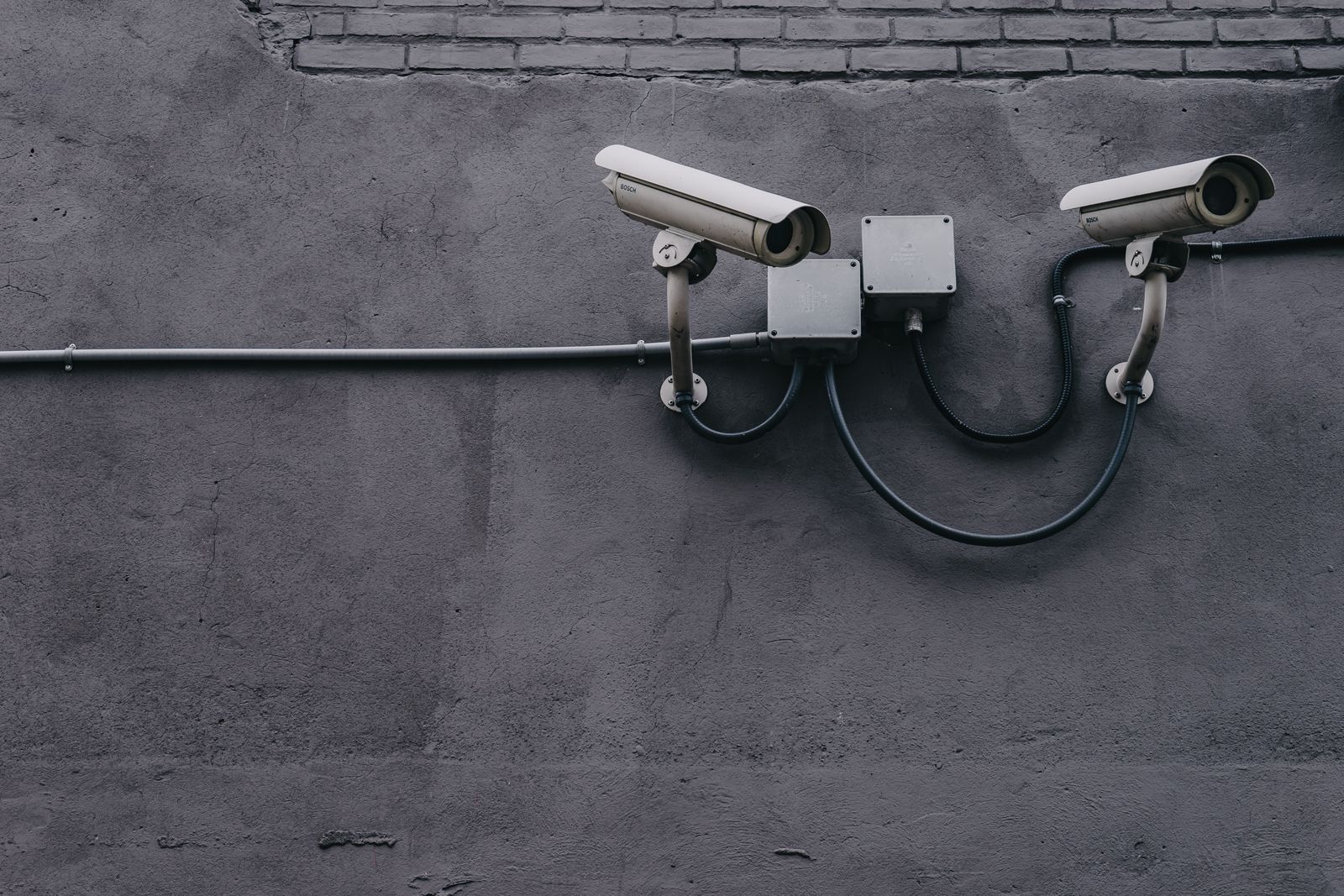
PTZ Solar Security Cameras FAQ: Angles, App Controls, and Installation
PTZ solar security cameras combine pan, tilt, and zoom with a panel-powered outdoor camera so one unit can cover a driveway, side yard, and porch without extra wiring. Angles come from the motorized head: a wide pan sweep, a listed tilt range, and zoom. App controls typically live in a phone app such as Tuya Smart, where you set home position, presets, motion detection, and two-way audio. Installation is a mount-height, sunlight, and Wi-Fi decision, not a trench-and-cable project.
A PTZ head is useful when one approach matters more than a wall of fixed lenses. The camera parks on a home position, then pans to a gate, a side path, or a parked vehicle when motion detection fires. Color night vision, two-way audio, and 1080p Full HD video are common on this class of outdoor solar security camera. Cloud storage support and a local microSD slot (often up to 128 GB) give you a backup path if Wi-Fi drops.
The panel is small. A 3.5W solar panel is not a rooftop array; it is a trickle charger for a 5200 mAh battery. Plan on 3–5 hours of direct sunlight and an 8–10 hour initial charge before you judge overnight runtime.
What PTZ angles actually mean
Pan is the left-right sweep. Many solar PTZ units list a pan range near 355 degrees, which is enough to look along a wall and then back across a yard. Tilt is the up-down motion that drops the lens onto a porch landing or lifts it toward a gate. Zoom is how far you enlarge a face, plate, or bag — and digital zoom still depends on 1080p remaining sharp at distance.
Home position is the angle the camera returns to after a tour or an alert. Presets are saved angles you tap in the app. Auto-tracking, when offered, follows a moving subject and then should return home. If the head hunts, fails to hold, or ignores pan commands, treat that as a mechanical and power issue, not a missing software trick.
| Goal | Angle to set | What the app should remember | | --- | --- | --- | | Driveway approach | Slight downward view toward the entry | Home position plus one preset on the gate | | Side-yard path | Pan along the fence line, not into neighbor windows | A motion zone that excludes the street | | Porch packages | Tilt down onto the landing | A short cooldown so deliveries do not spam alerts | | After-dark identification | Keep faces inside the 33-foot color night vision cone | Night mode documented, not left on auto-guess |
Privacy still applies: outdoor cameras should stop at your property line. Shared driveways and two-way audio need extra care so you are not recording a neighbor's doorstep.
App controls worth setting in the first week
Photo by Elmir Jafarov on Pexels
Use the Tuya Smart app (or the equivalent app named on the unit) as a control panel, not a live TV. In the first week, set the controls that decide whether alerts are useful:
Wireless Wi-Fi connectivity is required for remote app controls. Place the camera where the 2.4 GHz signal is stable. A solar mount on a barn that the house router cannot reach may pan locally and still fail to notify you.
Installation without running power
Recommended installation height for this class is often 8–10 feet: high enough to reduce grab-and-go theft, low enough for 1080p faces. IP65 weatherproofing covers rain and dust; it does not make a deep porch a good solar site. Face the panel into sun, not into the scene, if the panel can be aimed independently of the lens.
Installation checklist
- Confirm Wi-Fi at the mount with your phone before drilling
- Charge the pack 8–10 hours before the first overnight
- Mount at 8–10 feet on a solid soffit, post, or wall
- Aim the 3.5W panel for 3–5 hours of direct sun
- Set home position, then walk the property while watching the live view
- Exclude neighbor windows from pan travel and motion zones
- Record a night clip and check color night vision near 33 feet
- Note cloud versus local storage so clips are not lost when the card fills
FAQ
Photo by ᛟᛞᚨᛚᚹ ᚨᚱᚲᛟᚾᛊᚲᛁ on Pexels
Do PTZ solar security cameras need a power outlet?
No. The point of a solar security camera is wireless operation from panel plus battery. You still need Wi-Fi for app controls, alerts, and cloud storage. If the site has no signal, the camera may record locally when a card is installed, but you will not get real-time pan commands from the phone.
How far can pan and tilt actually look?
Pan near 355 degrees covers almost a full circle minus the cable or housing stop. Tilt range is listed on the unit; use it to look down at a porch rather than at the horizon. Zoom does not replace placement: a face at the far end of a long driveway may still be too small in 1080p.
Which app controls matter more than PTZ tours?
Home position, motion zones, alert recipients, and storage. A cinematic 24-hour tour drains a 5200 mAh pack and wears the motors. Idle on home position, then pan on events.
What installation mistakes kill PTZ reliability?
Shade on the panel, a loose bracket that fights the motors, height so low that the unit is stolen, and a mount that aims the lens into rising sun. Also: skipping the initial charge, then blaming the camera when it sleeps overnight.
Can two-way audio and color night vision work at the same time as PTZ?
Yes. They are separate subsystems. Two-way audio is a talk path. Color night vision is the after-dark image. PTZ is the gimbal. All three still share the same battery, so night motion plus frequent pans is the heaviest load.
Should I use cloud storage or a microSD card?
Use both if the camera allows it. A card (up to 128 GB on many units) keeps clips when the internet dies. Cloud storage support, including a short trial window, helps if the camera is stolen. Neither replaces a physical lock on the bracket.
Related reading
- Wireless outdoor camera app FAQ: first-week setup
- How to set up PTZ cameras to eliminate property blind spots
- Solar PTZ camera won't hold position: fix list
- Home position, presets, and auto-tracking guide
- How to set up an outdoor solar security camera
What to do next
Decide whether one PTZ solar camera can see the approaches you care about, or whether a second fixed unit is cheaper than asking one gimbal to do everything. Mount at 8–10 feet with a clear solar window, set home position the same day, then walk the property at dusk and confirm the app still pans, alerts, and records. If the head will not hold, use the PTZ position fix list before you buy another camera.
Cover photo by Scott Webb on Pexels.