Home Position, Presets, and Auto-Tracking: Closing Blind Spots on a Moving Camera
A camera that can pan, tilt, and zoom does not automatically have fewer blind spots than a fixed camera. It has fewer permanent blind spots and one new temporary one: whatever the lens is turned away from at that moment. Closing that gap is a configuration job, and it comes down to three decisions — where the camera rests by default, when it is allowed to move on its own, and what triggers it to move.
This guide covers the movement layer: home positions, presets, patrol behavior, and automatic tracking. Detection areas and alert schedules are separate tasks that sit underneath it.
Why a moving camera can miss more than a fixed one
A fixed camera watches one scene forever. Its blind spots are known, permanent, and easy to plan around with a second camera. A movable camera trades that predictability for reach.
The specific failure modes worth designing against:
- Left off-position. Someone checks the feed at night, aims at the back gate, and never returns the camera to its default. The front approach is unwatched the next morning.
- Tracking led away. The camera follows a cat across the yard, and while it is turned, the real event happens at the entrance it was covering.
- Detection areas misaligned. The areas you drew belong to a specific lens position. At any other position they no longer match the scene.
- Travel time. Movement takes seconds. A person crossing a short approach may be through it before the lens arrives.
Decide the home position first
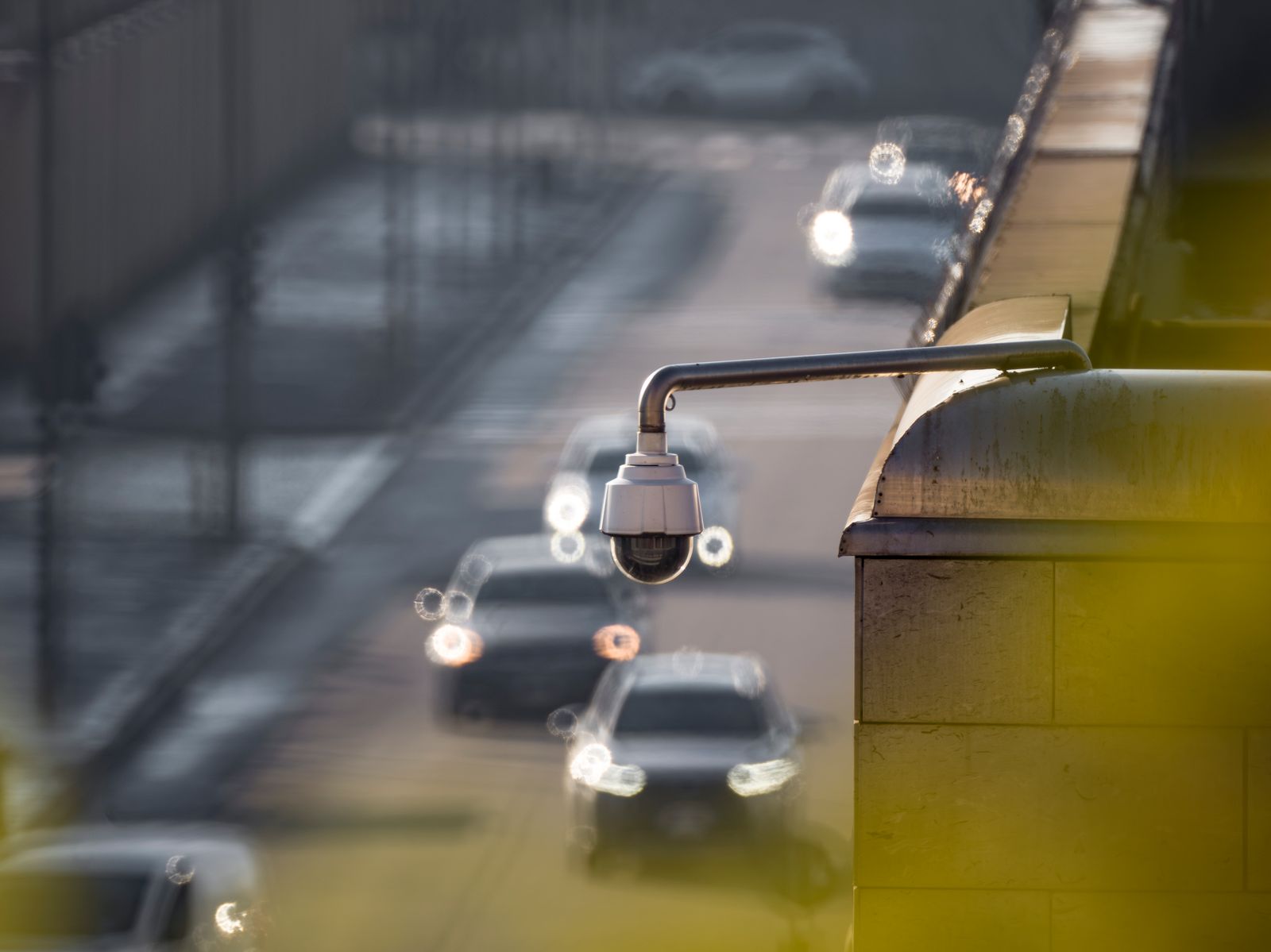
Photo by tommy picone on Pexels
The home position is the single most important setting on a movable camera, because it is where the lens spends most of its time and therefore what it is actually watching when something happens unannounced.
Choose it with these priorities:
Presets versus patrol versus automatic tracking
| Mode | What it does | Best used for | Main drawback | |---|---|---|---| | Fixed home position | Stays put unless moved manually | Single dominant approach, longest battery life | Other areas are uncovered until you look | | Saved presets | Jumps to stored views on request | Properties with two or three distinct areas of interest | Requires someone to choose the view | | Patrol or cruise | Cycles between presets on a timer | Large open sites, deterrence value from visible movement | Guaranteed gaps; highest energy use | | Automatic tracking | Follows detected movement, then returns | Driveways and yards with a clear approach path | Can be led away; more motor activity | | Tracking with auto-return | Follows, then goes back to home | Most homes and small businesses | Slight delay before the view is reset |
For most single-camera installations, a well-chosen home position with automatic tracking and automatic return is the best balance. Patrol looks impressive and is genuinely useful across a yard or lot, but it guarantees that at any given second the lens is elsewhere, and on a solar unit the constant motor activity is expensive. Site-scale considerations are covered in our notes on PTZ coverage in warehouse settings.
Configuring automatic tracking without chasing wildlife
Automatic tracking is only as good as the trigger that starts it. Configure the trigger, not just the movement.
- Prefer person-shaped detection as the tracking trigger where the camera supports distinguishing it. Tracking any movement means tracking branches and animals.
- Keep the trackable area tight. If the camera will follow movement anywhere in its range, it will eventually follow something across the street.
- Set a return delay of several seconds, long enough to keep a real subject in frame but short enough that the camera resets before the next event.
- Cap tracking duration if the option exists. A camera that follows one subject for minutes is a camera not watching your door for minutes.
- Test with a deliberate decoy. Walk in from one direction while someone else approaches the entrance from another, and see what the camera does. This test exposes the weakness of tracking better than any specification.
- Watch the energy cost. Motor movement, illumination, and recording all draw power. A camera that tracks a dozen times an hour will not hold charge the same way one that tracks twice will.
Zoom: useful for evidence, risky as a default
Zoom improves identification at distance and reduces the area covered at the same time. Treat it as a tool you reach for, not a state you leave the camera in.
- Use zoom while actively watching something, then return to the wider home view.
- Save a zoomed preset for one specific high-value target, such as a gate latch or a parking space, rather than zooming freehand.
- Remember that a zoomed view narrows both the image and any detection area drawn for it.
How many cameras does one movable lens replace?
A pan-and-tilt camera meaningfully reduces camera count on properties where the areas of interest are spread around a single vantage point, such as a yard visible from one corner of a house, a parking lot from one pole, or a farmyard from a barn peak. It replaces very little where the areas of interest are separated by walls or buildings, because no amount of rotation sees around a corner.
A practical way to decide: stand at the intended mount point and slowly turn a full circle. Everything you can see from that spot is a candidate for one movable camera. Everything you cannot see needs its own. Comparison against fixed alternatives is discussed in our look at fixed-camera packs versus PTZ options.
Verifying there are no real blind spots
Photo by Possessed Photography on Pexels
Run this check after configuration, and again after any seasonal change in foliage.
Placement, audio, and local rules
A movable lens can reach views a fixed camera never would, which makes placement rules more relevant rather than less. Laws on recording audio and on filming areas beyond your own property vary by state, city, and country, so check the local rules before setting presets, enabling patrol, or leaving audio on. Keep presets and tracking limited to your own entrances, driveway, and structures, and never set a position or use tracking that records inside a neighbor's home or fenced private space. Constraining the trackable area is the practical way to enforce that, since it prevents the camera from wandering somewhere it should not look. Framing choices for driveways specifically are covered in our driveway motion detection guide.
FAQ
Does automatic tracking drain the battery quickly? Movement costs more energy than watching, so a camera that tracks frequently will need more sun than one that does not. The way to control it is to reduce needless triggers rather than to disable tracking: person-based triggers and a tight trackable area cut motor activity substantially while keeping the feature useful.
Should the camera patrol continuously? Rarely for a home. Patrol suits large open sites where visible movement adds deterrence and where no single approach dominates. On a house, a fixed home position covering the main approach, with tracking enabled, misses less and uses less energy.
What happens if two things move at once? Most systems follow one subject at a time, typically the first or largest detected. This is the core limitation of a single movable camera, and it is the argument for a second fixed camera on the highest-value entrance rather than relying on rotation alone.
Will the camera go back to its default position by itself? Many systems offer an automatic return, and it should be enabled if available. Without it, a camera stays wherever it was last aimed, which is the most common reason a movable camera misses an event it could easily have caught.
Next step
Set the home position on the main approach, enable automatic return, restrict the trackable area to your own ground, and then run the decoy test: one person entering from the side while another walks to the door. What the camera does in that ten seconds tells you whether the configuration is sound or whether a second fixed camera is the honest answer.
Cover photo by Jan van der Wolf on Pexels.