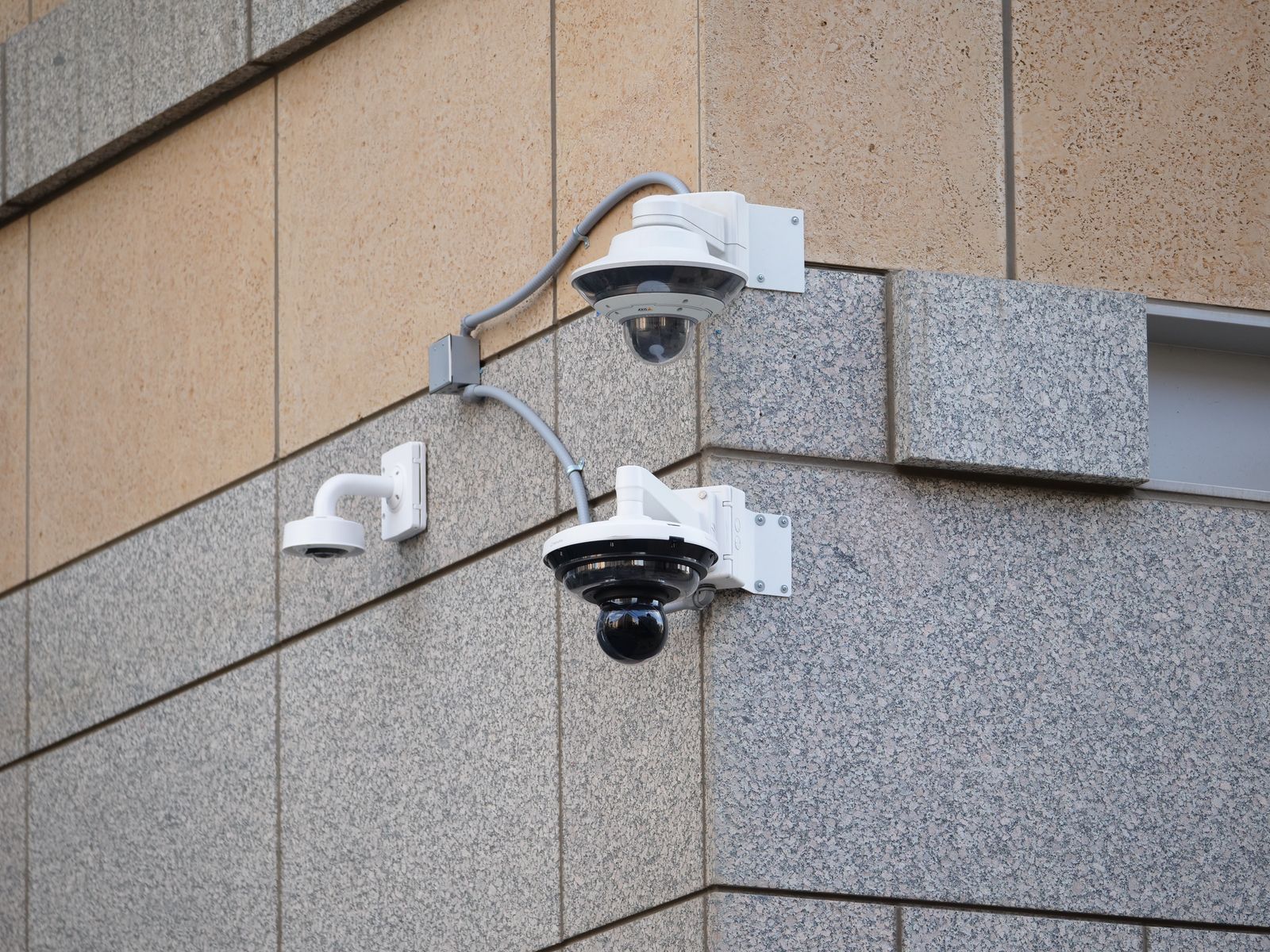
How Many Solar Security Cameras Do You Need? Property Coverage Guide
How many solar security cameras do you actually need to protect your property without creating unmonitored blind spots or wasting money on unnecessary hardware? For most standard single-family suburban homes (1,500 to 3,000 sq. ft.), 2 to 4 Pan-Tilt-Zoom (PTZ) solar security cameras provide complete perimeter defense. A 2-pack PTZ setup efficiently covers primary front and rear access vectors, while a 4-pack PTZ system delivers 360-degree wall-to-wall coverage for corner lots, wide driveways, and properties with detached structures like workshops or barns.
Interactive Property Camera Count & Pack Estimator
Calculating security camera density is not about mounting a camera on every corner of your siding—it is about mapping active entry vectors and sweeping radial lines of sight. Traditional fixed cameras only see in a fixed 85-degree to 110-degree direction, forcing property owners to buy 6 to 8 cameras just to secure a basic perimeter. In contrast, dynamic Pan-Tilt-Zoom (PTZ) cameras rotate 355 degrees horizontally and 90 degrees vertically, drastically reducing the physical camera headcount required to protect your property.
Use the calculator parameters below to estimate your precise hardware configuration based on ground-level vulnerabilities.
Camera Count Reference Guide by Property Size & Type
Photo by Jessica Lewis 🦋 thepaintedsquare on Pexels
| Property Type / Scenario | Typical Lot Size | Key Ground Access Points | Fixed Cameras Needed | PTZ Solar Cameras Needed | Recommended Multi-Pack |
| --- | --- | --- | --- | --- | --- |
| Townhouse / Urban Rowhome | < 1,500 sq ft | 2 (Front door, rear alley/patio) | 3 to 4 units | 1 to 2 units | Single Unit or 2-Pack |
| Standard Suburban Home | 1,500 - 3,000 sq ft (1/4 Acre) | 3 to 4 (Front door, back patio, garage, side gate) | 5 to 6 units | 2 to 3 units | 2-Pack (or 4-Pack with outbuilding) |
| Corner Lot Residential Home | 2,500 - 4,000 sq ft (1/3 Acre) | 4 to 5 (Front door, side street, backyard, 2 driveways) | 6 to 8 units | 3 to 4 units | 4-Pack Solar Camera System |
| Rural Homestead / Acreage | 1+ Acre Lot | 5+ (Main house, detached garage, barn, equipment gate) | 8 to 12 units | 4 to 6 units | 4-Pack + Additional 2-Pack |
| Commercial Yard / Storage Facility | 3,000 - 8,000 sq ft Outdoor Space | 4+ (Loading dock, customer entry, side gate, dumpsters) | 6 to 10 units | 3 to 4 units | 4-Pack Solar Camera System |
To help you evaluate your security footprint quickly, the matrix below outlines typical physical layouts across residential and commercial properties in the United States. Notice how 360-degree PTZ solar cameras dramatically trim total hardware requirements compared to legacy fixed-lens units.
Critical Camera Planning Failure Modes & Over-Purchasing Pitfalls
Before purchasing physical hardware, property owners must understand where camera planning breaks down. Avoiding these key installation failure modes will save hundreds of dollars in unnecessary equipment and prevent dangerous unmonitored blind spots across your property line.
Matching PTZ Camera Multi-Packs to Your Property Layout
Calculate your camera multi-pack requirement by mapping ground-level entry points and structural blind spots while accounting for 360-degree PTZ rotation.
Best choice for
- 2-Pack Outdoor Solar PTZ Cameras — Mounting Camera 1 near the front entrance/driveway and Camera 2 near the rear deck/back door covers 100% of high-risk approach zones.
- 4-Pack Outdoor Solar PTZ Cameras — Four PTZ units mounted on opposing corners establish complete cross-fire coverage, capturing side alleyways, rear fences, and outbuildings simultaneously.
- Avoid buying single fixed-angle cameras for wide open yards, as static lenses leave 70% of side angles completely unmonitored.
- Avoid placing solar cameras under heavy shaded patio roofs without using an extension cable or adjustable solar mount.
- Traditional Hardwired Fixed Camera Systems — Requires drilling through exterior walls, running conduit, and installing 6 to 8 static cameras to equal the field of view of 4 PTZ solar units.
Recommended Outdoor Solar Security Camera Bundles
To achieve 360-degree property defense without high installation costs or monthly electrical wiring bills, our wireless outdoor solar security system provides enterprise-grade performance built for easy DIY setup.
Ready to eliminate property blind spots once and for all? Choose our Outdoor Solar Security Camera Multi-Pack today to protect your home, family, or commercial business with effortless 360-degree solar surveillance.
Explore Outdoor Solar Security Camera Multi-Packs at SolarSafetyCameras.com
Next Steps for Securing Your Perimeter
Your decision: Determine your exact property square footage, ground-level entry points, and outdoor WiFi coverage zones.
Do this next: Run the Property Camera Estimator, map your mounting locations, and select the corresponding PTZ Multi-Pack configuration.
- Read next: Single Unit vs. Multi-Pack Solar PTZ Cameras: Which Is Right for Your Property?
- Read next: Solar Security Camera Placement Guide: Built-In vs. Adjustable Panel Setup
Outdoor Solar Security Camera (Pack) for complete multi-angle property defense.
Follow this step-by-step action plan to finalize your camera count, select your ideal system, and complete a flawless DIY installation.
Key Perimeter Planning Takeaways
Keep these essential camera math principles in mind as you plan your outdoor security deployment:
Visual Blueprint: PTZ vs. Fixed Lens Line-of-Sight
The architectural rendering below demonstrates how corner-mounted PTZ cameras eliminate blind spots across two exterior walls simultaneously, superior to traditional static cameras.
Real-World Coverage Layout Scenarios
Photo by Markus Winkler on Pexels
Suburban Single-Family Home with Attached Two-Car Garage — Deploy a 2-Pack PTZ Solar Camera System. Place Camera 1 on the front corner garage soffit (sweeping front driveway, walkway, and main entrance). Place Camera 2 on the diagonally opposite rear corner soffit (sweeping back patio slider, basement doors, and side gate access).
Corner Lot Home Exposed to Two Traffic Streets — Deploy a 4-Pack PTZ Solar Camera System. Mount one camera on each of the four primary building corners. This creates an overlapping cross-fire perimeter that covers side street foot traffic, front entrance, back fence line, and garage doors with zero blind spots.
Commercial Storage Yard or Light Industrial Storefront — Deploy a 4-Pack PTZ Solar Camera System. Mount Camera 1 at front customer entrance, Camera 2 overlooking customer parking, Camera 3 pointed at rear loading dock gates, and Camera 4 focused on outdoor equipment storage containers.
Rural Acreage Estate with Detached Workshop or Barn — Deploy a 4-Pack PTZ Solar Camera System. Mount 2 cameras on the main residence for perimeter defense and 2 cameras on the detached workshop/barn to monitor entry gates, equipment doors, and driveway approaches.
Examine how different property layouts utilize PTZ solar camera packs to protect assets and monitor vulnerable approach vectors.
Pre-Installation Property Audit Checklist
- Audit all primary ground-floor access doors, ground-floor windows, sliding glass doors, and driveways.
- Verify each proposed solar mounting point receives at least 2 to 3 hours of direct, unshaded sunlight daily.
- Test 2.4GHz WiFi signal strength at proposed mounting locations using your mobile phone or a signal meter app.
- Confirm the camera's 355-degree pan radius has no physical obstructions within 15 feet (e.g., roof downspouts, thick tree branches).
- Identify high-value assets requiring dedicated motion detection tracking (parked vehicles, outdoor tools, AC compressors).
Printable Property Mapping Worksheet
- Step 1: Draw a basic bird's-eye sketch of your home, garage, and detached structures.
- Step 2: Mark all ground-level access doors, sliding glass patios, and driveways with red dots.
- Step 3: Identify south-facing or west-facing exterior wall corners for solar panel efficiency.
- Step 4: Draw 355-degree pan circles at chosen corners to confirm complete visual perimeter overlap.
- Step 5: Verify 2.4GHz WiFi connection strength at each proposed location before drilling holes.
Recommended Solar Security Planning Guides
Expand your knowledge on solar surveillance setup, app management, and placement strategies with these essential security guides:
- Single Unit vs. Multi-Pack Solar PTZ Cameras: How to maximize coverage while reducing equipment expenses.
- Solar Security Camera Placement Guide: Finding the exact balance between daily direct sunlight and peak WiFi signal.
- How to Setup and Manage Multiple Outdoor Cameras in a Single App: Step-by-step smartphone app configuration for multi-camera feeds.
- Solar Camera ROI & Long-Term Savings: How wireless solar surveillance pays for itself compared to hardwired security subscriptions.
Frequently Asked Questions
Get expert answers to common questions about solar security camera placement, solar charging efficiency, range limits, and multi-camera app management.
Final Implementation Steps
Your decision: Determine your camera count using our property estimator and select your PTZ multi-pack.
Do this next: Order your Outdoor Solar Security Camera Pack and conduct a pre-installation site audit to secure your perimeter.
- Read next: Solar Security Camera ROI: How Outdoor Solar Surveillance Pays for Itself
Outdoor Solar Security Camera (Pack) — Available at https://solarsafetycameras.com
Complete your perimeter planning today and bring reassuring security to your property.
Cover photo by Giant Asparagus on Pexels.