Solar vs Wired Security Camera Systems for Business: Best Wireless Multi-Pack Options
For most small businesses, a wireless solar multi-pack is the faster and cheaper way to get real coverage, and a wired system is the better long-term choice only where cameras sit close to existing power and network runs. The deciding factors are almost never image quality. They are installation cost, whether the building is owned or leased, how far the cameras are from a power source, and who is going to maintain the system.
Solar wireless vs. wired business systems, side by side
| Factor | Wireless solar cameras | Wired system | |---|---|---| | Installation | Mount and connect to WiFi, no trenching or conduit | Cabling, often an electrician or installer | | Cost driver | The cameras themselves | Labor and cable runs, frequently more than the hardware | | Suits leased premises | Yes, minimal permanent alteration | Less so, cabling usually stays behind | | Coverage of outbuildings and yards | Strong, no cable distance limit | Expensive once runs get long | | Power reliability | Depends on sun exposure and battery margin | Continuous while mains power is up | | Behavior in a power cut | Keeps running on stored charge | Down unless backed up | | Expansion | Add a unit where sun and view allow | Plan and pull a new run | | Ongoing maintenance | Panel cleaning, battery as a wear item | Little at the camera, more at the recorder |
The short version: wired systems win on uninterrupted power and are best where infrastructure already exists. Solar wireless systems win on reach, on speed of deployment, and on anything outside the building envelope.
Which businesses should choose solar wireless
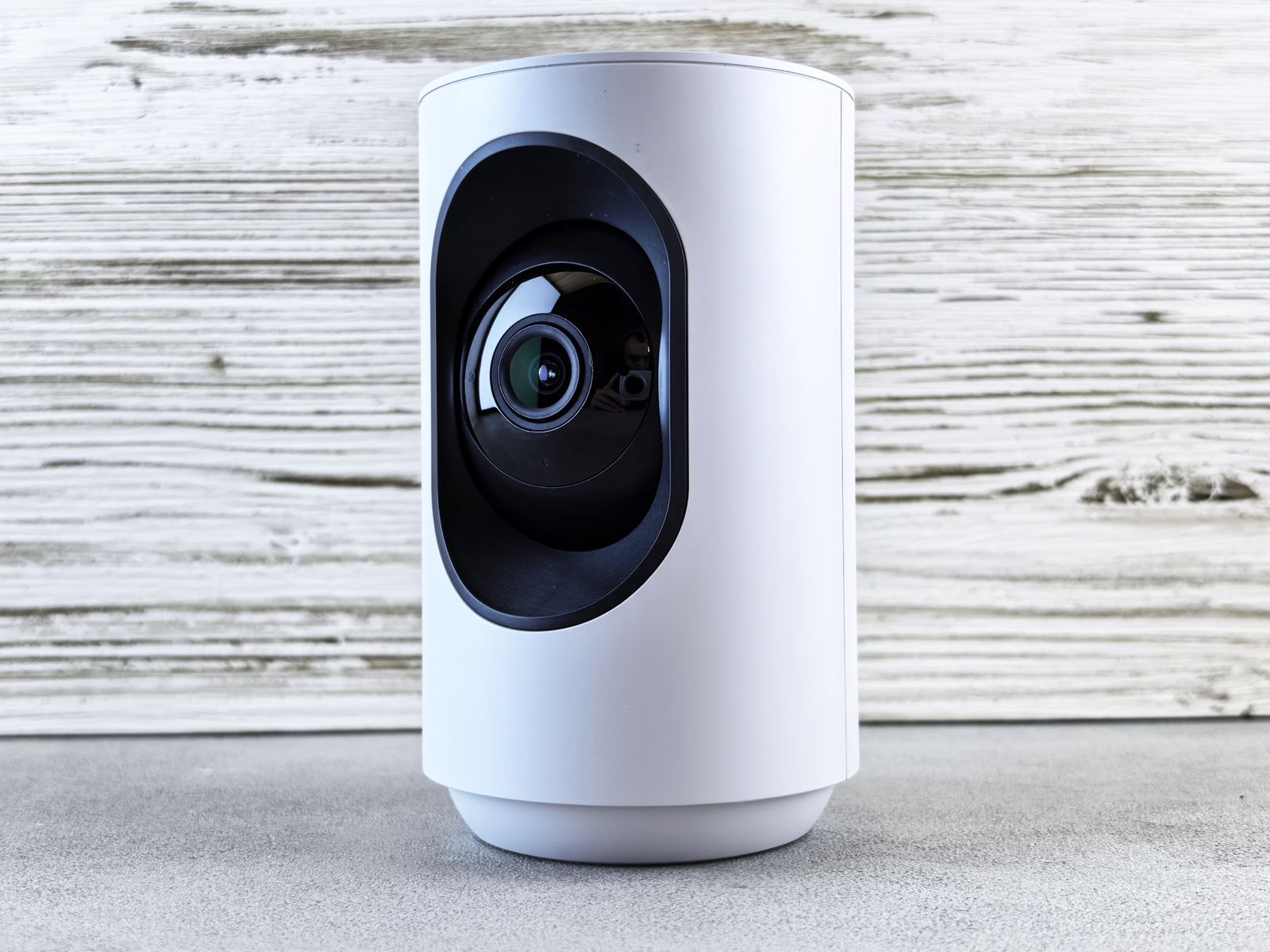
Photo by Andrey Matveev on Pexels
Solar makes the most sense when the thing you need to watch is away from power. That covers a great many real business situations:
- Yards, lots, and storage areas where trenching to a fence line is disproportionate to the value of the coverage.
- Leased premises where a landlord will approve a mounted camera far more readily than new conduit through their walls.
- Multi-building sites such as a shop with a separate garage or a workshop behind an office.
- Sites with poor cable paths, including masonry, historic structures, and anywhere a run would cross a driveway.
- Businesses that need coverage this week, because installation is a mounting job rather than a scheduled trade visit.
- Seasonal or temporary locations where the cameras will move when the operation moves.
What to look for in a multi-pack for a business
A multi-pack is only a bargain if every camera in it can be mounted somewhere useful. Judge a pack against the site, not against the box.
Why app control and remote access change how a business uses cameras
The practical value of a wireless system for an owner is not the absence of cable. It is that the site can be checked from anywhere without being present, which changes cameras from an after-the-fact record into something used daily.
That is what app control provides: live views, event alerts, and playback from a phone, plus the ability to steer a pan-tilt-zoom camera during an event and to speak through two-way audio. A shop owner can see who is at the rear door at nine in the evening. A yard manager can check whether a delivery arrived. An operator with two locations can look at both in the same minute. Retail-specific setup, including what to watch and how to configure alerts so they stay useful rather than constant, is covered in this guide to remote access for retail shops.
The Outdoor Solar Security Camera is designed for this pattern of use. It offers PTZ movement for wide coverage, wireless WiFi connectivity so mounting is not limited by cable paths, color night vision for after-hours detail, two-way audio for speaking to people on site, motion detection to trigger recording, cloud storage support so footage survives the camera, and app-based management, and the manufacturer positions it for office, business, and residential surveillance.
The costs people forget when comparing the two
Photo by Star Zhang on Pexels
On wired systems, the hardware price is usually the smaller number. Labor, cable, conduit, mounting through masonry, and a recorder location add up, and long runs to a yard or an outbuilding add up quickly. Quotes for the same camera count can differ enormously depending on cable paths, which is why comparing camera prices alone is misleading.
On solar systems, the forgotten costs are subscription and attention. Cloud storage is billed on a recurring basis and typically scales with camera count and retention length, so a four-camera site costs more per month than a one-camera site. Batteries are a wear item over the life of the system. And a camera on a shaded wall costs the price of the camera plus the price of learning that lesson, which is why the sunny-position count comes before pack size.
Scaling considerations, including how coverage and cost behave as camera count grows, are worked through in this piece on expanding a wireless solar camera system.
Placement, privacy, and staff considerations
Business camera placement has obligations that home installations do not always carry. Rules on recording audio and on filming areas beyond your own property line vary by state, country, and sometimes municipality, and workplace monitoring rules may also apply to areas where staff work or take breaks. Two-way audio in particular can fall under recording consent laws.
Practical guidance: cover entrances, tills, stock areas, yards, and approaches that belong to the business; do not aim or zoom a camera so it looks inside a neighboring property or a neighboring business's interior; avoid changing rooms, restrooms, and break areas; post notice where local rules expect it; and confirm the requirements that apply at the site before finalizing angles or enabling audio.
FAQ
Can a solar camera keep recording during a power cut? Yes, the camera itself runs on stored charge. What can stop working is the internet connection, since the router usually depends on mains power, so cloud upload and remote viewing may pause until power returns. That is a reason to keep local recording as a backup on business sites.
Is a multi-pack cheaper than buying cameras individually? Usually the per-camera cost is lower in a pack, but the saving only exists if every unit gets a workable position. Two well-placed cameras beat four where half are on shaded or badly angled walls.
Do wireless cameras slow down business internet? Uploads are modest per event but continuous across many cameras, so tuning detection zones matters. Cameras triggering on passing traffic all day generate far more upload volume than cameras watching only their own approach paths.
Will one camera cover a whole small business? Rarely. Most premises have at least a front entrance and a rear or service door, and those cannot be seen from one position. Count approaches rather than square footage, then decide whether a wide-coverage steerable unit can consolidate several of them.
Practical next step
Walk the property in the middle of the day and mark every position that has both a useful view and real sun, then check phone signal at each one. The number of positions that pass both tests is your pack size. Buying to that number, rather than to a bundle price, is what determines whether the system is still working next winter.
Cover photo by Maurício Mascaro on Pexels.