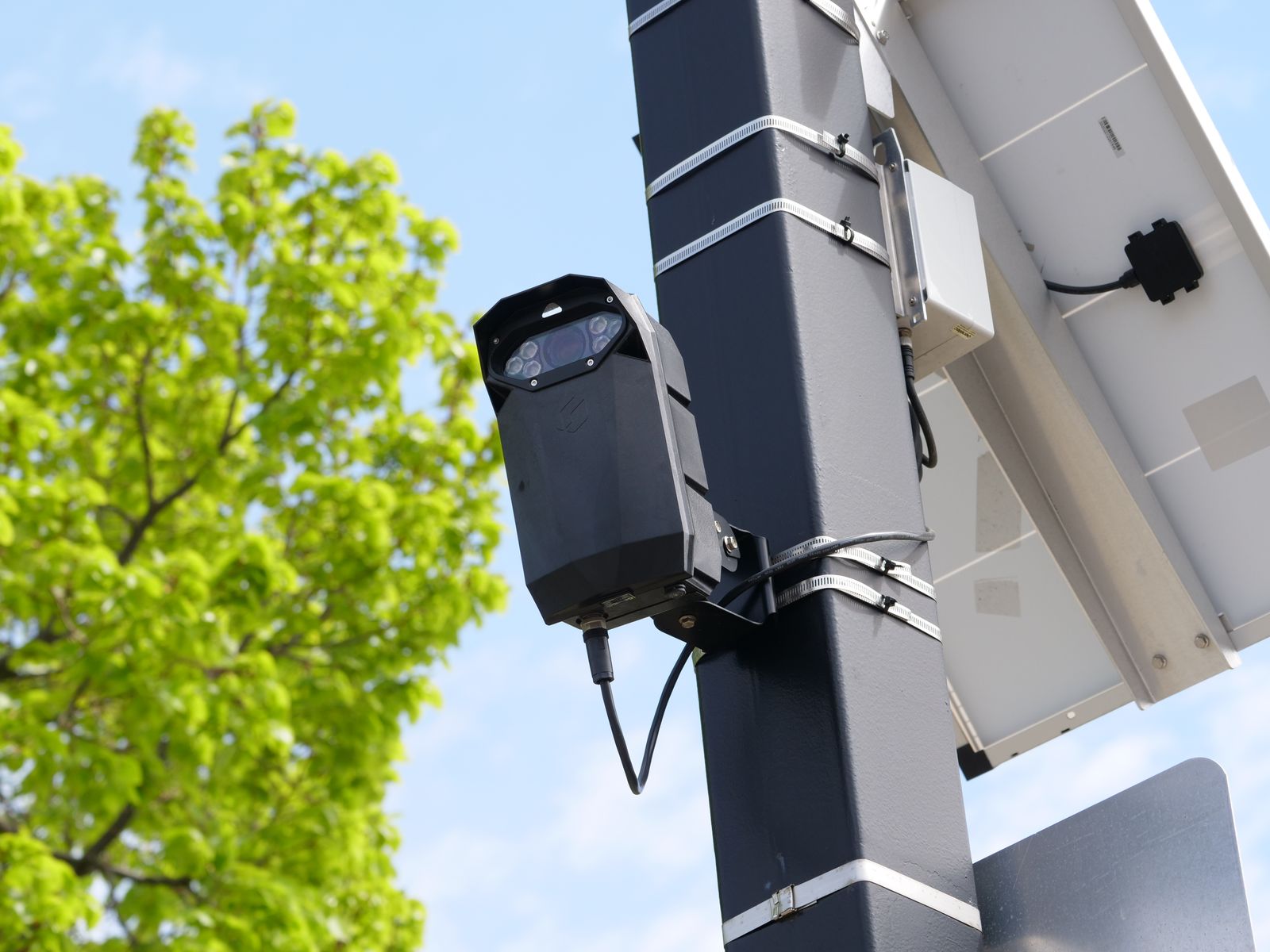
How to Keep Your Solar Security Camera Powered During Overcast Winter Months
A solar security camera stays powered through an overcast winter by collecting more of the weak light that is available and spending less of what it collects. Both halves matter. Repositioning and steepening the panel so it faces the low winter sun recovers a surprising amount of charge, and trimming how often the camera wakes up cuts consumption enough that the reduced charge is sufficient.
Winter is not one problem. It is three overlapping ones: fewer daylight hours, a lower sun angle, and more cloud cover. Each has a different fix.
Why does a solar camera struggle in winter?
Three things change at once, and only one of them is the weather.
- Day length shortens. Across much of the United States, mid-December offers roughly nine hours of daylight compared with about fifteen in June. The charging window itself is smaller before cloud is even considered.
- The sun sits lower in the sky. A panel angled for summer is pointed well above where the winter sun travels, so light strikes it at a glancing angle and much less energy is absorbed. This is the single most common and most fixable winter power problem.
- Cloud scatters the light. Under heavy overcast, a panel receives only a fraction of the energy it would get in direct sun. It is not zero, and panels do charge on gray days, but the rate drops sharply.
How much charge do you actually lose?
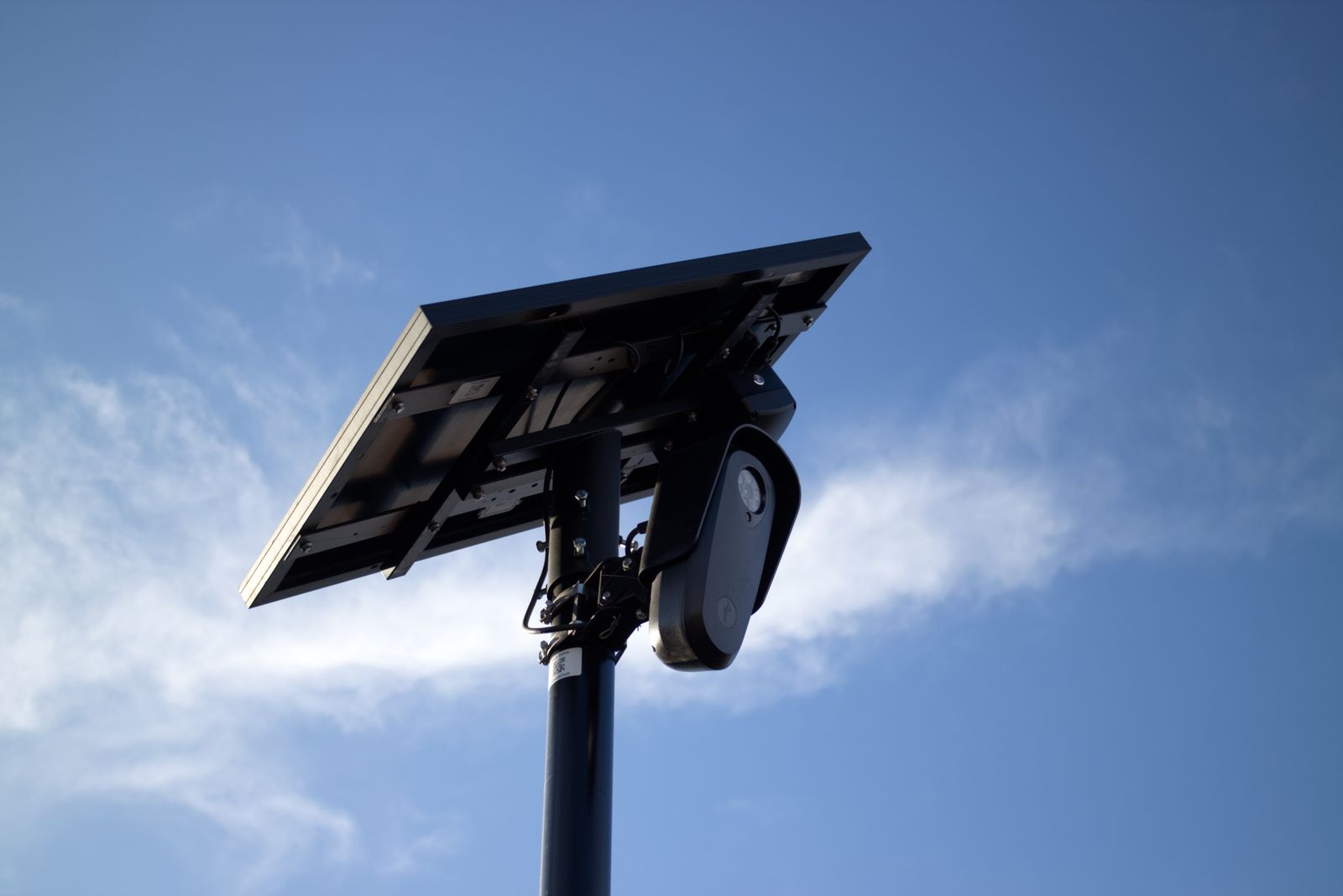
Photo by Will Freeman on Pexels
Useful rough expectations for planning, based on how solar panels behave generally rather than on any single product:
| Condition | Relative charging rate | Practical effect | |---|---|---| | Clear summer day, panel angled well | Best case | Battery holds full with margin to spare | | Clear winter day, panel angled for summer | Substantially reduced | Slow net gain, tight on active days | | Clear winter day, panel angled for winter | Good | Comfortable net gain | | Light overcast | Noticeably reduced | Roughly break-even on a quiet day | | Heavy overcast or rain | Very low | Net drain, drawing down reserve | | Snow or ice covering the panel | Near zero | Steady drain until cleared |
The important takeaway is the second row against the third. The difference between a panel left at its summer angle and one adjusted for winter is often larger than the difference between a clear day and a lightly overcast one. Adjusting the angle is free and takes minutes.
Step one: fix the panel position
Step two: reduce what the camera spends
Every recorded clip, every notification, every live view session, and every night vision activation draws from the same reserve. In summer that hardly matters. In December it decides whether the camera is still online at the end of a cloudy week.
The highest-value settings changes, in rough order of impact:
- Tighten motion detection zones. This is the largest single lever available. A camera whose detection area includes a public sidewalk, a road, or a wind-moved tree can trigger hundreds of times a day, and each trigger costs power. Trimming the zone to your driveway, gate, or doorway can cut wake-ups dramatically without missing anything that matters.
- Raise the detection sensitivity threshold. Fewer triggers from rain, blowing leaves, and small animals.
- Shorten recorded clip length. A clip that runs long after the subject has left is spending power for no benefit.
- Reduce how long the camera stays awake after an event. The wake-and-settle cycle is a real cost when it repeats often.
- Use live view sparingly on dark days. Opening the feed keeps the camera active and streaming, which is one of the more expensive things you can ask it to do.
- Limit patrol or automatic pan sweeps. Moving the camera mechanically costs more than sitting still. In winter, favor a fixed default view with pan and zoom used on demand rather than on a schedule.
- Keep cloud upload but reduce the volume that reaches it. Uploading fewer, better-targeted clips is more efficient than uploading many redundant ones, and it also makes the footage easier to review.
Step three: plan for the worst stretch, not the average
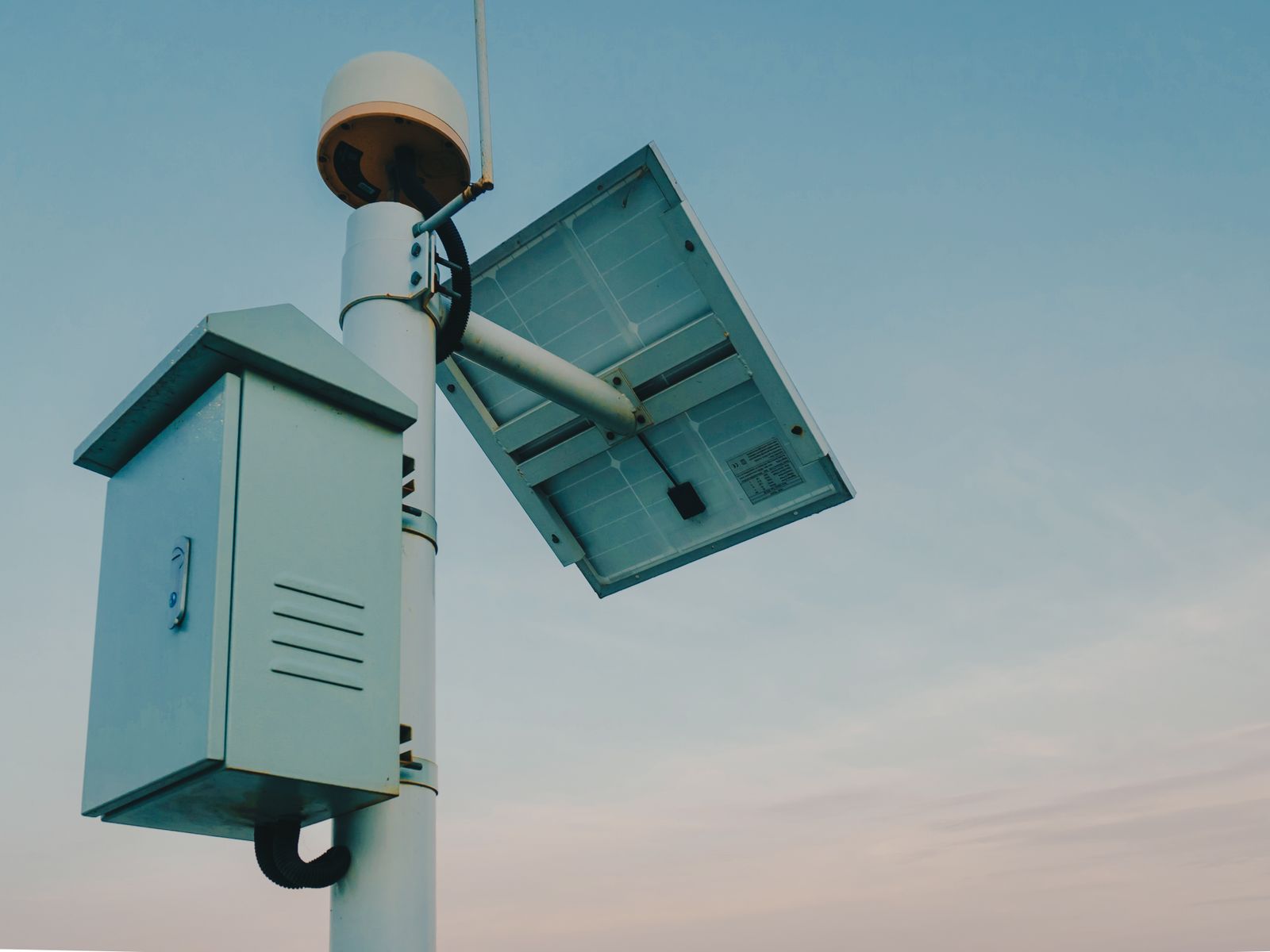
Photo by Matthew Jesús on Pexels
Winter power problems do not arrive on the coldest day. They arrive at the end of a run of five or six gray days, when the reserve built up earlier has been slowly drawn down. Planning for the average December day is what leaves people with a dead camera in the second week of a storm system.
Two habits handle this:
- Check the battery level weekly in the app during winter, not monthly. A downward trend across a week is the signal to act, and acting early means a settings change rather than bringing the camera indoors.
- Have a top-up plan. If a camera can be charged directly, doing so once before a forecast stretch of heavy cloud is much easier than recovering it from empty.
Does cold weather itself drain the battery?
Cold reduces the usable capacity of rechargeable batteries while they are cold, and it slows how readily they accept a charge. That effect is real but generally smaller than the loss of sunlight, and much of the apparent capacity returns as temperatures rise. In practice, the sequence to check when a camera struggles in January is: panel angle first, shading second, detection settings third, and temperature last.
One cold-weather detail that does matter: mounting the camera where it gets some direct winter sun during the day helps the hardware as well as the panel, because a unit sitting in permanent shade on the north side of a house stays at ambient temperature all season.
FAQ
Will a solar camera charge on a completely overcast day? Yes, but slowly. Panels respond to scattered daylight as well as direct sun, so a gray day produces a trickle rather than nothing. Whether that trickle covers the camera's use for the day depends almost entirely on how many times motion detection wakes it.
Should the panel be moved twice a year? That is the ideal, and it costs a few minutes each time. A steeper angle for late autumn through early spring and a shallower one for the rest of the year captures meaningfully more energy than leaving it fixed at a compromise angle year-round.
Does night vision use significantly more power? Recording at night costs more than recording in daylight, and winter has more dark hours. This is another reason tight detection zones matter more in winter: fewer false triggers overnight means fewer expensive night recordings.
Is it worth bringing the camera inside for the winter? Rarely, and it defeats the purpose of having it. A camera that is adjusted for the season and tuned to trigger only on real events generally gets through winter fine. Bringing it in should be the last resort, after the panel angle, shading, and settings have all been addressed.
What to do next
Do the free work first. Steepen the panel toward the low winter sun, confirm it is pointed at true south, check the spot for shade at midday rather than at whatever time you happen to be outside, and clear anything sitting on the surface. Then open the app and trim the detection zone until the camera is only watching your own property. Those two jobs take under an hour and resolve most winter power complaints before any hardware change is needed.
Cover photo by Giant Asparagus on Pexels.