How to Choose a Solar Security Camera That Stays Powered 24/7: A Complete Buyer's Guide
A solar security camera stays powered around the clock when the panel can refill the battery faster than overnight recording, alerts, and PTZ motion empty it. Choose a unit with a 3.5W panel, a 5200 mAh pack, an 8-10 hour initial charge, and a mount that actually receives 3-5 hours of direct sun. 24/7 here means the camera is ready every night, not that the lens records every second of the day.
24/7 power is readiness, not a 24-hour movie
Continuous power is a full pack at dusk and a panel that can replace what the night used. Motion clips, live view in the Tuya Smart app, and pan-tilt moves all draw from the same 5200 mAh cell. A camera that sleeps between events can stay up for weeks in good sun. A camera that tours, streams, and talks all night will not.
Buy for the overnight job. Identification at a gate, a driveway, or a side path is a handful of clips, not a continuous archive. If the property needs a nonstop record, that is a different wiring and storage project than a wireless solar head.
The energy story is panel plus pack, not a wall outlet. This page is the buying filter: wattage, first charge, and overnight load.
What a 3.5W panel and 5200 mAh pack can actually do
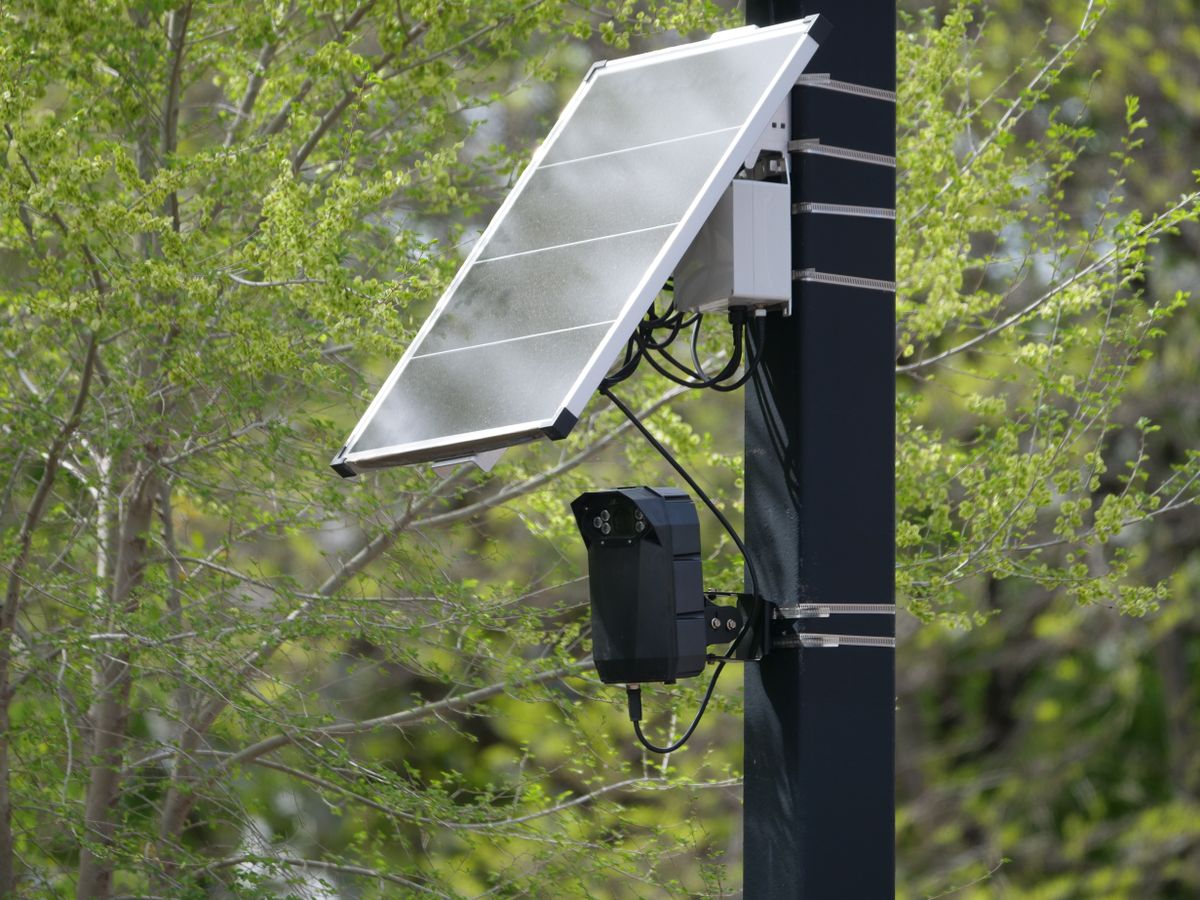
Photo by Giant Asparagus on Pexels
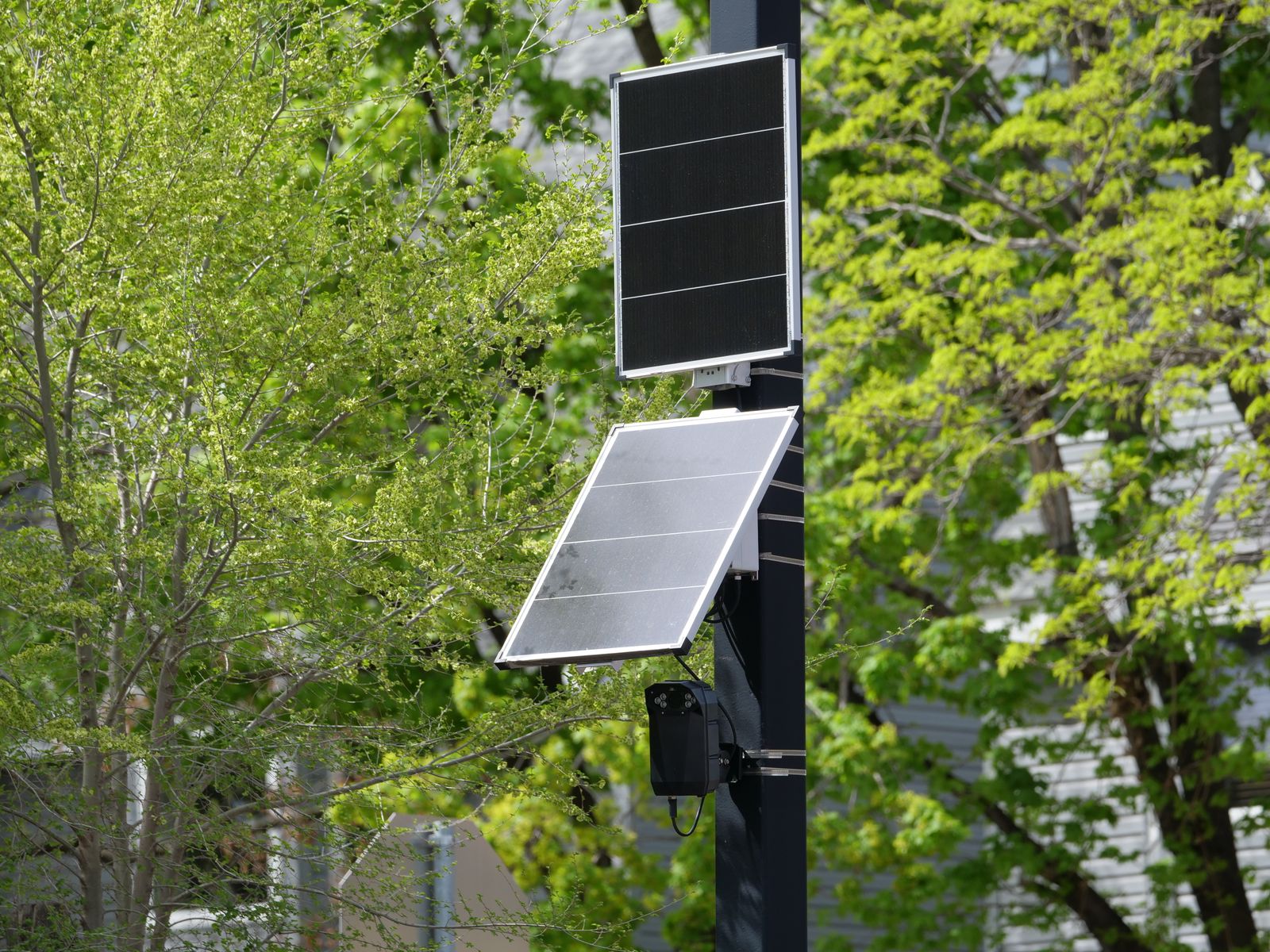
A 3.5W panel is a trickle charger. It is not a generator. In 3-5 hours of direct sun it can refill a 5200 mAh pack after a typical event-based night. It cannot outrun a north wall, a deep soffit, or a tree that shades the glass after 10 a.m.
Do not treat wattage as a race. A larger listing number that still sits in shade loses to a 3.5W face in open sky. The buying question is whether the chosen mount sees sun, not whether the box prints a bigger watt figure.
Recharge after a stretch of cloud is 4-8 hours of decent light, not a dim afternoon on a porch ceiling. If the only camera-friendly wall is dark by noon, skip that spot or use a panel that can aim away from the lens.
First charge, shade, and winter are the real failure points
An 8-10 hour initial charge is the start line. Unboxing onto a wall with a half cell, then blaming the camera at 3 a.m., is a setup miss. Finish the first charge, confirm the app shows a healthy pack, then judge the second night.
Shade is the silent drain. A 3.5W panel behind a fascia, under a solar-unfriendly eave, or aimed at a neighboring roof will not keep a 5200 mAh pack honest. Winter sun sits lower and lasts less. Plan a steeper panel tilt and a cleaner glass face in those months.
If the pack still falls overnight after sun and first charge are right, treat it as a load or a fault, not as proof that solar cannot work. Clean the panel, stop 24-hour PTZ tours, and then diagnose charging before buying another camera. Park the 355-degree head at home, keep color night vision and two-way audio as bursts, and match 1080p to subjects inside about 33 feet.
Power jobs versus what to buy for them
| Overnight job | Power pattern that works | What usually fails | | --- | --- | --- | | Gate or porch clips | Event recording, home position, 3-5 hours of sun | Constant PTZ tour on a shaded wall | | Side-yard path | Color night vision inside 33 feet, short pans | Live view left open in the app all evening | | Two-week absence | Full first charge, clean panel, motion zones | Cloud live-stream as a baby monitor | | Winter perimeter | Steeper panel, 4-8 hour recharge window | North eave with no seasonal tilt | | Talk-down deterrence | Two-way audio in short bursts | Open mic for hours on 5200 mAh |
24/7 solar camera buying checklist
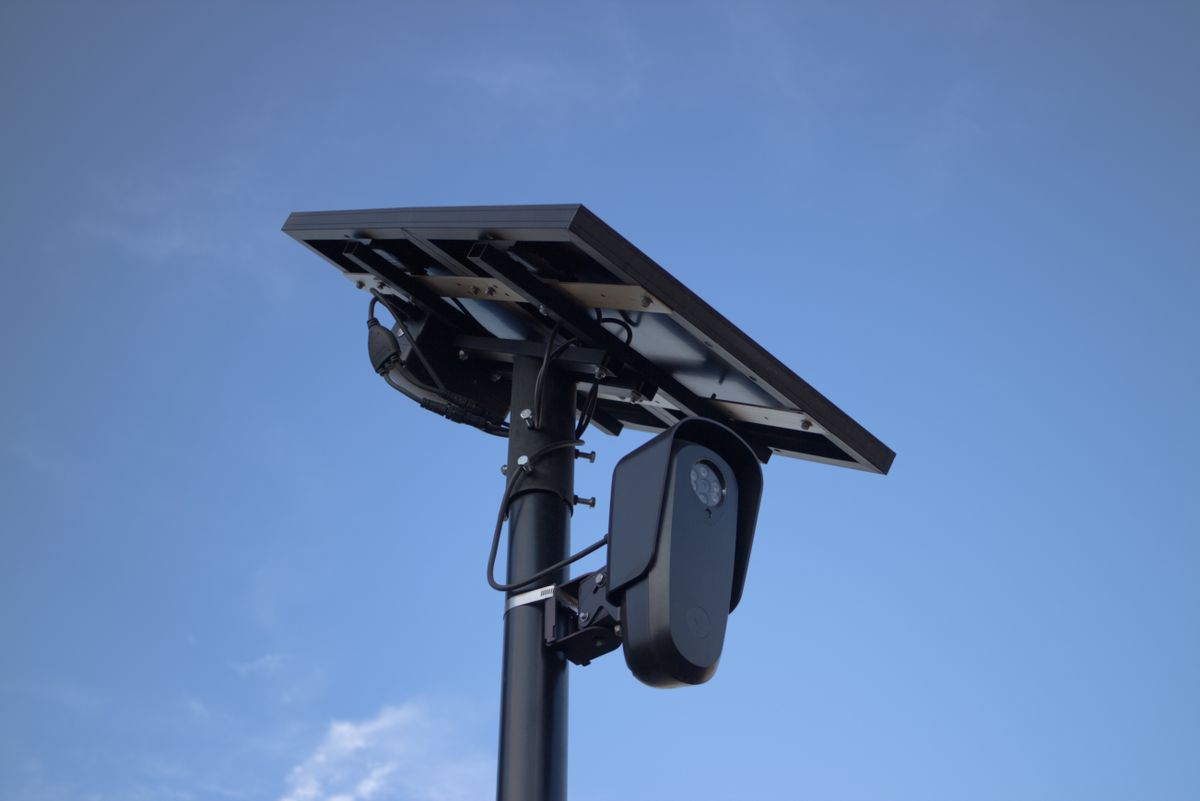
Photo by Will Freeman on Pexels
- [ ] Confirm a 3.5W-class panel and a 5200 mAh-class pack on the listing.
- [ ] Confirm the mount can see 3-5 hours of direct sun, not porch shade.
- [ ] Plan an 8-10 hour initial charge before the first overnight.
- [ ] Keep PTZ on home position; pan on events, not on a 24-hour tour.
- [ ] Treat color night vision and two-way audio as burst loads, not all-night habits.
- [ ] Have a 4-8 hour sun window after cloudy stretches.
Frequently asked questions
Does 24/7 solar power mean the camera records all day?
No. It means the pack is ready every night. Event clips plus a daily 3.5W refill is the usual pattern.
Is a 3.5W panel enough for a 5200 mAh battery?
Yes when the glass sees 3-5 hours of direct sun and the night is event-based. It is not enough on a shaded wall or with a PTZ head that never rests.
How long should the first charge take?
Plan 8-10 hours for the initial charge. Later refills after cloud are typically 4-8 hours of decent sun.
Do color night vision and PTZ make solar impossible?
No. They share the pack. Keep subjects inside about 33 feet at night, park the 355-degree head at home, and use two-way audio in short talks.
When is a hardwired camera the better power choice?
When the only useful view has no sun, or when the site needs nonstop recording.
Related reading
Energy, winter sun, and wired alternatives sit next to this power buying filter.
- how outdoor solar security cameras store and use panel energy
- winter charging habits that keep a solar camera pack full
- solar versus hardwired outdoor cameras when sun is the constraint
- how solar panel placement changes overnight battery life
- what to check when a solar security camera stops charging
What to do next
Stand at the intended mount at noon and again at 4 p.m. If it cannot collect 3-5 hours of direct sun, move the camera or the panel. Finish an 8-10 hour first charge, set home position in the Tuya Smart app, and judge the second night. An Outdoor Solar Security Camera with a 3.5W panel and 5200 mAh pack is the class this checklist describes.
Cover photo by Giant Asparagus on Pexels.