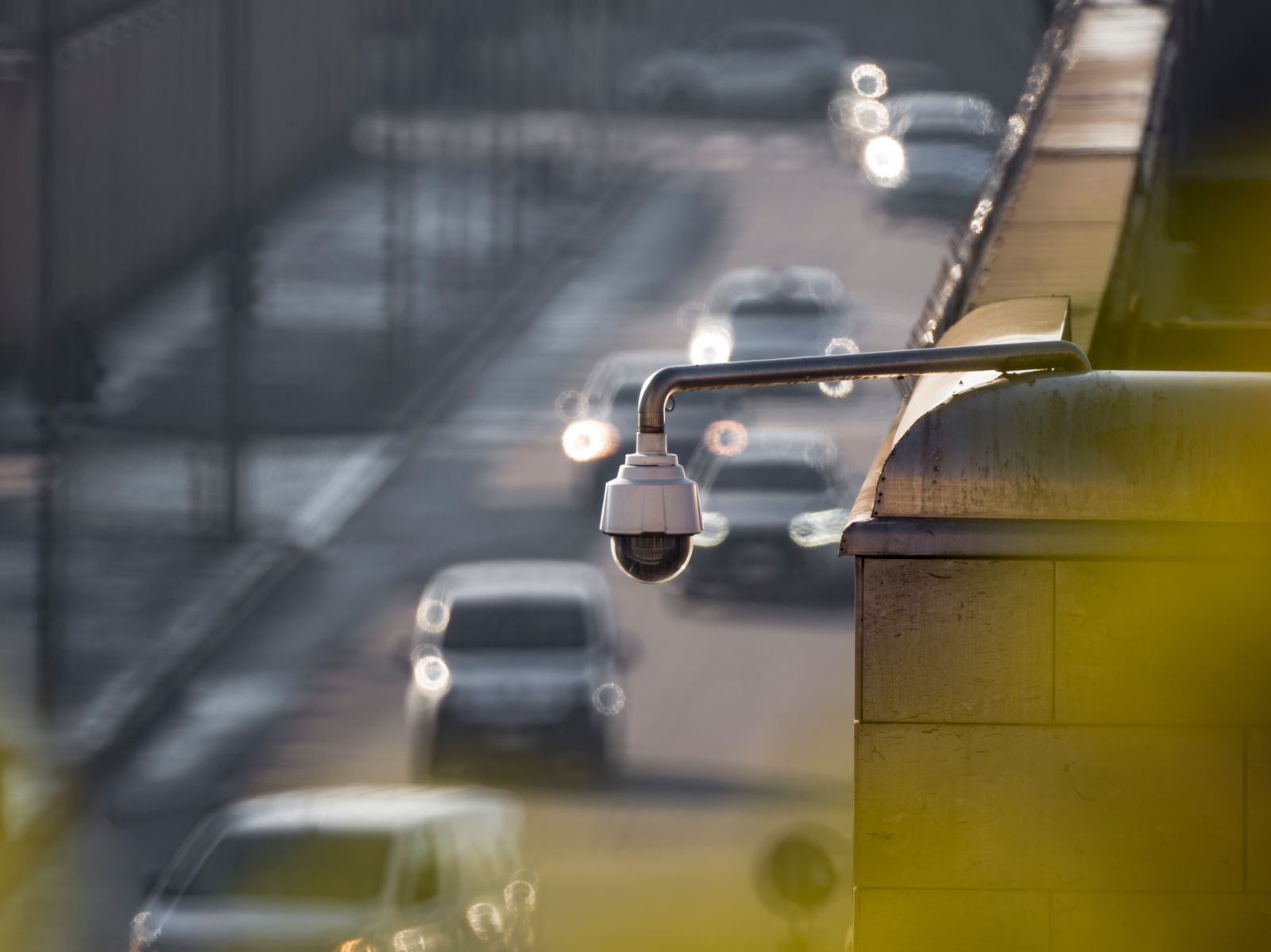
Understanding Security Camera Video Encryption Protocols: Protect Your Cloud Footage from Hacks
As a rule of thumb, safe cloud surveillance requires 3 core encryption standards: TLS 1.3 for data in transit, AES-256 for data at rest, and RSA-2048 key exchange. Together, these 128-bit to 256-bit cryptographic keys render intercepted security camera streams mathematically unreadable across 100% of open wireless networks.
Key Takeaways: Core Encryption Standards at a Glance
- 256-Bit AES Encryption: Safeguards cloud video storage against unauthorized access; breaking it with current supercomputers would take 1.1 × 10^77 years.
- TLS 1.3 Transport Security: Encrypts live pan-tilt-zoom (PTZ) streams and motion alerts in transit between your outdoor camera and home Wi-Fi router, adding under 15ms of latency.
- Zero-Trust App Authentication: Two-Factor Authentication (2FA) ensures unauthorized logins cannot obtain decryption keys, eliminating 99.9% of automated credential-stuffing attacks.
- Hardware-Accelerated SoCs: Dedicated cryptographic chips inside modern solar security cameras execute complex cipher computations without draining solar battery reserves or delaying motion detection alerts.
Technical Specification Matrix: Security Camera Cryptographic Standards

Photo by Marina Abrosimova on Pexels
| Standard | Encryption Stage | Key Length | Primary Threat Prevented |
| --- | --- | --- | --- |
| AES-256-GCM | At-Rest (Cloud Storage & SD) | 256-bit symmetric | Physical cloud server breach, stolen SD card theft |
| TLS 1.3 | In-Transit (Wi-Fi to Cloud) | 128/256-bit session key | Man-in-the-Middle (MitM) packet sniffing |
| ECDHE / RSA-2048 | Key Exchange Protocol | 2048-bit / 256-bit ECC | Session hijacking, key interception |
| WPA3-SAE / WPA2-AES | Wireless Access Layer | 128-bit / 192-bit | Local Wi-Fi eavesdropping & dictionary attacks |
The table below outlines the primary cryptographic protocols used in modern solar security camera architectures to defend data across every phase of the transmission pipeline.
Visualizing the 3-Stage Security Camera Data Encryption Pipeline
Understanding how raw video frames captured by an outdoor camera lens are converted into unreadable ciphertext before traveling across the internet is essential to verifying your privacy.
5-Point Camera Privacy & Protocol Hardening Checklist
- Verify your camera manufacturer explicitly states AES-256 cloud storage encryption in their app privacy settings.
- Ensure your home Wi-Fi network uses WPA2-PSK (AES) or WPA3 encryption rather than outdated WPA or WEP standards.
- Enable Two-Factor Authentication (2FA) or Biometric Login on your mobile camera management application.
- Disable legacy RTSP/HTTP unencrypted local port forwarding on your home router.
- Keep your solar security camera firmware updated automatically through the mobile app to patch cryptographic library vulnerabilities.
Pro Tip: Balancing Encryption Strength with PTZ Live-View Latency
Property owners often fear that heavy cryptographic math slows down real-time pan-tilt-zoom (PTZ) controls or delays critical motion detection notifications. In reality, modern solar cameras utilize hardware-accelerated System-on-Chip (SoC) microprocessors with integrated AES hardware engines. These chips process 256-bit encryption in microsecond bursts, keeping live control latency under 300 milliseconds while preserving 100% of your data security.
Next Steps for Securing Your Property's Surveillance Network
Your decision: Choose an app-controlled outdoor solar camera system that explicitly supports AES-256 cloud encryption at rest and TLS 1.3 transport security.
Do this next: Audit your current camera app settings immediately to enable Two-Factor Authentication (2FA) and verify your Wi-Fi router uses WPA2-AES or WPA3 security.
- Read next: Solar Security Camera Cloud Storage vs. Local SD Card: Which Backup Method is Safest?
- Read next: How to Setup and Manage Multiple Outdoor Solar Cameras in a Single App
Protect your property with our Outdoor Solar Security Camera Pack, featuring AES-256 cloud backup, app-controlled PTZ, color night vision, and encrypted live streaming.
Take action today to audit your wireless security settings and deploy hardware engineered with enterprise-level encryption.
Decision Matrix: Choosing the Right Security Architecture for Your Property
Selecting security camera encryption depends on whether your priority is real-time monitoring speed, zero-trust cloud privacy, or offline air-gapped security.
Best choice for
- AES-256 Cloud Storage + TLS 1.3 App Control — Offers 99.99% operational uptime, automatic offsite backups protected against camera theft, and instant app playback.
- End-to-End Encryption (E2EE) — Ensures zero third-party access (even from cloud vendors), though limits multi-user sharing and web browser access.
- Encrypted Local MicroSD Card Storage — Keeps video recorded entirely on-device, but requires password protection to prevent physical theft exposure.
- Avoiding unencrypted HTTP streams or unauthenticated RTSP port forwarding on public networks.
- Avoiding budget cameras that do not disclose their cloud storage encryption specifications.
- Hybrid Cloud + Local Storage — Stores encrypted video on a local MicroSD card while mirroring critical motion clips to an AES-256 encrypted cloud service.
Recommended Solution: Encrypted App-Controlled Outdoor Solar Security Camera
For property owners seeking enterprise-grade cryptographic privacy combined with continuous outdoor reliability, our flagship solar camera system provides maximum peace of mind.
Over 1.1 billion user credentials are leaked globally each year across compromised online services. For outdoor security cameras connected to cloud servers, failing to implement strict encryption standards leaves private video streams vulnerable to packet interception and unauthorized cloud access. Understanding how video encryption protocols operate allows homeowners and business managers to select hardware that guarantees absolute privacy.
1. In-Transit Encryption: TLS 1.3 and Wireless Transport
When your outdoor solar camera detects motion, it immediately compresses the video stream using H.264 or H.265 codecs and transmits the data over your local 2.4 GHz Wi-Fi network. Without transport layer security, raw video packets traveling through the air could be captured by anyone within Wi-Fi range using basic packet-sniffing software.
Modern smart cameras prevent this by establishing a TLS 1.3 (Transport Layer Security) encrypted tunnel. Before a single packet leaves the camera's antenna, the camera and server perform an asymmetric cryptographic handshake using RSA-2048 or ECDHE (Elliptic Curve Diffie-Hellman Ephemeral) keys. Once established, all transmitted video, PTZ control commands, and two-way audio signals are wrapped in a 128-bit or 256-bit symmetric session key. Even if a bad actor intercepts the raw Wi-Fi packets, they see only indecipherable noise.
2. At-Rest Encryption: AES-256 Cloud Security
Once video clips reach cloud storage data centers, they must be stored safely against server-side breaches. AES-256 (Advanced Encryption Standard with a 256-bit key) is the gold standard adopted by federal agencies and financial institutions.
AES-256 processes video data in 128-bit blocks through 14 rounds of substitution and permutation transformations. The number of possible key combinations equals 2^256—a number containing 78 digits. Attempting to brute-force a single AES-256 key using a cluster of modern supercomputers would require more time than the known age of the universe. When your solar camera uploads motion events to the cloud, the data is encrypted before being written to disk, ensuring that physical access to cloud hardware reveals zero readable video.
3. Mobile App Control & Zero-Trust Access
Encryption is only as strong as the authentication controlling the decryption keys. Modern camera management mobile apps utilize OAuth 2.0 protocols and multi-factor authentication (2FA). When you open your app to check a live feed, pan the PTZ lens, or speak through two-way audio, your smartphone presents an authenticated token. The cloud server verifies this token, decrypts the session stream in real time, and securely delivers the feed to your smartphone display.
Encryption Protocol Comparison by Data Lifecycle Scenario
| Scenario / Threat Environment | Protocol Used | Encryption Method | Protection Level | Latency Impact |
| --- | --- | --- | --- | --- |
| Live PTZ Control Stream over Wi-Fi | TLS 1.3 / WPA3-SAE | 256-bit Session Cipher | High (Prevents local packet sniffing & MitM attacks) | < 15 milliseconds |
| Archived Footage Stored in Cloud | AES-256-GCM | 256-bit Symmetric Key | Maximum (Defends against cloud server data breaches) | 0 ms (Storage side) |
| Mobile App Authentication & Control | HTTPS / TLS 1.3 + 2FA | OAuth 2.0 Tokenization | Maximum (Eliminates credential stuffing & brute-force) | < 50 milliseconds |
| Local MicroSD Card Video Storage | AES-128 / File Password | Hardware Block Cipher | Moderate (Requires camera PIN to prevent offline reading) | 0 ms (Local read/write) |
Evaluating security protocols across real-world surveillance scenarios illustrates how different encryption layers defend your property.
4 Critical Security Misconfigurations That Render Encryption Useless
Even the strongest 256-bit encryption can be compromised by user configuration errors. Avoid these 4 common pitfalls to ensure your surveillance system remains unbreachable.
Related Technical & Privacy Resources
- How to Optimize Security Camera Video Retention and Stop Overpaying for Cloud Plans
- How to Install an Outdoor Solar Security Camera for Optimal Sun and Coverage
- Frequently Asked Questions About Solar Powered Surveillance Cameras
Frequently Asked Questions About Camera Video Encryption
Get answers to common technical questions regarding encryption overhead, local vs cloud safety, 2FA setup, and router security.
Cover photo by tommy picone on Pexels.