
How to Optimize Security Camera Video Retention and Stop Overpaying for Cloud Plans
Most people pay for a cloud plan sized for footage they will never watch. The two decisions that set your storage bill are how many days you keep recordings and whether the camera records continuously or only on events — and for the overwhelming majority of homes and small businesses, a short event-based retention window covers every situation that actually arises. Optimizing retention is a matter of deciding what evidence you would genuinely need, how long it would take you to notice you needed it, and then sizing the plan to that answer instead of to a worst case nobody has ever experienced.
How long should you actually keep security footage?
Long enough that you would have discovered the incident before the footage expired. That is the whole test, and it is why the right answer differs so much between properties.
For a home where someone is present most days, incidents are noticed within hours: a missing package, a damaged car, a gate left open. Seven days of retention covers that comfortably, and fourteen covers a weekend away. For a business, the discovery lag is longer — inventory discrepancies, a customer complaint filed days later, or damage found by a contractor on the next visit — so thirty days is the common baseline, and it is often driven by insurance or a franchise requirement rather than by any technical need.
The failure case is not "too little storage." It is a retention window shorter than your discovery lag. A camera keeping three days of footage at a site nobody visits on weekends will lose Friday night's evidence before anyone opens the door on Monday.
What actually drives your storage cost

Storage consumption is a product of a handful of variables, and only some of them are worth adjusting:
- Retention days. A direct multiplier. Doubling the window doubles the storage, and this is usually where plans are oversized.
- Recording mode. Continuous recording captures every second. Event-based recording captures only motion-triggered clips. On a quiet exterior, the difference is often an order of magnitude.
- Resolution. Higher resolution produces larger files. It also produces usable identification, so this is the last place to economize.
- Frame rate. Halving the frame rate meaningfully reduces file size and, for a camera watching a walkway, rarely costs you anything you needed.
- Scene activity. A camera pointed at a busy street records far more than one pointed at a fenced yard, even with identical settings, because more motion means more events.
- Number of cameras. Costs scale close to linearly, which is why plan choice matters more as a site grows.
- Clip length and pre-roll. A thirty-second clip per event and a ten-second clip per event differ by three times over a month.
Continuous versus event-based recording
| | Continuous recording | Event-based recording | |---|---|---| | What it captures | Every second, including empty scenes | Motion-triggered clips only | | Storage per camera | High and predictable | Low and variable with activity | | Risk | Cost grows quickly with retention | A poorly tuned zone can miss an event | | Best for | Cash handling areas, tills, entrances with constant traffic | Driveways, yards, gates, perimeters, after-hours coverage | | Review effort | Requires scrubbing through hours of nothing | Clips map one-to-one to things that happened | | Fit for a solar camera | Poor, because it also consumes power continuously | Strong, and it is how most wireless cameras are designed to work |
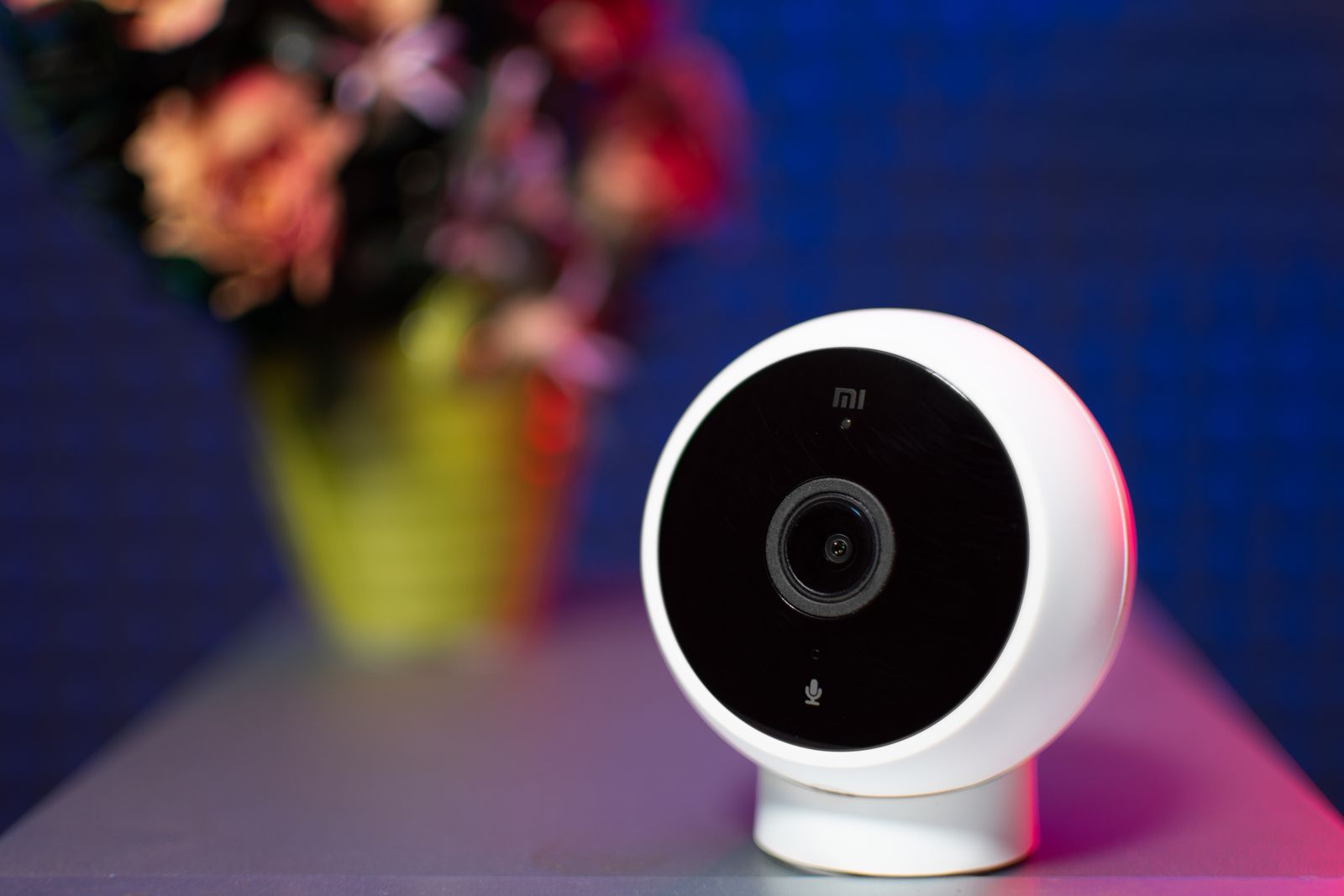
For a wireless, solar-charged camera the choice is largely made for you: event-based recording is what keeps power draw sustainable, and it happens to be the cheaper option on storage as well. The Outdoor Solar Security Camera uses motion detection to trigger recording and supports cloud storage for the resulting footage, which is the configuration this article assumes.
Five ways to cut storage without losing evidence
When a longer window is genuinely worth paying for
There are real cases for thirty days or more, and they are worth recognizing so you do not economize into a gap:
- Sites visited infrequently. A second property, a storage unit, a seasonal premises, or a yard checked weekly. Your discovery lag is the visit interval.
- Insurance or contractual requirements. Some policies and some landlords specify a minimum retention period. That figure overrides your own judgment.
- Slow-developing problems. Shrinkage, repeated minor vandalism, or a pattern of after-hours loitering only becomes visible across weeks, and a seven-day window shows you one instance instead of a pattern.
- Disputes with a lag. Delivery claims, parking damage, and neighbor disagreements often surface days after the event.
- Multi-person review. If nobody owns the daily check, assume the discovery lag is longer than you think.
A rough sizing method
You do not need precise figures to make a good decision. Work through it in four steps.
First, count your cameras and classify each one as busy or quiet based on how many events it produced last week. Second, set a retention target per class: quiet cameras get the shorter window, busy ones the longer. Third, look at your current plan and ask what it would cost at the next tier down. Fourth, drop one tier and live with it for a month, keeping a note of any moment you wished for older footage. In practice most people never write anything in that note, which is the answer. If you do write something in it, you now have a concrete reason for the higher tier rather than a vague fear.
Retention, privacy, and local rules
Retention has a privacy dimension as well as a cost one: footage you keep is footage you are responsible for. Rules on how long you may retain recordings of identifiable people, who may access them, and whether you must notify people that recording is taking place vary by location, and they are often stricter for businesses than for households. Audio recording is frequently regulated separately from video and more tightly. Keep cameras aimed at your own property and its approaches rather than at neighboring homes or gardens, never film inside a neighbor's property, and check the rules that apply where you are — including any notice requirements — before setting a long retention window on cameras that see public or shared space.
FAQ
Is seven days of retention enough for a home? For an occupied home, usually yes. Incidents at a house where someone is present most days are noticed within hours. Extend to fourteen days if the property is regularly empty for a week or more, and export anything you might need later.
Does deleting old footage manually save money? No, on a subscription plan. You pay for the window, not for what is currently in it. The saving comes from choosing a smaller window or reducing what gets recorded in the first place.
Should I keep footage locally as well as in the cloud? Redundancy is genuinely useful, because a stolen or damaged camera takes local media with it while cloud copies survive, and a connectivity outage interrupts uploads while local recording continues. If a system offers both, using both is the more resilient arrangement.
Does higher resolution matter more than longer retention? For evidence, yes. Footage that shows a person but cannot identify them is rarely actionable, whereas a shorter window is only a problem if your discovery lag exceeds it. Protect image quality first, then buy as many days as you actually need.
Next step
Open your camera app and check two numbers: how many days your plan retains, and how many events each camera produced in the last seven days. If a camera is producing dozens of events a day, the fix is its detection zone, not a larger plan. If your retention window is shorter than the longest gap between site visits, that is the one thing worth changing today.
Cover photo by Valentin Ivantsov on Pexels.