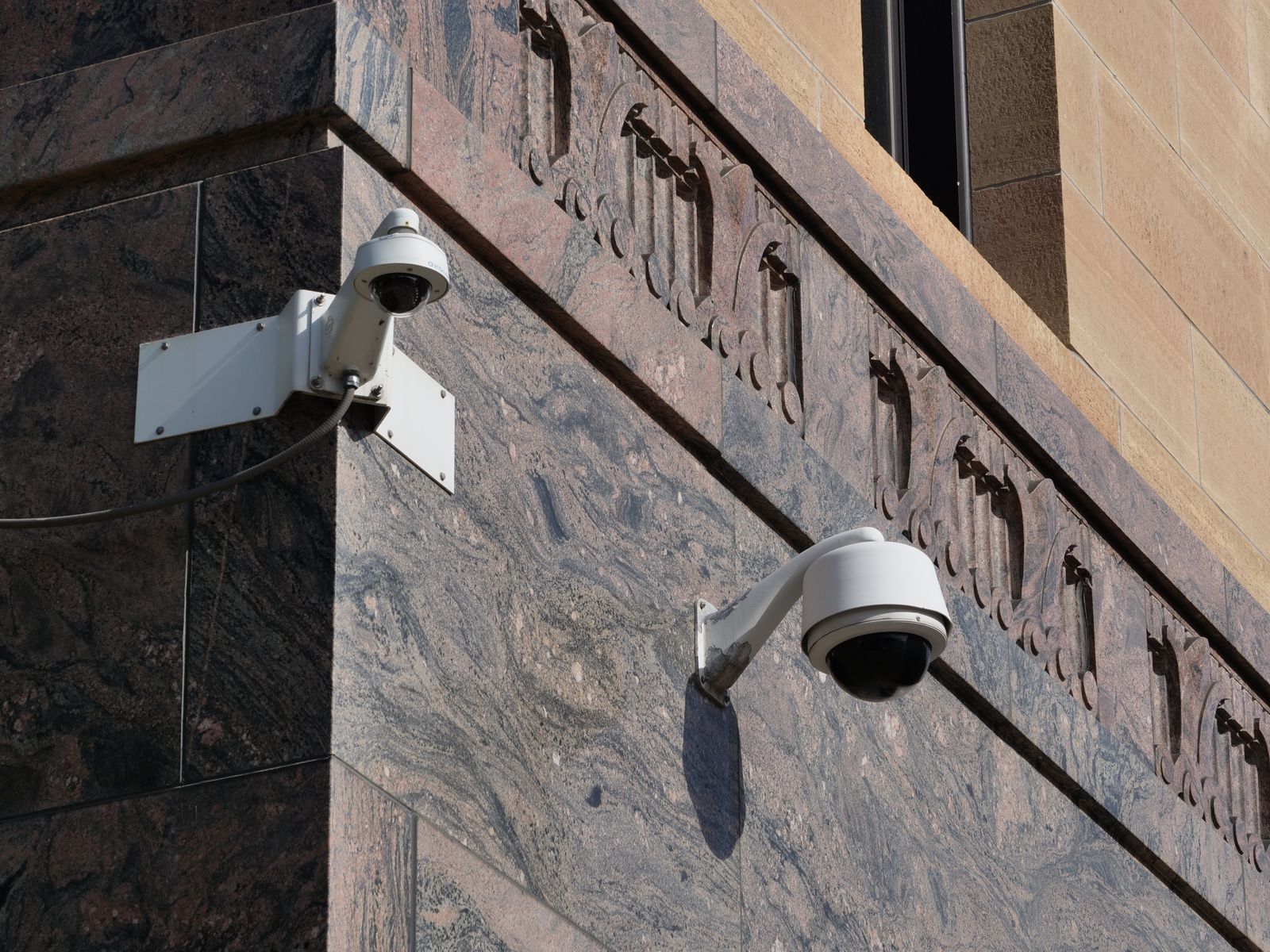
How to Protect Outdoor Solar Security Cameras in Freezing Winter Weather
Are freezing temperatures, snow accumulation, and low sunlight causing your solar security camera to shut down?
To keep outdoor solar security cameras working reliably in winter, tilt your solar panel to approximately 60° South to optimize low-horizon sunlight capture and naturally shed snow. Disable continuous Pan-Tilt-Zoom (PTZ) motion tracking during ice storms to prevent gear lockup, reduce PIR motion detection sensitivity in your app, and warm sub-zero batteries to room temperature before charging via USB.
Diagnostic Flowchart: Winter Solar Camera Troubleshooting Decision Tree
- Is the camera completely offline or failing to power on? → Yes: Check if ambient temperature is below 32°F (0°C). Lithium batteries shut down charging below freezing. Dismount camera, bring indoors for 3 hours, and charge via 5V/2A USB wall plug.. No: Is the live stream working but PTZ pan/tilt controls are stuck or making a grinding sound?.
- Is PTZ pan/tilt stuck or grinding? → Yes: Ice has bound the gear housing. Do not force rotation in app. Apply warm thermal wrap or wait for natural thaw, then clear drainage channels and disable auto-tracking.. No: Is the camera online but battery percentage continuously declining despite sunny weather?.
- Is battery dropping despite full sunlight? → Yes: Inspect panel angle and surface. If flat or covered in frost/snow, adjust tilt angle to ~60° South and clear surface using a soft microfiber snow pole. Reduce PIR trigger sensitivity.. No: System operating normally. Perform monthly visual check of rubber port seals and lens frost clearings..
Symptom vs. Quick Fix: Cold Weather Failure Modes
Photo by Markus Winkler on Pexels
| Failure Mode & Symptom | Root Cause Analysis | Immediate Field Fix & Prevention |
| --- | --- | --- |
| Rapid Battery Drain (Drops from 80% to 0% overnight) | Cold depresses lithium chemical activity; high PIR sensitivity triggers frequent IR night vision activation. | Lower PIR motion sensitivity to Level 2 in app. Reduce video recording length from 30s to 10s. Set schedule to disable status LEDs. |
| App Shows 'Solar Charging' Icon, But Charge % Remains Flat | Phantom charging: Trickle solar current cannot keep up with high winter power draw under sub-freezing operating conditions. | Clean frost/snow off panel surface. Steepen panel tilt to 60° facing True South. Perform a full indoor USB baseline charge. |
| PTZ Pan/Tilt Motor Grinding or Complete Rotation Failure | Freezing rain or melted snow refroze inside the rotation turn-table seam and mechanical housing joints. | Disable auto-tracking in app immediately to prevent stripped internal nylon gears. Gently clear ice rim with a warm microfiber cloth. |
| Blurry, Whiteout, or Hazy Night Vision Video Stream | Condensation or exterior frost forming over the optical glass cover and infrared LED ring. | Apply a micro-thin layer of hydrophobic optical rain/frost repellent to the clean outer lens dome. Check internal desiccant pack. |
| Frequent WiFi Drops / Camera Dropping Offline at Night | Low battery voltage causes the internal WiFi transmitter to lower power output to prevent total system brownout. | Boost WiFi signal strength at the camera site by moving your home router or adding a 2.4GHz outdoor WiFi extender within 30 feet. |
When freezing weather hits, security hardware exhibits specific failure symptoms. Use this side-by-side diagnostic table to quickly match your system's behavior with the correct mechanical or electrical resolution.
Pro Security Tip: Thermal Thresholds & Lithium Battery Chemistry
Understanding the Sub-Zero Thermal Protection Limit
Most outdoor solar security cameras rely on high-density Lithium-Ion or LiFePO4 battery cells. While these batteries can comfortably discharge power down to -4°F (-20°C), standard safety management systems (BMS) block charge intake whenever the battery core drops below 32°F (0°C).
Attempting to force-charge a frozen lithium battery using external high-voltage USB power creates internal lithium plating, which permanently short-circuits the battery cells and destroys capacity.
> Professional Rule of Thumb: If your camera dies during an Arctic cold snap, never plug it into a fast charger outside or immediately after bringing it indoors. Allow the unit to sit at room temperature for at least 3 to 4 hours so the internal battery core warms up safely before applying wall power.
Winter Weather Action Guide: Frost, Ice, and Heavy Snow Protocols
- What is the primary severe weather condition in your region? → Yes: Heavy Snowfall & Snow Accumulation -> Action: Steepen solar panel tilt to 60° facing South; clear top glass with an extendable foam snow broom weekly; inspect panel lower lip for ice damming.. No: Freezing Rain, Sleet, or Black Ice Storms -> Action: Lock PTZ motor position toward key entry point; turn off auto-tracking and pan tours in app; coat exterior camera housing joints with silicone moisture barrier.
- Is your main issue Sub-Zero Temperatures (< 0°F / -18°C) without heavy precipitation? → Yes: Extreme Cold Protocol -> Action: Change motion recording mode from Continuous/Long to 10-second clips; reduce PIR detection distance; schedule indoor manual USB recharge every 4-6 weeks.. No: Mild Winter / Periodic Light Frost -> Action: Wipe solar glass monthly; verify weather seal rubber grommets are pressed firmly into power ports.
Immediate Action Plan: Winterizing Your Security System
Your decision: Determine whether your cameras require immediate physical panel adjustment, app power optimization, or temporary indoor warming.
Do this next: Adjust your solar panel tilt angle to approximately 60° True South, lower PIR motion detection sensitivity to medium/low in the app, and temporarily turn off PTZ auto-tracking if sleet or freezing rain is forecasted.
Related resource: Download our comprehensive seasonal security setup guides for residential and commercial outdoor surveillance.
If your current cameras fail during cold snaps, consider upgrading to our Outdoor Solar Security Camera Pack featuring weather-sealed PTZ housing, low-temp lithium management, color night vision, and high-efficiency solar panels.
Take these three proactive operational steps right now to safeguard your outdoor cameras before the next freezing front arrives.
Essential Winter Maintenance Takeaways
Keep these key principles in mind throughout the winter season to ensure continuous property protection:
Recommended Gear for Sub-Zero Outdoor Security
Maintaining round-the-clock security through harsh North American winters requires hardware engineered specifically for extreme outdoor elements. For total peace of mind, examine our complete outdoor surveillance solution below:
- Outdoor Solar Security Camera (Pack): Built with rugged IP65 weatherproofing, responsive PTZ pan-tilt-zoom control, bright color night vision, crystal-clear two-way audio, motion detection alerts, and an ultra-efficient solar panel designed for year-round reliability.
Pre-Winter Hardware & Solar Panel Inspection Checklist
- Inspect silicone weather seals and micro-USB/Type-C rubber port covers for brittleness or cracks.
- Adjust solar panel tilt angle to local latitude + 15° (typically 55°–65° facing True South).
- Trim overhanging tree branches that cast shadows during low winter sun arcs.
- Check PTZ dome rotation seams for dirt, leaves, or trapped water that could freeze solid.
- Lower PIR motion detection sensitivity in your mobile app to prevent false triggers from blowing snow.
- Shorten video clip recording duration from 30 seconds down to 10-15 seconds per event.
- Ensure home WiFi signal strength (RSSI) is strong (-65 dBm or better) to prevent battery-draining connection loops.
Seasonal Cold-Weather Maintenance Schedule
Photo by Timothy Huliselan on Pexels
- Late Autumn (November) — Perform full visual seal check, steepen panel angle to ~60° South, clean glass, and charge battery to 100% via USB wall charger prior to first hard freeze.
- Early Winter (December) — Check mobile app battery health trends. Lower PIR sensitivity, disable status LEDs, and test two-way audio and color night vision floodlights.
- Mid Winter (January) — Clear snow and frost accumulation from panel using an extendable soft foam snow pole. Verify PTZ motor rotates smoothly without binding.
- Late Winter (February) — Inspect camera lens for ice build-up or salt fog film. Wipe glass clean with a soft microfiber cloth and optical cleaner.
- Early Spring (March) — Re-adjust panel tilt back to standard angle (Latitude - 15°). Inspect housing for moisture entry after spring thaw and reset PIR sensitivity.
Step-by-Step Winterization Protocol for Outdoor PTZ Cameras
Step 1: Optimize Solar Panel Geometry for Low Winter Sun
During North American winters, the sun rides significantly lower on the southern horizon. A solar panel angled for summer (approx. 30°) will miss optimal solar irradiance and allow heavy snow to accumulate on the glass face.- Loosen the mounting bracket thumbscrew or swivel joint.
- Adjust the panel angle to your Latitude + 15° (for example, if you live at 42°N in Chicago, tilt the panel to 57°–60°).
- Ensure the panel faces True South (magnetic south corrected for declination).
Step 2: Clear Snow and Frost Safely
Accumulated snow completely blocks photovoltaic cells, halting energy production.- Use an extendable telescopic pole with a soft foam or microfiber head to brush off loose snow.
- Never use plastic ice scrapers, metal tools, or coarse brushes that scratch the panel's anti-reflective coating.
- Never pour warm or hot water over cold glass, as extreme thermal shock will instantly crack solar glass panels and camera lenses.
Step 3: Reconfigure App Settings for Maximum Energy Conservation
Cold temperatures reduce available battery capacity by 20% to 40%. Offset this natural loss by streamlining software performance in your app:- Motion Detection: Lower PIR sensitivity to Level 1 or 2 to ignore falling flakes and winter wind gusts.
- Recording Duration: Reduce alert video lengths to 10 seconds.
- Night Vision: Use infrared night vision rather than integrated high-wattage LED spotlight illumination when battery levels fall below 30%.
- PTZ Tracking: Turn off continuous auto-tracking or preset scan tours during freezing rain warnings.
Step 4: Perform Baseline Auxiliary USB Charging
If consecutive stormy, overcast days drop battery levels below 15%:- Dismount the camera unit carefully from its bracket.
- Bring the camera inside and let it rest at room temperature for 3 to 4 hours.
- Plug into a standard 5V/2A wall charger using the factory weather-sealed charging cable until the app displays 100% capacity.
- Securely press all rubber port stoppers back into place before remounting outdoors.
Critical Winter Maintenance Mistakes to Avoid
Avoid these frequent operational errors that can cause permanent hardware damage or void your manufacturer warranty during sub-zero conditions:
- Pouring Hot Water on Frozen Cameras: Attempting to melt ice build-up with warm or hot water causes immediate glass shattering due to thermal shock and forces water into micro-seals where it refreezes.
- Forcing Frozen PTZ Controls in App: Attempting to pan or tilt a camera whose external rotating seam is encrusted with ice can strip internal nylon motor gears.
- Charging Cold Batteries Outdoors: Plugging a portable power bank into a camera mounted outside in sub-freezing weather causes irreversible lithium plating damage.
- Using Chemical De-Icers or Salt Sprays: Spraying automotive de-icing sprays or salt solutions onto your security camera erodes silicone weather gaskets and degrades optical coatings.
Frequently Asked Questions: Winter Solar Camera Protection
Get expert answers to common questions regarding cold-weather performance and battery maintenance.
Related Guides & Winterization Resources
- How to Keep Your Solar Security Camera Powered During Overcast Winter Months
- Will an Outdoor Solar Security Camera work in winter?
- Winter Solar Camera Care: Keeping Your Battery Charged in Low Sunlight
Summary Action Plan
Your decision: Determine your camera's immediate cold-weather vulnerability (battery depletion, frozen PTZ motor, or snow coverage).
Do this next: Adjust your panel tilt to ~60° South, lower PIR motion sensitivity in the mobile app, and temporarily disable PTZ auto-tracking during ice storms.
Related resource: Explore our full line of outdoor wireless solar security cameras designed for extreme weather performance.
Protect your home or business with our Outdoor Solar Security Camera Pack, featuring weather-sealed PTZ housing, color night vision, and winter-optimized solar panels.
Prepare your outdoor surveillance system for severe winter weather today by following our recommended inspection schedule and settings optimization.
Cover photo by Giant Asparagus on Pexels.