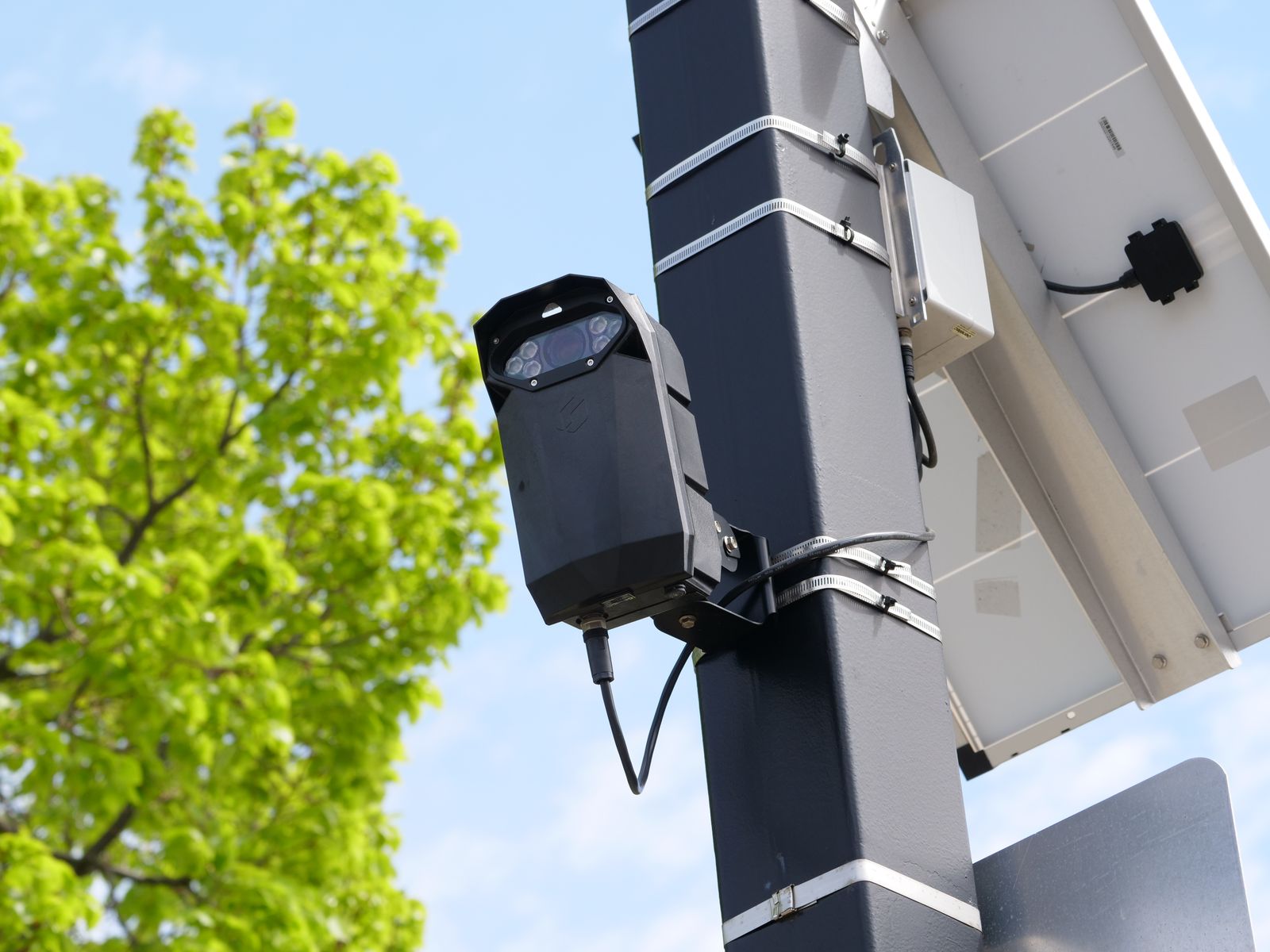
How to Fix Solar Camera Night Vision Issues: Troubleshooting Dark or Blurry Video
Is your solar camera night vision pitch black, foggy, or blinded by a white glare? To fix it fast, first check your battery charge: solar cameras automatically turn off infrared LEDs and spotlights when battery reserves drop below 15–20% to save core connectivity. Next, wipe the camera glass with a microfiber cloth, ensure Auto Night Vision is enabled in your app, and adjust your mounting angle to prevent infrared light from bouncing off nearby walls or eaves back into the lens.
Solar Camera Night Vision Diagnostic Flowchart
- What does your camera feed look like at night? → Yes: Pitch Black Feed -> Check Battery & App IR Toggle. No: Evaluate feed for Glare or Fog.
- Is the image pitch black with no illumination? → Yes: Battery < 20% or IR setting disabled. Charge solar battery and set IR to Auto/ON.. No: Check for blinding white reflection or cloudy blur..
- Is there a bright white, blinded glare around the edges? → Yes: IR Bounce-Back Reflection. Reposition camera angle at least 2–3 feet away from nearby walls or soffits.. No: Proceed to optics check..
- Is the feed foggy, milky, or blurry at night but clear during the day? → Yes: Lens condensation, dust, or spider webs scattering IR light. Clean lens glass with microfiber cloth.. No: Camera rapidly toggles day/night mode. Adjust ambient light sensor sensitivity..
Solar Security Camera Failure Modes & Diagnostic Matrix
Photo by Francesco Ungaro on Pexels
| Failure Mode | Root Cause | Power / Optical Trigger | Quick Fix |
| --- | --- | --- | --- |
| Pitch Black Video | Low battery power-saver or IR disabled in app | Battery reserve dropped below 15-20% threshold | Recharge solar unit; toggle Night Vision to Auto in mobile app. |
| Blinding White Glare / Whiteout | Infrared light bouncing off nearby structure back into lens | Close-proximity reflection off eaves, gutters, or siding | Tilt camera down or remount 2–3 feet away from adjacent surfaces. |
| Milky, Blurry, or Foggy Footage | IR light scattering off surface debris or moisture | Dust, spider webs, water spots, or lens condensation | Clean glass dome with soft microfiber cloth; check internal weather seal. |
| Rapid Day/Night Mode Switching | Light sensor threshold loop / external lamp reflection | Spotlight or streetlamp tripping day sensor at dusk | Lower light sensitivity in app or re-angle away from direct artificial lights. |
| Grainy / Pixelated Color Night Vision | Insufficient spotlight illumination or low WiFi signal | Color mode forced on with insufficient ambient lux | Switch to standard Infrared (IR) black & white mode for long distances. |
Identify your camera's exact failure mode below to understand the optical or power trigger and execute the recommended fix instantly.
Pro Tip: Understand Low Solar Battery Night Cutoffs
Solar security cameras operate under strict power budgets. When prolonged cloud cover or winter angles reduce daily charge, the camera's power management firmware intentionally disables high-draw components—specifically infrared (IR) LED rings and bright white spotlights—once battery capacity drops below 15% to 20%.
Before assuming your camera's night vision hardware is defective, check the live battery status inside your mobile app. If power is low, the camera will still record daytime clips and send motion alerts, but it will go completely dark at night. Re-angling your solar panel toward unshaded midday sun or taking the unit down for a 4-hour direct wall-charger charge often restores full night vision functionality instantly.
5-Minute Preliminary Night Vision Checklist
- Verify solar camera battery charge is above 20% in the mobile application.
- Check that Night Vision / IR Light mode is configured to 'Auto' or 'ON' in settings.
- Ensure no tree branches, gutters, or wall edges are within 3 feet of the lens perimeter.
- Wipe optical glass dome with a clean, lint-free microfiber cloth to remove dust and spider webs.
- Confirm ambient streetlights or floodlights are not shining directly into the camera light sensor.
Mode Selection: Infrared (IR) vs. Spotlight Color Night Vision
- Is your solar panel receiving 4+ hours of direct daily sunlight? → Yes: Proceed to illumination check.. No: Select Infrared (IR) Black & White Mode. Saves up to 70% battery power overnight.
- Do you require full-color detail (e.g., clothing color, vehicle identification)? → Yes: Proceed to motion activation preference.. No: Select Infrared (IR) Black & White Mode for long-distance perimeter clarity.
- Do you prefer continuous illumination or motion-triggered lighting? → Yes: Select Motion-Triggered Spotlight Color Night Vision to conserve solar battery.. No: Select Standard IR Mode to prevent bright lights from disturbing neighbors.
Immediate Diagnostic Action Steps
Your decision: Determine whether your camera requires charging/panel adjustment, physical remounting to eliminate IR glare, or optical glass cleaning.
Do this next: Check camera battery percentage in the app, clean the glass dome with a soft microfiber cloth, and adjust camera tilt to clear adjacent walls.
Related resource: Solar Security Camera Maintenance & Cleaning Guide
Outdoor Solar Security Camera (Pack) with Smart Night Vision
Follow these practical steps right now to resolve your night vision issues and restore proper round-the-clock monitoring.
Recommended Equipment: High-Efficiency Outdoor Solar PTZ Camera Pack
If your existing camera suffers from poor night vision range or frequent battery depletion, consider upgrading to a system designed specifically for aggressive low-light performance and reliable solar recovery.
Key Takeaways for Long-Term Solar Night Vision Health
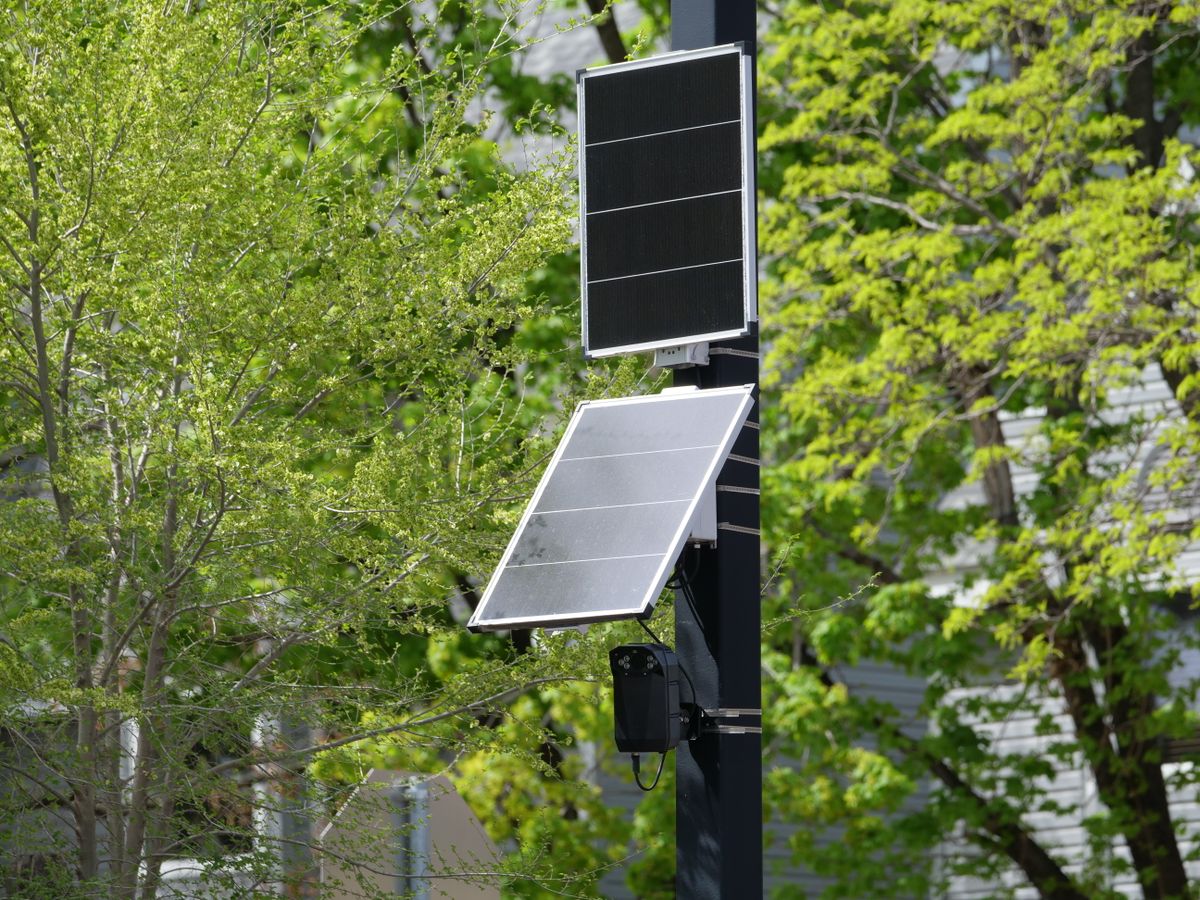
Photo by Giant Asparagus on Pexels
Keep these critical maintenance principles in mind to maintain clear nighttime video surveillance year-round:
Step-by-Step Troubleshooting for Specific Night Vision Failures
Follow these structured repair walkthroughs tailored to your exact visual feed problem.
Common Mistakes That Ruin Solar Camera Night Vision
Avoid these frequent installation and operational mistakes that ruin night video clarity and drain solar reserves prematurely:
Frequently Asked Questions About Solar Camera Night Vision
Clear answers to essential questions regarding night vision functionality, battery draw, and optical settings.
Related Solar Security Maintenance Guides
- Troubleshooting Solar Security Camera Night Vision: Fixing Blurry Footage and Glare
- Does an Outdoor Solar Security Camera Have Night Vision?
- How Color Night Vision Affects Solar Security Camera Battery Life (And How to Balance Power)
Summary & Final Action Plan
Your decision: Identify whether your camera needs charging, physical repositioning, optical cleaning, or software reconfiguration.
Do this next: Verify battery status (>20%), clean lens glass with microfiber, and re-angle camera to clear soffits and walls.
Related resource: Solar Security Camera Maintenance & Cleaning Guide
Outdoor Solar Security Camera (Pack) with Smart Night Vision
Restoring your solar camera's night vision performance requires checking power levels, verifying app settings, and eliminating optical glare.
Cover photo by Giant Asparagus on Pexels.