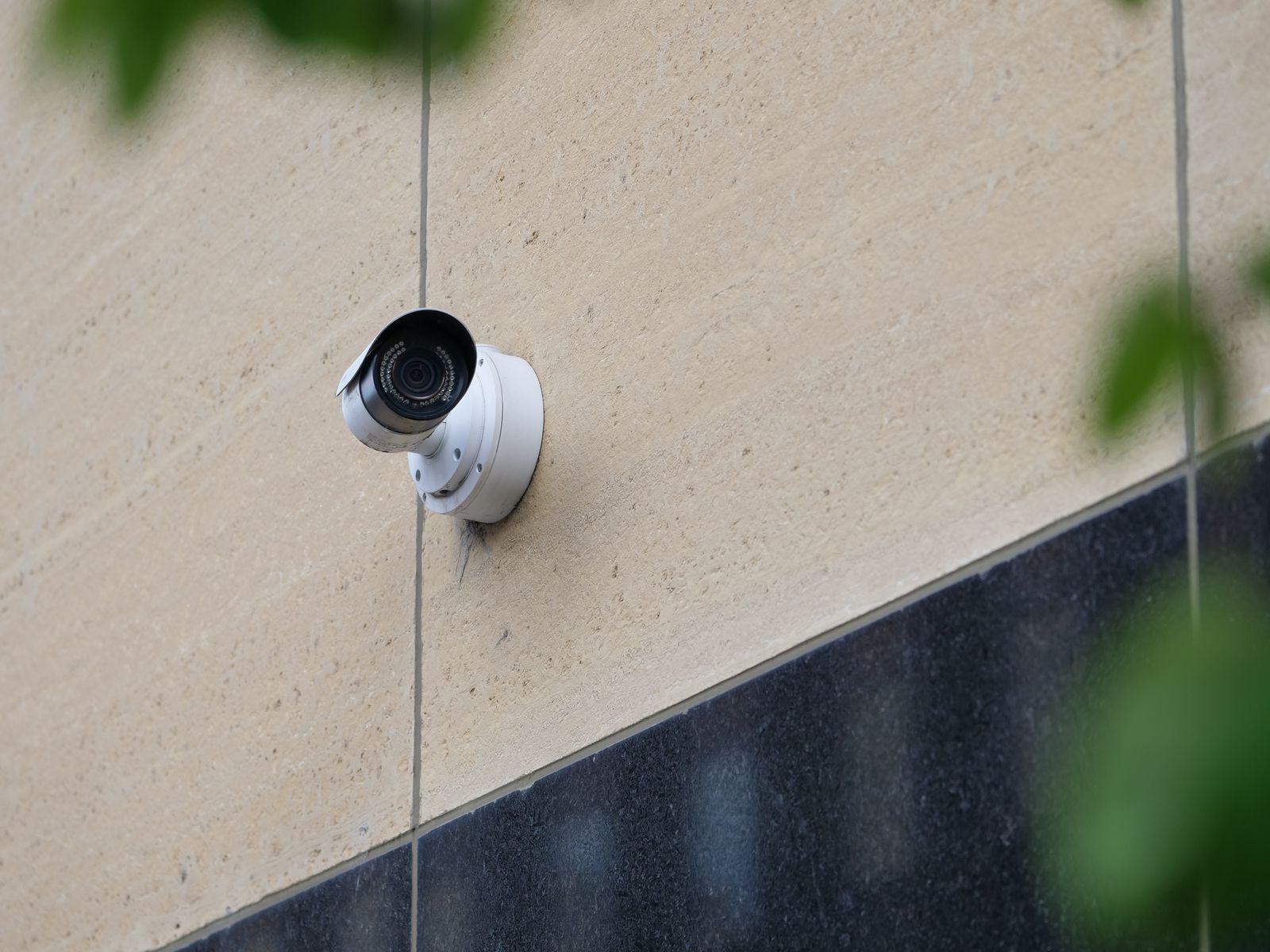
Solar Security Camera PTZ & Motion Detection FAQs: Angles, Zooming, and App Controls
Imagine sitting at work when your phone vibrates with an alert: motion detected at your side gate. Solar PTZ security cameras combine 355° motorized panning and 90° tilting with passive infrared (PIR) heat sensing. In battery-saving standby, the PIR sensor monitors a 120° arc for human body heat; upon detection, the camera instantly wakes, records, auto-tracks, and notifies your mobile app—providing full 360° property awareness without draining the battery.
Decision Support: Balancing Motorized PTZ Panning vs. PIR Detection & Battery Life
Solar PTZ security cameras balance property coverage and battery conservation. While motorized panning (355°/90°) offers full perimeter visibility, running continuous motorized sweeps exhausts solar-recharged batteries. Operating in PIR-triggered standby mode with saved app presets delivers maximum battery longevity and security response.
Best choice for
- PIR-Triggered PTZ with 3 Pre-set Points — Allows high-speed repositioning via app while keeping the camera in ultra-low power standby until thermal motion triggers recording.
- Fixed High-Traffic Angle with Motion Masking — Prevents unnecessary motor wear and excessive battery draw while capturing targeted entrance activity.
- Continuous 24/7 automated motor panning (guard tour) on solar-powered battery systems
- Setting PIR sensitivity to maximum when facing wind-blown foliage or busy public streets
- Dual-Lens Solar Cameras — Provides one fixed ultra-wide view alongside one motorized PTZ lens for properties requiring simultaneous wide overview and zoomed detail.
Recommended Solution: High-Efficiency Solar PTZ Surveillance
Photo by Timothy Huliselan on Pexels
For complete outdoor protection without electrical wiring, the Outdoor Solar Security Camera (Pack) delivers professional-grade surveillance engineered specifically for long battery life and harsh weather conditions.
Why This Unit Excels in Real-World Scenarios
- 355° Pan & 90° Tilt: Eliminate blind spots across expansive yards, driveways, and commercial lots with smooth, app-controlled motorized positioning.
- Continuous Solar Power: High-efficiency solar panel maintains battery charge even during overcast winter periods.
- Color Night Vision & Two-Way Audio: High-power spotlights illuminate key areas in full color at night while integrated noise-canceling audio lets you warn off intruders in real time.
- Dual Storage Security: Local micro-SD support alongside secure cloud storage options ensures your video evidence is safely backed up.
Troubleshooting Matrix: Common PTZ Motion & App Control Issues
| Observed Issue | Root Cause | App & Physical Solution |
| --- | --- | --- |
| Camera fails to pan when commanded in the app | Weak Wi-Fi signal or temporary low battery safety shutdown | Check Wi-Fi signal strength at the mounting location. Ensure solar panel receives 3+ hours of direct sunlight daily. Reboot app connection. |
| Motion alert triggers late after subject has passed | PIR sensor tilted too high or sensitivity set to 'Low' | Adjust physical downward tilt so PIR cone targets ground at 8-10 ft height. Increase PIR sensitivity to 'Medium' or 'High' in app settings. |
| Digital zoom image appears blurry or pixelated | Digital magnification stretching base image resolution beyond threshold | Reposition camera closer using app pan/tilt presets. Avoid digital zoom beyond 4x for license plate reading. |
| Camera resets to wrong angle after panning | Home position not saved or motor lost orientation post-reboot | Navigate to App > PTZ Controls > Preset Management, re-align camera, and save as default 'Home Position'. |
If your PTZ solar camera is experiencing motion detection delays, unresponsive panning, or video clarity issues, locate your symptom below for immediate app and physical calibration steps.
PTZ Motorized Tracking vs. Fixed-Lens PIR Motion Detection
| Feature / Parameter | Motorized PTZ Camera (App Controlled) | Standard Fixed-Lens Solar Camera |
| --- | --- | --- |
| Physical Field of View | 355° Horizontal Pan / 90° Vertical Tilt | Static 110° to 130° Fixed Diagonal View |
| Standby Power Consumption | Ultra-Low Micro-Amps (PIR standby mode active) | Ultra-Low Micro-Amps (PIR standby mode active) |
| Active Panning Battery Draw | Moderate during motor movement (0.8W - 1.5W) | None (No motorized parts) |
| App Control Versatility | Full remote pan/tilt presets and live zoom controls | Fixed angle adjustments require physical ladder access |
| Perimeter Defense Capability | Covers multiple zones (driveway + front porch + side lawn) | Requires multiple fixed cameras for full perimeter coverage |
Compare mechanical pan-tilt performance against traditional static wide-angle cameras to understand coverage flexibility and energy management.
Diagram Brief: PTZ Mechanical Field of View vs. PIR Thermal Sensing Arc
This visual specification details the structural layout showing how a solar security camera's 355° motorized pan limit pairs with its stationary 120° PIR thermal motion sensing trigger zone.
Featured Solution: Outdoor Solar Security Camera (Pack)
Equip your home or commercial facility with total perimeter defense. The Outdoor Solar Security Camera (Pack) bundles high-definition pan-tilt-zoom cameras, high-efficiency solar panels, and intuitive mobile app management.
- Motorized Pan & Tilt: 355° horizontal and 90° vertical rotation controlled directly from your phone.
- Spotlight-Assisted Color Night Vision: Identifies clothing color, vehicle details, and facial features in total darkness.
- Interactive Two-Way Audio: Speak directly to delivery drivers or deter suspicious visitors remotely.
- Resilient Wireless Connectivity: Optimized Wi-Fi antenna keeps video streams clear across long outdoor distances.
Key Takeaways: Core Principles of Solar PTZ & PIR Optimization
Keep these five essential rules in mind when deploying and managing your app-controlled solar PTZ security cameras:
- PIR Sensor Efficiency: Passive infrared sensors consume negligible battery power while sleeping, waking the camera only when human thermal signatures cross the detection zone.
- Preset Memory Advantage: Saving named pan/tilt presets in your mobile app provides instant one-tap navigation to critical property angles without wearing down motors with manual joystick panning.
- Mounting Height Rules: Installing cameras at 8 to 10 feet with a 10° to 15° downward tilt optimizes heat sensing up to 30 feet at night while maintaining crisp facial recognition.
- Digital Zoom Limits: High-definition image sensors allow clear digital zoom up to 4x; beyond this threshold, physical camera proximity is required for license plate legibility.
- Active Spotlight Deterrence: Automated spotlight activation upon night motion detection transforms standard black-and-white infrared into full-color video evidence while scaring off intruders.
Pre-Deployment Solar PTZ & App Calibration Checklist
- Mount camera securely 8-10 feet above ground level to optimize PIR thermal detection angle.
- Ensure solar panel faces South/Southwest with zero tree canopy or roofline shading.
- Open mobile app and save 'Home Position' facing the primary entry pathway.
- Set additional pan presets for driveway, side gate, and patio entry zones.
- Configure PIR Motion Sensitivity to 'Medium' to prevent wind/leaf false triggers.
- Test digital zoom level to ensure license plates and faces remain legible at target distance.
- Verify two-way audio latency and speaker volume through mobile app on cellular data.
- Confirm micro-SD card or Cloud Storage recording trigger duration is set to 15-30 seconds per motion event.
5 Critical Mistakes That Drain Solar PTZ Camera Batteries
Avoid these common operational traps to ensure your solar surveillance system maintains continuous, uninterrupted power year-round:
Solar PTZ & Motion Detection Frequently Asked Questions
Expert answers to common technical questions regarding pan-tilt motorized movement, preset configuration, night vision range, and Wi-Fi fail-safes.
Next Steps: Immediate System Tuning and Calibration
Your decision: Determine whether your property layout requires active PIR-triggered tracking or saved static app presets to protect high-risk entry points.
Do this next: Mount the camera 8-10 feet high, save 2-3 primary view presets in the app, set PIR sensitivity to Medium, and verify solar panel receives at least 3-4 hours of direct sunlight daily.
- Read next: How to Custom-Configure Solar Camera Motion Detection Alerts to Stop False Alarms
- Read next: Mastering App-Controlled PTZ Functions: A Complete Guide to Remote Pan, Tilt, and Zoom
Wireless Outdoor Solar Security Camera Pack with PTZ, Color Night Vision, and App Controls.
Finalize your solar security deployment by establishing proper app presets and physical mounting parameters today.
Featured Solution: Outdoor Wireless Solar PTZ Camera Pack
Introduce the solar PTZ pack for readers looking for compatible hardware.