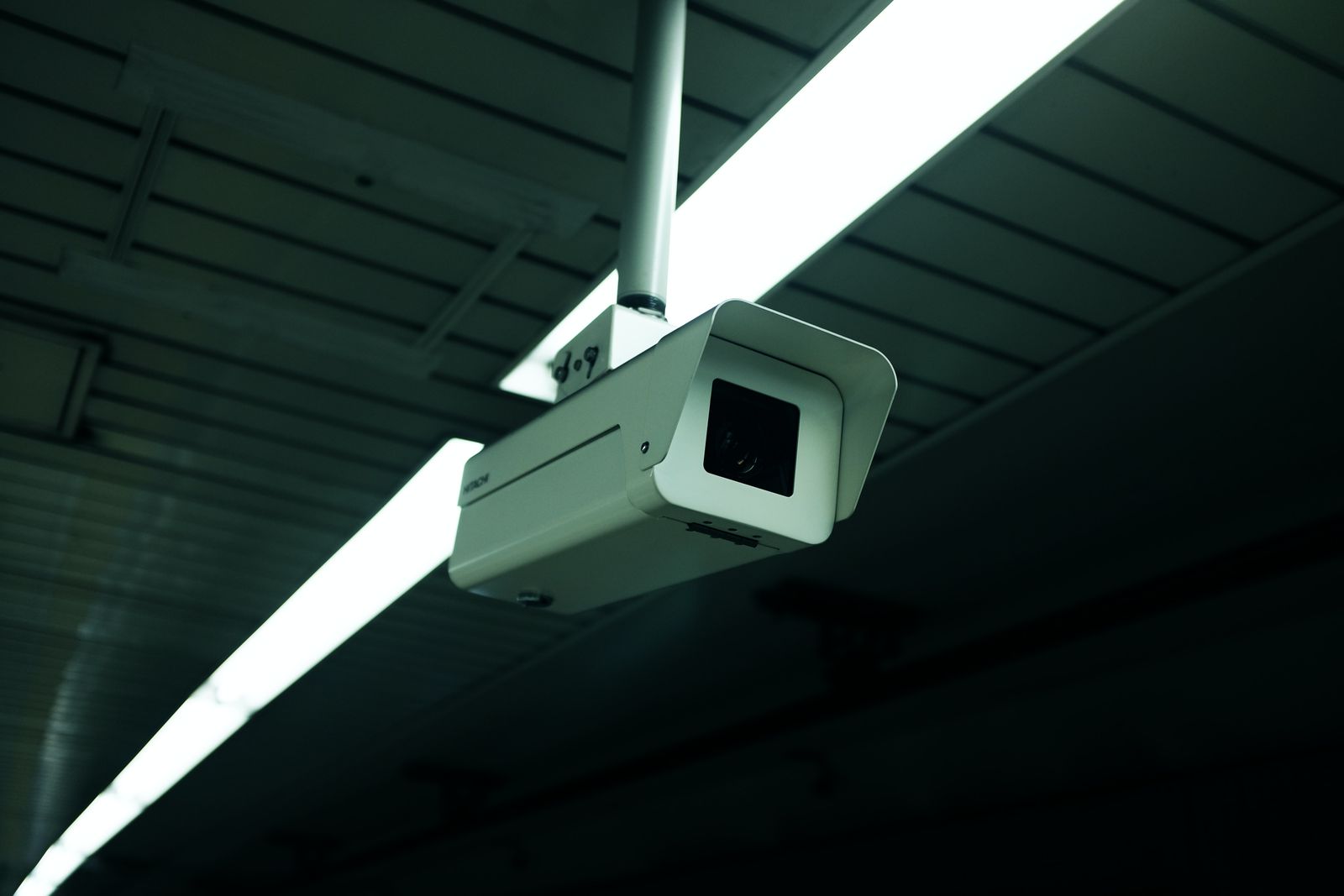
Why Is My Solar Security Camera Not Charging? (Fix Guide)
Is your solar security camera showing a low battery alert or failing to charge even in broad daylight? The fastest fix is to inspect the micro-USB or USB-C connection for moisture or loose seating, wipe away surface glass debris, ensure 3 to 5 hours of unshaded southern sun exposure at a 30° to 45° angle, and lower PIR motion sensitivity in the app. If the battery is completely depleted, bring the camera inside and bench-charge it using a 5V/2A wall adapter for 8 hours to reset the internal Battery Management System (BMS).
Visual Charging Failure Flowchart
- Is the camera battery at 0% and completely unresponsive? → Yes: Perform an 8-hour indoor AC wall bench charge (5V/2A adapter) to unlock the internal Battery Management System (BMS).. No: Check if the app displays the solar charging lightning bolt icon during peak daytime sun..
- Does the app show a active charging icon in full daylight? → Yes: Issue is rapid battery consumption. Lower PIR motion detection sensitivity and disable continuous PTZ auto-tracking.. No: Issue is zero solar input. Inspect micro-USB seal, clean panel glass, and eliminate roof eave or tree shading..
Solar Camera Charging Diagnostic Matrix
Photo by Sofia Guzeva on Pexels
| Failure Mode / Symptom | Root Failure Cause | Hardware Diagnostic Check | Software & App Fix |
| --- | --- | --- | --- |
| Zero solar charging icon in full daylight | Unseated micro-USB plug, corroded contact pins, or heavy surface grime build-up. | Unplug USB cable, inspect rubber weather gasket for moisture or green oxidation, wipe glass panel with damp cloth. | Reboot camera via app settings; check solar power status indicator under Battery Management menu. |
| Battery drops 30%+ overnight despite full sun | High PIR motion detection sensitivity triggering frequent wake-ups, PTZ turns, or high-power Wi-Fi video streaming. | Confirm solar panel is receiving direct sunlight without obstruction between 10 AM and 3 PM. | Set PIR motion sensitivity to 'Medium' or 'Low', reduce clip recording duration to 10-15 seconds, and disable auto-tracking. |
| App shows solar icon but battery percentage steadily declines | Net power deficit: consumption from frequent motor turns and infrared night vision exceeds micro-solar panel wattage output. | Re-angle panel facing South (30°-45° tilt) to maximize peak solar radiation intake. | Disable continuous live view streaming; switch infrared night vision from spotlight color mode to standard IR when possible. |
| Camera stops charging completely during sub-freezing winter weather | BMS (Battery Management System) temperature protection circuit engaging to prevent lithium battery plating damage below 32°F (0°C). | Verify ambient outdoor temperature. Do not attempt to force heat panel or battery artificially. | Charge acceptance will automatically resume once ambient temperature rises above freezing point. |
| Camera operates during daytime but dies minutes after sunset | Deep-discharge lithium-ion battery exhaustion or recalibration failure causing premature BMS voltage cutoff. | Bring unit indoors; inspect battery housing for swelling or damage. | Perform full 8-hour indoor bench charge with 5V/2A wall adapter to re-calibrate BMS battery voltage reporting. |
Identify your specific solar charging failure mode below to apply the verified physical or digital resolution.
Pro Tip: Recalibrating Deep-Discharged BMS Circuits
When a solar security camera battery drops to absolute zero, its internal Battery Management System (BMS) enters a protective sleep state to prevent catastrophic lithium cell breakdown. In this safety lock state, the trickle charge produced by a small 3W to 5W solar panel does not generate sufficient initial voltage to awaken the charge controller.
To bypass this lockout, unmount the camera and plug it directly into a standard 5V/2A USB wall outlet indoors for 8 uninterrupted hours. This bench charge supplies steady current to awaken the BMS, balance the internal lithium cells, and recalibrate the app's battery percentage reading. Once fully charged indoors, re-mount the camera with a fully sealed rubber gasket.
Hardware & Environment Inspection Checklist
- Clear all dust, pollen, snow, tree sap, and bird droppings from the solar panel glass using a damp microfiber cloth.
- Verify the micro-USB / USB-C rubber weather-gasket is firmly pressed into the port cavity without gaps, water droplets, or pin corrosion.
- Ensure the solar panel faces South (in the Northern Hemisphere) angled between 30 and 45 degrees toward the sky.
- Confirm that roof eaves, chimneys, or tree branches do not cast moving shadows across the solar glass between 10 AM and 3 PM.
- Inspect the entire length of the power cable for animal chew marks, pinched insulation, or tight 90-degree bend radius strain.
- Lower PIR motion alert sensitivity in the mobile app to 'Medium' to reduce unnecessary motorized PTZ pan-tilt and recording activations.
Solar Security Camera Charging Failure Diagnostic Tree
- Does the mobile app show the solar charging icon during direct daylight hours? → Yes: Your panel and cabling are functional. The issue is high power drain exceeding solar intake.. No: Your camera is receiving zero electrical current from the solar panel.
- If NO charging icon: Is the solar panel glass clean and the cable plug fully seated with rubber gasket tight? → Yes: Bench-charge camera indoors for 8 hours with a 5V/2A wall plug to awaken locked BMS circuits.. No: Clean glass with microfiber cloth, inspect contacts for moisture corrosion, and re-seat cable firmly.
- If YES charging icon but battery drops: Are daily motion triggers exceeding 50 events per day? → Yes: Lower PIR motion detection sensitivity to Medium/Low and shorten video clip recording length.. No: Re-angle panel to true South at 30-45 degrees to increase total daily solar energy harvest.
Key Takeaways for Maintaining 24/7 Solar Power
- Direct sunlight is mandatory: Micro-solar panels require unshaded sunlight exposure between 10 AM and 3 PM; ambient sky brightness generates less than 15% of rated power output.
- PIR settings control battery lifespan: Excessive motion sensitivity triggers continuous CPU processing, Wi-Fi radio transmission, and PTZ motor turns that exhaust battery reserves faster than solar trickle panels can replenish.
- Sub-zero BMS protection is normal: Lithium batteries automatically freeze charging capability below 32°F (0°C) to prevent permanent cell damage; charging resumes automatically when temperatures warm up.
- Bench-charging resets battery logic: An 8-hour AC wall charge recalibrates deep-discharged battery management systems when micro-solar wattage is insufficient to break a voltage sleep state.
- Weather-sealing prevents port rot: Failing to fully seat the rubber weather-gasket leads to moisture ingress, pin oxidation, and permanent electrical charging blocks.
Solar Panel Voltage & Wattage Specifications Matrix
| Lighting / Environmental Condition | Average Solar Irradiance (W/m²) | Expected DC Voltage Output | Current Output (mA) | Impact on Camera Battery |
| --- | --- | --- | --- | --- |
| Direct Unshaded Sun (South Facing, 35° Tilt) | 800 - 1000 W/m² | 5.0V - 5.5V DC | 500mA - 800mA | Optimal charging; gains 15% - 25% battery charge per day. |
| Light Overcast / High Haze Clouds | 300 - 500 W/m² | 4.5V - 4.8V DC | 100mA - 250mA | Slow trickle charge; maintains current battery level without net loss. |
| Heavy Cloud Cover / Rain | 100 - 200 W/m² | 3.8V - 4.2V DC | 20mA - 60mA | Negligible charge input; battery experiences slow daily net deficit. |
| Deep Shade (Under Roof Eave / Dense Trees) | < 50 W/m² | < 3.5V DC | < 10mA | Zero charging input; camera app reports disconnect or discharging. |
| Sub-Freezing Direct Sun (< 32°F / 0°C) | 800 - 1000 W/m² | 5.0V DC (Panel Active) | 0mA (BMS Block) | Charging disabled by internal BMS safety circuit to protect lithium cells. |
Understand how environmental sunlight conditions directly influence solar charging current and battery replenishment rates.
Recommended All-Weather Solar PTZ Security Cameras
Upgrade to high-efficiency solar security camera packages engineered with high-output solar panels and heavy-duty weather sealing.
Seasonal Solar Maintenance & Diagnostics Calendar
- ** —
- ** —
- ** —
- ** —
Side-by-Side: Solar Charging Error Symptoms vs. Root Causes
Photo by Jan van der Wolf on Pexels
| App Battery Icon Status | Physical Camera LED State | Environmental Condition | Root Hardware / Software Cause | Corrective Action Required |
| --- | --- | --- | --- | --- |
| No Solar Lightning Bolt Icon | Solid Red or Off | Direct Midday Sunlight | Unseated cable plug, corroded USB contacts, or dead panel solar cell. | Inspect micro-USB seal, clean contacts, or test panel output. |
| Solar Icon Active (Lightning Bolt) | Blinking Blue or Green | Direct Sunlight | High power drain from PIR triggers, PTZ auto-tracking, or infrared night vision. | Reduce motion sensitivity to Medium and disable continuous live view. |
| Battery Icon Shows 0% | Fast Flashing Red | Any Weather Condition | BMS battery circuit deep-discharge lockout. | Unmount camera and perform an 8-hour AC wall bench charge indoors. |
| Solar Icon Disappears Midday | Solid Red | Sub-Freezing (< 32°F / 0°C) | Low-temperature BMS battery charge protection active. | Wait for ambient temperature to rise above freezing; charging auto-resumes. |
Compare observed physical indicators and app statuses side-by-side to isolate hardware defects from software drains.
5 Steps to Restore Your Solar Security Camera Charge
Follow this systematic process to eliminate charging faults and restore continuous surveillance.
6 Common Mistakes That Drain Solar Security Cameras
Avoid these critical installation and operational mistakes that lead to unexpected low-battery failures.
Frequently Asked Questions About Solar Camera Charging
Find fast answers to common technical queries regarding solar panels, battery physics, and app settings.
Immediate Actions to Restore Continuous Security
Your decision: Determine whether your charging issue is due to panel positioning/cabling or software over-triggering.
Do this next: Perform a 5-minute physical inspection of the micro-USB connection, clean the solar glass with a microfiber cloth, and reduce PIR motion sensitivity to Medium in the mobile app.
- Read next: Solar Security Camera Not Charging in Winter? Power Optimization & Troubleshooting
- Read next: Do Solar Security Cameras Work on Cloudy Days and at Night?
If your current panel or camera battery is degraded, consider upgrading to an integrated Outdoor Solar Security Camera (Pack) with continuous trickle charge.
Take these immediate steps to resolve your camera's charging failure and protect your property without surveillance interruptions.