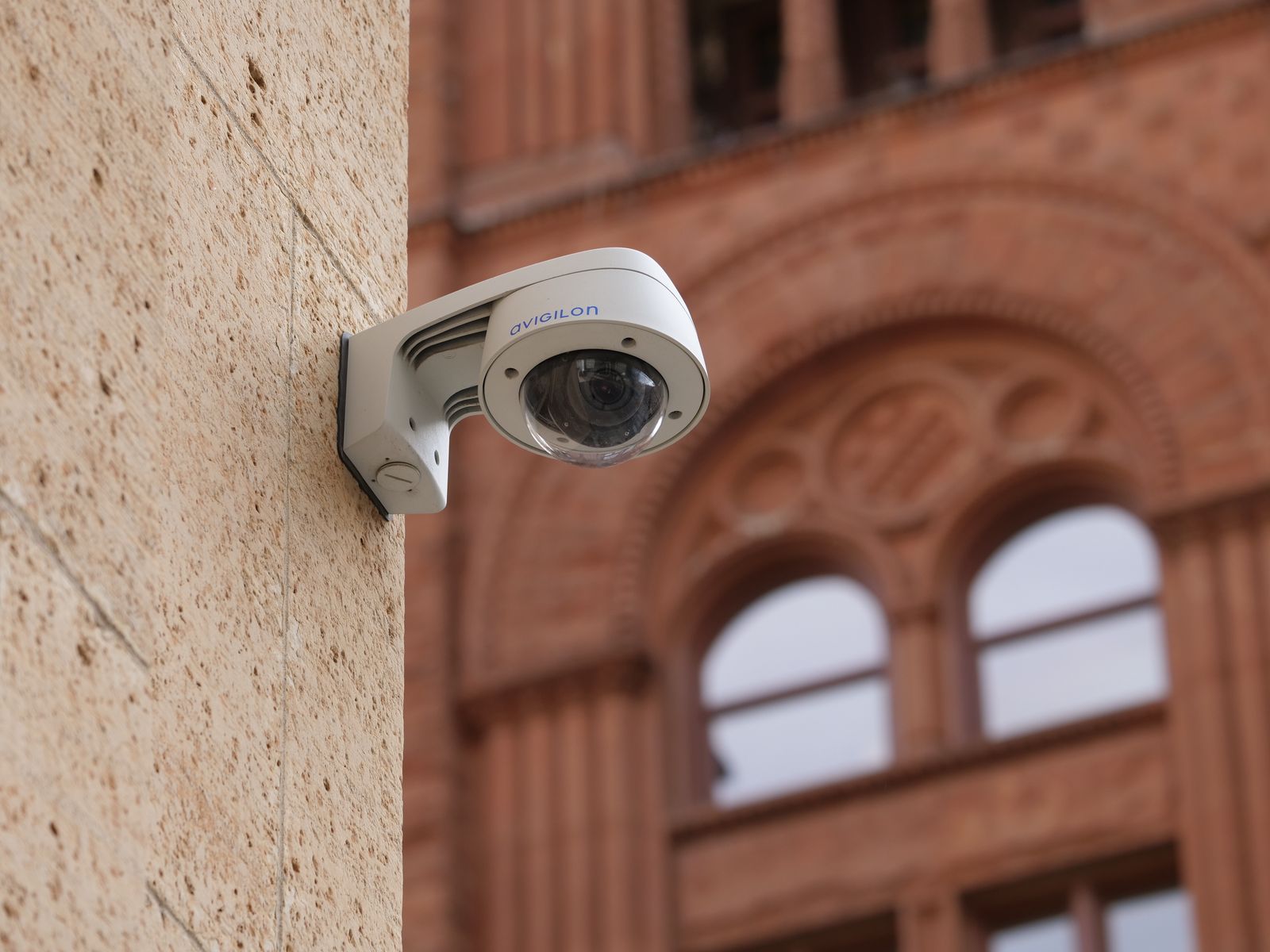
Solar Security Camera Cloud Storage Plans FAQ: Data Safety, Costs, and Retention Explained
Imagine waking up at 2:00 AM to an alert on your phone showing an unfamiliar vehicle parked at the end of your driveway. Your solar camera sweeps its pan-tilt-zoom lens around, illuminates the area with bright color night vision, and records a crisp video clip. But what happens if an intruder notices the camera and damages the physical hardware?
Solar security camera cloud storage plans solve this critical vulnerability by instantly transmitting motion-triggered video clips offsite to secure servers using bank-grade AES-256 encryption. While solar security cameras function fully for live viewing and local recording without any mandatory monthly fees, subscribing to a cloud plan (typically $3 to $10 per month) ensures your critical video evidence is preserved offsite, completely safe from camera theft, physical destruction, or local storage card failure.
Choosing the Right Cloud Storage Tier for Your Property
Selecting the right cloud storage plan depends on your property risk level, number of outdoor PTZ cameras, and bandwidth capabilities. Solar security cameras rely on motion-triggered event clips to optimize battery life and minimize monthly data costs.
Best choice for
- 7-Day Motion Event Cloud Plan — Captures all human and vehicle motion events while keeping subscription costs minimal ($3–$5/mo) and preserving solar battery reserves.
- 30-Day Multi-Camera Pack Cloud Plan — Provides an extended evidence retention window across multiple PTZ cameras with centralized management in a single mobile app.
- Free Local SD Card Storage + Event Cloud Backup — Eliminates recurring monthly costs by saving full video history locally while using free basic cloud previews for push notifications.
- You expect continuous 24/7 uncompressed video streams on a battery-powered solar camera system.
- Your outdoor mounting location has no wireless WiFi signal or cellular connection whatsoever.
- Onboard Micro SD Card (Up to 128GB/256GB) — Provides local zero-cost recording directly inside the camera housing, though footage remains vulnerable if the camera is physically stolen.
Evaluating Your Storage Options
When evaluating cloud tiers, consider how quickly you typically review notifications and whether your local code or business liability requires extended event history. For most suburban single-family homes, a 7-Day Standard Event Plan provides plenty of time to review, download, or share footage with law enforcement before clips cycle out.
For commercial storefronts, remote construction sites, or rental properties where incidents might go unnoticed for weeks, a 30-Day Premium Cloud Plan or a Multi-Camera Pack Subscription offers the long-term paper trail required for insurance claims and legal documentation.
Recommended Solution: Outdoor Solar Security Camera Pack

Photo by Yunus KALÇIK on Pexels
If you are looking for a complete outdoor surveillance setup that combines complete freedom from power wires with robust cloud security options, the Outdoor Solar Security Camera Pack delivers professional-grade protection.
- App-Controlled Pan-Tilt-Zoom (PTZ): Remotely rotate the camera 355° horizontally and 90° vertically from your smartphone for total property coverage.
- Encrypted Cloud & Local Backup: Seamlessly pair motion-activated clips with secure offsite cloud plans or high-capacity micro SD cards.
- Color Night Vision & Two-Way Audio: Identify visitors or deter trespassers in real time with bright white spotlights and clear built-in speakers.
- 100% Wireless Solar Autonomy: High-efficiency solar panels maintain battery charge year-round, eliminating the hassle of manual recharging.
Cloud Storage Cost & Data Estimator
Understanding how much internet data your solar security camera uploads—and what your monthly cloud subscription will cost—helps you plan your network and budget. Because outdoor solar PTZ cameras utilize advanced H.265 video compression and PIR motion triggers, they consume only a fraction of the data used by traditional hardwired cameras.
The Math Behind Solar Camera Storage
- Average Event Clip: A standard 15-second 2K motion clip generates approximately 5 MB of data.
- Daily Traffic: A camera experiencing 20 motion triggers per day uploads roughly 100 MB per day (about 3 GB per month).
- Bandwidth Overhead: Uploading a 5 MB clip takes less than 3 seconds on a standard 5 Mbps upload WiFi connection, leaving your home internet completely unburdened.
Side-by-Side: Cloud Storage Tiers vs. Retention & Security Features
| Feature / Specification | Local Micro SD (No Plan) | 7-Day Standard Cloud Plan | 30-Day Premium Cloud Plan | Multi-Camera Business Plan |
| --- | --- | --- | --- | --- |
| Estimated Monthly Cost | $0 / month | $3.00 – $4.99 / month | $6.99 – $9.99 / month | $9.99 – $14.99 / month |
| Video Retention Window | Until SD card fills (overwrites) | 7 Days rolling history | 30 Days rolling history | 30 Days rolling history |
| Camera Theft Protection | None (data lost if camera stolen) | Full Offsite Encrypted Backup | Full Offsite Encrypted Backup | Full Offsite Encrypted Backup |
| Encryption Standards | Local FAT32 Encryption | AES-256 & TLS 1.3 Transmission | AES-256 & TLS 1.3 Transmission | AES-256 & TLS 1.3 Transmission |
| Supported Camera Count | 1 Camera per SD Card | 1 Camera | 1 Camera | Up to 4 Cameras (Pack) |
| Motion Event Clip Length | Configurable (10s – 60s) | 15s – 30s Auto-Cloud Upload | 15s – 60s Auto-Cloud Upload | 15s – 60s Auto-Cloud Upload |
| Remote App Access | Live View & Local Playback | Instant Cloud Playback Anywhere | Instant Cloud Playback Anywhere | Multi-View Cloud Playback |
Comparing cloud subscription options side-by-side helps clarify what you receive at each tier, from zero-cost local storage up to multi-camera enterprise cloud coverage.
Featured Hardware for Cloud Offsite Backup
To take full advantage of secure cloud storage without worrying about battery drain or tricky outdoor power installation, equip your property with high-performance wireless solar hardware.
Key Takeaways: Cloud Storage Economics & Security
- Subscriptions Are Always Optional: Your outdoor solar security camera streams live 2K video, sends real-time app notifications, and records locally to a micro SD card completely free of charge without a monthly subscription.
- Offsite Protection Prevents Evidence Loss: The primary benefit of a cloud plan is protecting footage against physical camera theft, vandalism, or extreme weather damage.
- Motion-Triggered Capture Saves Power: Recording clips only when PIR sensors detect human or vehicle movement preserves solar battery life and prevents network congestion.
- Bank-Grade Data Privacy: Reputable cloud services encrypt video data locally before transmission using TLS 1.3 and store files with AES-256 encryption in secure data centers.
- Offline Buffering Guards Against WiFi Outages: If your local WiFi disconnects during an event, smart solar cameras temporarily store the clip on internal buffer memory and automatically sync it to the cloud once connectivity returns.
Pre-Subscription Setup Checklist
Photo by Giant Asparagus on Pexels
- Verify outdoor WiFi signal strength at the installation spot (ensure signal is -65 dBm or stronger in the app).
- Adjust PIR motion detection sensitivity zones to prevent passing street traffic or sway branches from triggering false cloud uploads.
- Select your preferred event clip duration (15 to 30 seconds) to achieve the ideal balance between event detail and upload speed.
- Enable Two-Factor Authentication (2FA) inside your smartphone app to safeguard remote cloud video access.
- Decide between a 7-day or 30-day retention tier based on how frequently you inspect your property logs.
5 Cloud Storage Mistakes Homeowners Make
Avoid these frequent missteps to ensure your wireless outdoor surveillance system operates efficiently without draining batteries or overworking your WiFi network.
Frequently Asked Questions About Solar Camera Cloud Storage
Here are direct, professional answers to the most common questions regarding cloud plans, video privacy, battery consumption, and subscription costs.
Next Steps: Securing Your Property with Cloud Offsite Backup
Your decision: Determine whether your property risk profile requires the offsite theft protection of a cloud plan or if zero-cost local micro SD card recording is sufficient.
Do this next: Select the Outdoor Solar Security Camera Pack and pair it with a flexible 7-day or 30-day motion event cloud storage plan for total offsite evidence protection.
- Read next: Understanding Security Camera Video Encryption: How to Protect Your Cloud Footage from Hacks
Outdoor Solar Security Camera (Pack) — Featuring app-controlled PTZ tracking, color night vision, two-way audio, and seamless encrypted cloud integration.
Now that you understand how solar camera cloud storage plans operate, you can confidently select the ideal surveillance hardware and backup tier for your home or business.
For complete peace of mind, pair your system with an offsite cloud plan that protects your footage against hardware theft, extreme weather, or local card failure.
Related Guides & Data Security Resources
Guide readers to related guides on local SD storage, encryption, and WiFi optimization.
Cover photo by Giant Asparagus on Pexels.