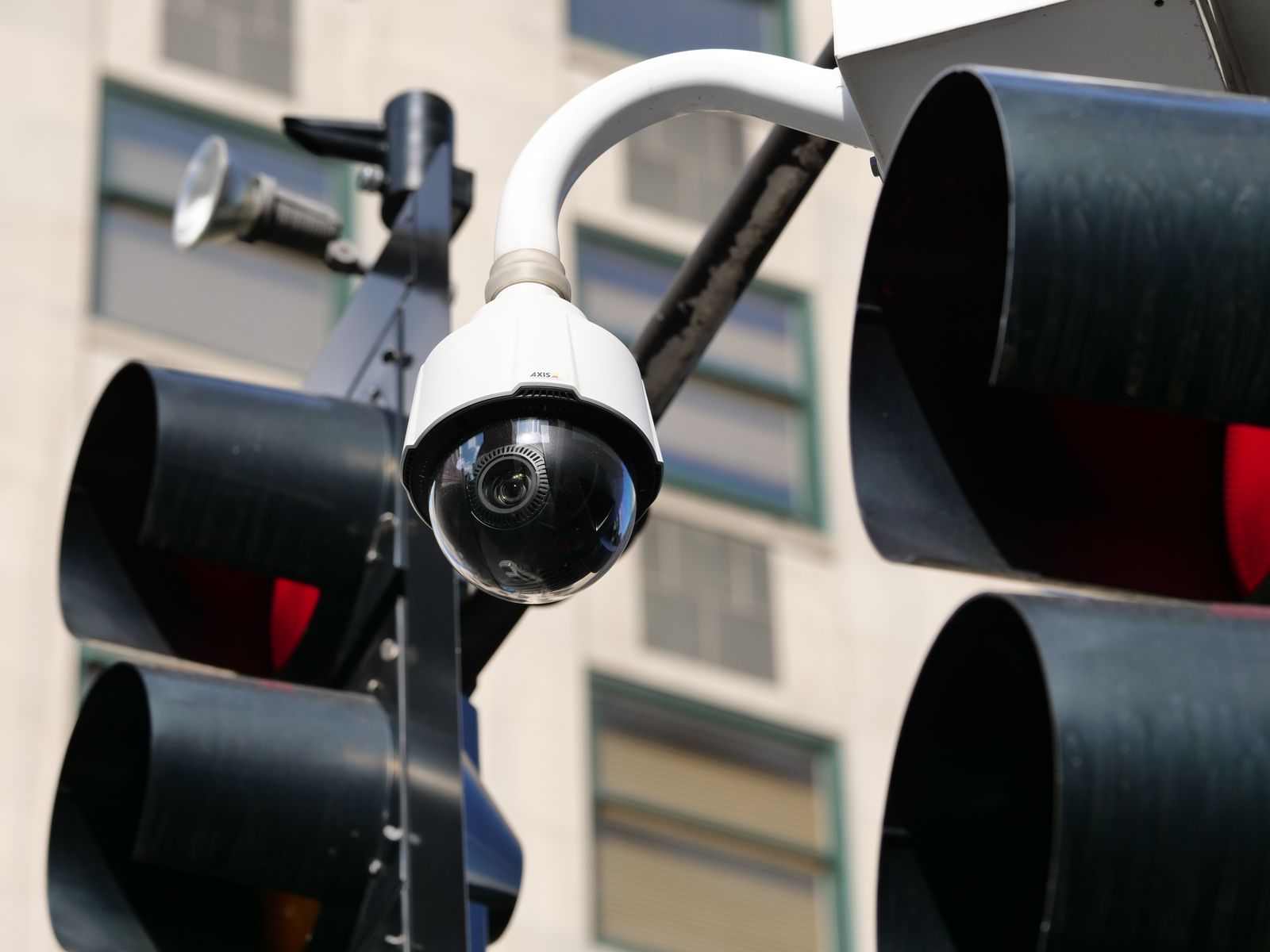
Solar Security Camera App Control FAQ: Two-Way Audio & PTZ Setup
Imagine receiving a late-night motion alert on your smartphone, opening the live app view to check your property perimeter, and hearing a disorienting echo or experiencing voice delay when trying to speak to a visitor through the outdoor speaker.
To manage two-way audio and app controls on outdoor solar security cameras efficiently, use a dedicated 2.4 GHz Wi-Fi signal, restrict live-stream viewing to preserve solar battery life, assign sub-accounts for family members, and adjust audio gain settings to eliminate echo and transmission delays.
Selecting the Right App Settings for Battery and Performance
Choose app settings that balance real-world security needs with solar battery preservation and network bandwidth.
Best choice for
- Sub-Account Access with Push Notifications Only — Prevents unauthorized setting changes while delivering real-time movement alerts to employees or family members.
- Low Latency Audio Bitrate + On-Demand Live Streaming — Maintains crisp two-way voice communication over cellular data without draining battery through background streaming.
- Leaving continuous live stream open on multiple smartphones simultaneously
- Setting microphone volume to 100% while holding the phone near the camera speaker during setup
- Local NVR integration with App Mirroring — Ideal for multi-camera commercial setups requiring continuous recording alongside mobile app alerts.
By tailoring streaming resolution, audio bitrate, and user access levels within the app, you ensure immediate deterrence without compromising remote battery health.
Professional Tip: Eliminating Echo and Audio Delay

Photo by Sofia Guzeva on Pexels
A common point of frustration for property owners during initial setup is acoustic feedback—a piercing, high-pitched squeal—or a frustrating 2-to-3 second voice lag during two-way talk.
Installer Field Advice: Always conduct your initial two-way audio testing with at least 20 feet of distance (or a physical wall) between your smartphone and the mounted solar camera body. When phone and camera microphones operate in close proximity, the audio signal loops continuously between the speaker and mic, creating severe feedback. Additionally, isolate your security cameras onto a dedicated 2.4 GHz Wi-Fi network SSID separate from your home's 5 GHz devices to prevent packet buffering and voice transmission latency.
Side-by-Side App Control & Two-Way Audio Diagnostic Matrix
| Symptom / Real-World Scenario | Root Cause | Quick Resolution |
| --- | --- | --- |
| High-pitched screech or loud squeal when pressing microphone button in app | Acoustic feedback loop caused by physical proximity between smartphone speaker and outdoor camera microphone during testing | Maintain at least 20 feet of separation between smartphone and camera when testing two-way voice talk. |
| 2-to-3 second voice lag during live conversation with visitors at gate | Cellular network latency on phone or heavy 2.4 GHz Wi-Fi channel congestion at the outdoor camera mounting site | Isolate camera to a dedicated 2.4 GHz SSID and switch live app video stream from HD to SD during remote voice calls. |
| Solar camera battery drains by 15% or more in a single afternoon | App left open in active live-view mode or background wake-up settings configured for continuous polling | Close the app live-feed screen when finished viewing and enable automated low-power sleep mode between motion triggers. |
| Family member or employee cannot adjust PTZ pan-tilt controls in app | Secondary account invited via basic guest view privileges rather than operator/admin permission rights | Update sub-account permissions in app settings under Device Sharing to grant Pan-Tilt-Zoom operational rights. |
Refer to this side-by-side diagnostic reference matrix to quickly resolve common mobile app, audio transmission, and remote PTZ control issues.
Action Plan: Initial Setup & Remote Calibration
Your decision: Determine how many users need app access and set clear microphone sensitivity rules prior to final mounting.
Do this next: Download the camera mobile app, connect via 2.4 GHz Wi-Fi indoors, configure sub-accounts, and conduct a 2-way audio test before installing hardware outdoors.
Related resource: https://solarsafetycameras.com/solar-camera-cloud-storage-guideOutdoor Solar Security Camera (Pack) — ideal for complete multi-angle property coverage managed under a single mobile app.
Before permanently mounting your solar PTZ security cameras outdoors, complete these essential indoor staging steps to verify app responsiveness, microphone audio gain, and cloud storage recording.
Essential Rules for Solar Camera App Management
- Connect solar cameras to a dedicated 2.4 GHz Wi-Fi SSID for maximum outdoor penetration.
- Close live streaming windows in the app when done to prevent background solar battery depletion.
- Customize motion detection grid zones to ignore passing road traffic and reduce false push alerts.
- Grant sub-account app access to family or employees without surrendering master admin credentials.
- Keep smartphone at least 20 feet away from outdoor camera during two-way audio testing.
Recommended Outdoor Solar PTZ Camera Packs
Managing multi-point outdoor security shouldn't require juggling multiple confusing mobile applications. Equipping your home, office, or commercial premises with multi-camera packs ensures all perimeter angles, driveways, and entry gates are unified under a single, intuitive mobile dashboard.
Ready to secure your property with instant PTZ controls, color night vision, and reliable two-way audio? Explore our recommended multi-camera packs below.
Pre-Mounting App & Two-Way Audio Verification Checklist
Photo by Jan van der Wolf on Pexels
- Connect smartphone to 2.4 GHz Wi-Fi network during initial pairing
- Grant app microphone and storage permissions in iOS/Android settings
- Test PTZ joystick response speed while positioned near router
- Conduct two-way voice test at least 20 feet away from camera body to prevent audio feedback loop
- Configure custom motion detection zones away from street traffic
- Set up sub-account invitations for family members or staff
- Verify cloud storage backup or local SD card recording status
- Check battery charge percentage readout within the app interface
Common Mobile App & Two-Way Talk Configuration Pitfalls
Avoid these three frequent operational errors that lead to drained solar batteries, frustrating audio feedback, or compromised security controls:
- Testing Two-Way Audio Directly Next to the Camera: Pressing the microphone button while standing right beside the outdoor unit causes an immediate, high-pitched acoustic squeal. Always step into another room or stand 20 feet away during testing.
- Leaving Live Video Feed Running on Background Tablets: Using a dedicated tablet as a continuous desktop video monitor forces the solar camera's processor and wireless transceiver out of sleep mode. This rapidly consumes battery reserves, especially during winter months with shorter solar charging windows.
- Sharing Primary Master Admin Login Credentials: Giving employees or family members your primary account email and password allows them to accidentally overwrite Wi-Fi configurations, delete cloud storage plans, or modify motion zones. Always utilize the app's 'Device Sharing' feature to generate restricted sub-account invites.
Detailed FAQ: App Navigation, Permissions, and Audio Control
Find detailed, technical answers to the most common questions regarding remote app management, multi-user permissions, motion alert tuning, and two-way audio troubleshooting for outdoor solar security cameras.
Related Guides & Technical Resources
Expand your knowledge on outdoor wireless surveillance, power management, and remote access by exploring these related technical resources:
- Solar Security Camera Motion Detection Setup Guide: Step-by-step tuning methods to eliminate false alarms from animals and passing vehicle headlights.
- Wi-Fi Optimization & Range Extension for Outdoor Cameras: How to maintain strong RSSI signal levels across large yards and detached garages.
- Cloud Storage vs. Local SD Card Backup Comparison: Understanding data retention, encryption standards, and remote clip access.
Next Steps: Complete Your Solar Security System
Your decision: Determine how many users need app access and set clear microphone sensitivity rules prior to final mounting.
Do this next: Download the camera mobile app, connect via 2.4 GHz Wi-Fi indoors, configure sub-accounts, and conduct a 2-way audio test before installing hardware outdoors.
Related resource: https://solarsafetycameras.com/solar-camera-cloud-storage-guideOutdoor Solar Security Camera (Pack) — ideal for complete multi-angle property coverage managed under a single mobile app.
Empower your home or business with complete property coverage and reliable real-time mobile app management. Download your camera management app, perform indoor staging, and select multi-camera packs tailored to your site layout.
Cover photo by Giant Asparagus on Pexels.