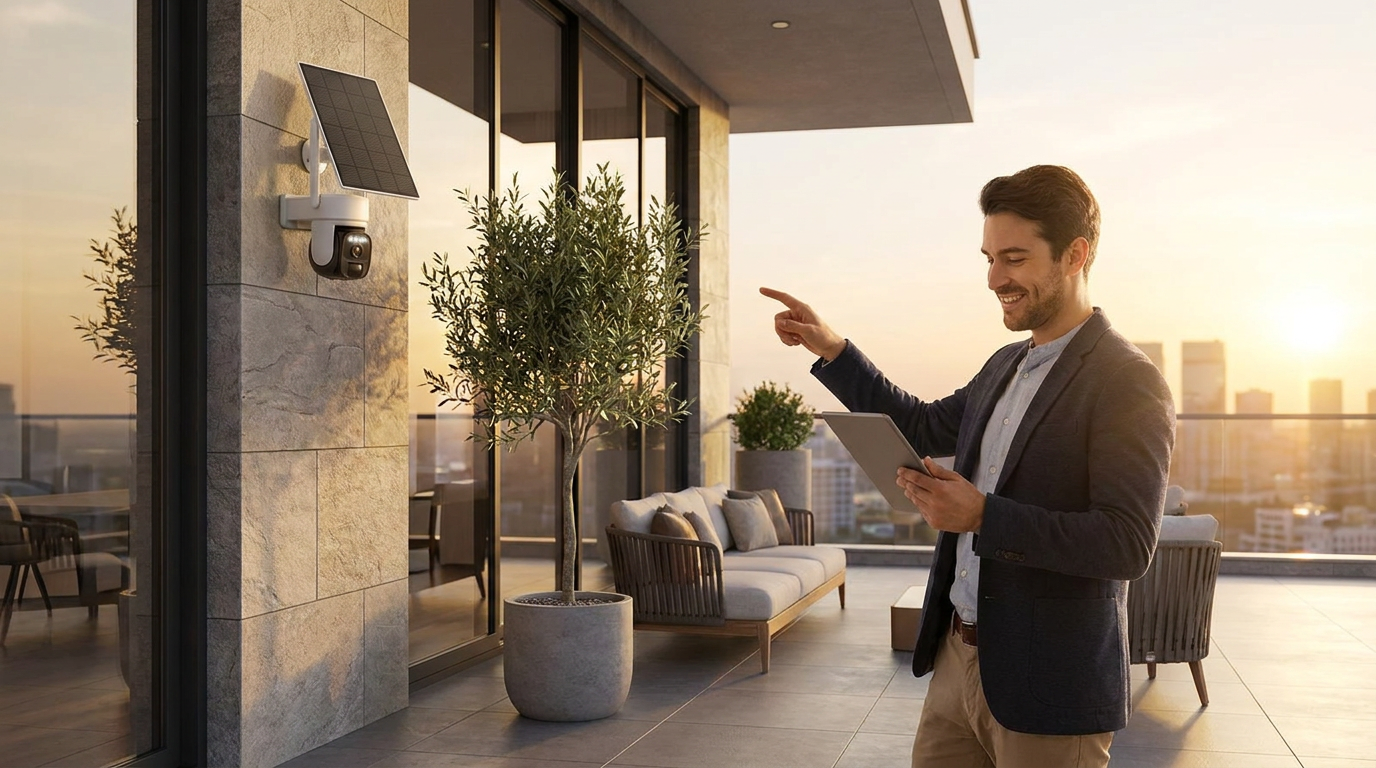
How to set up Outdoor Solar Security Camera for office?
 Priya RamanSenior Analyst
May 27, 2026 — Establishing remote monitoring for an office using an Outdoor Solar Security Camera requires a stable 2.4GHz or 5GHz WiFi connection and a compatible mobile or desktop application to bridge the hardware to the cloud.
Modern office security planning relies on a matrix of connectivity and power autonomy. Business owners and facility managers require surveillance solutions that do not disrupt existing infrastructure with invasive wiring. By utilizing solar-powered wireless units, stakeholders can maintain high-definition oversight of entry points and server rooms without the recurring costs of professional wiring or electrical modifications.
How do you connect a wireless camera to an office network?
Connecting a wireless camera to an office network involves pairing the device with a local router via a secure SSID and configuring the internal software for external access. The decision rule for a successful installation is simple: ensure the camera's location maintains at least a 60% signal strength from the primary router or a dedicated mesh node to prevent latency in the video feed. Once you see it this way, the installation becomes a process of signal mapping rather than hardware mounting.
According to CCTV Camera World, the setup for professional WiFi cameras typically involves using a mobile app to scan a QR code on the device, which then transfers network credentials via an encrypted handshake. For office environments with complex firewalls, IT administrators may need to whitelist the camera's MAC address or assign a static IP. Revlight Security notes that connecting a recorder or camera system to a router via an Ethernet cable for initial configuration is often the most reliable way to establish the primary network handshake before moving the device to its final solar-powered mounting location.
How is remote viewing configured for off-site monitoring?
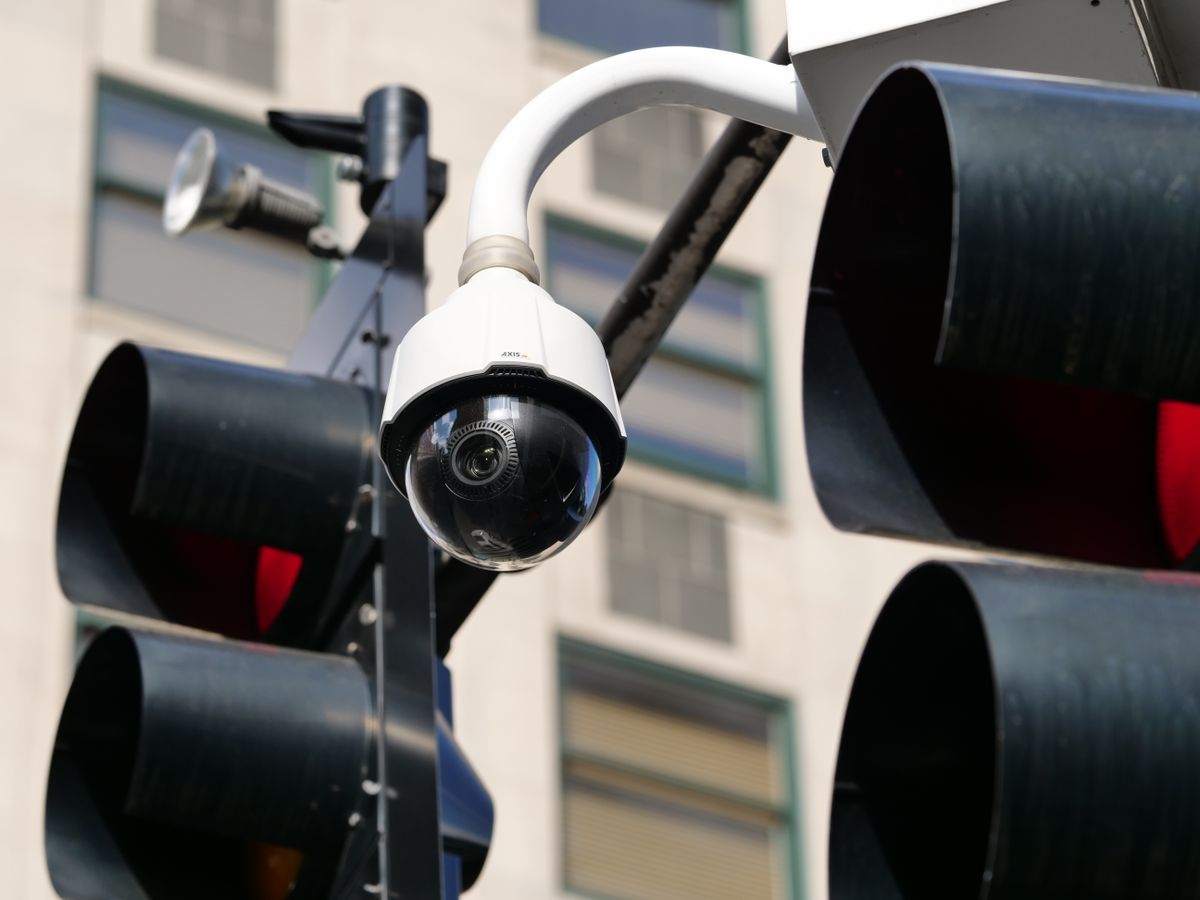
Photo by Giant Asparagus on Pexels
Remote viewing is configured by linking the camera’s unique Identification Number (UID) or IP address to a cloud-based application that bypasses the need for complex port forwarding. Two axes matter here: the bandwidth available at the office site and the data speed of the remote viewing device. High-resolution 3K or 4K streams require consistent upload speeds of at least 2-4 Mbps per camera to ensure the remote user sees a fluid image rather than a stuttering feed.
As demonstrated by technical experts at Avalonix, users can access their feeds by installing a dedicated CMS (Central Management System) on a PC or a mobile app on a smartphone. The process generally involves logging into a secure account that has been tethered to the camera hardware during the initial setup. For office managers, this means the ability to receive real-time motion alerts and access historical footage from any location with internet access. Research from 3K CCTV installation guides emphasizes that "no wires" setups rely heavily on these cloud accounts to bridge the gap between the hardware and the user's remote device, eliminating the need for on-site physical monitors.
Quick answers
Photo by tommy picone on Pexels
Q: What is the minimum internet speed required for office remote monitoring? A: For a single Outdoor Solar Security Camera streaming in 1080p, a minimum upload speed of 2 Mbps is required at the office site to ensure a stable remote connection. Higher resolutions like 3K may require up to 5 Mbps per active stream.
Q: Can solar cameras work through office windows? A: Solar panels must be placed in direct sunlight to maintain a 100% battery charge; placing them behind glass reduces UV absorption by up to 50%, which may lead to power failure in high-traffic office environments.
Q: Is a DVR required for wireless office monitoring? A: No, most modern wireless systems use on-board SD cards or cloud storage, though connecting an Outdoor Solar Security Camera to a Network Video Recorder (NVR) is an option for businesses requiring 24/7 localized backups.
Internal Links: Learn more about solar camera connectivity, office security placement, and managing remote alerts.
External Citations: CCTV Camera World, Revlight Security
Learn more about Outdoor Solar Security Camera at https://solarsafetycameras.com.