Cloud Storage vs. SD Card for Solar Security Cameras: Which Is Right for You?
Cloud storage and a local memory card solve two different problems. Cloud storage protects your footage from the camera being stolen, smashed, or unplugged, because clips leave the property the moment they are recorded. A local card records everything on site with no ongoing fee, but the recording only survives as long as the camera does. Most people who take security seriously end up using both, with the card as the always-on buffer and the cloud as the copy that cannot be carried away.
What is the real difference between cloud and local camera storage?
The difference is where the video physically sits after the camera captures it. With local storage, the file is written to a card inside the camera housing and stays there until it is overwritten or manually pulled. With cloud storage, the camera uploads the clip over your WiFi to a remote server, and you retrieve it from an app on your phone.
That single distinction drives every other trade-off: cost, reliability, how much internet bandwidth you use, how quickly you can hand footage to police, and what happens on the worst night, when someone walks up to the camera and takes it off the wall.
The Outdoor Solar Security Camera supports cloud storage and is managed through a dedicated app, so remote retrieval is built into how the camera is designed to be used. Wireless WiFi connectivity is what makes that upload path possible in the first place.
Cloud vs. local storage compared
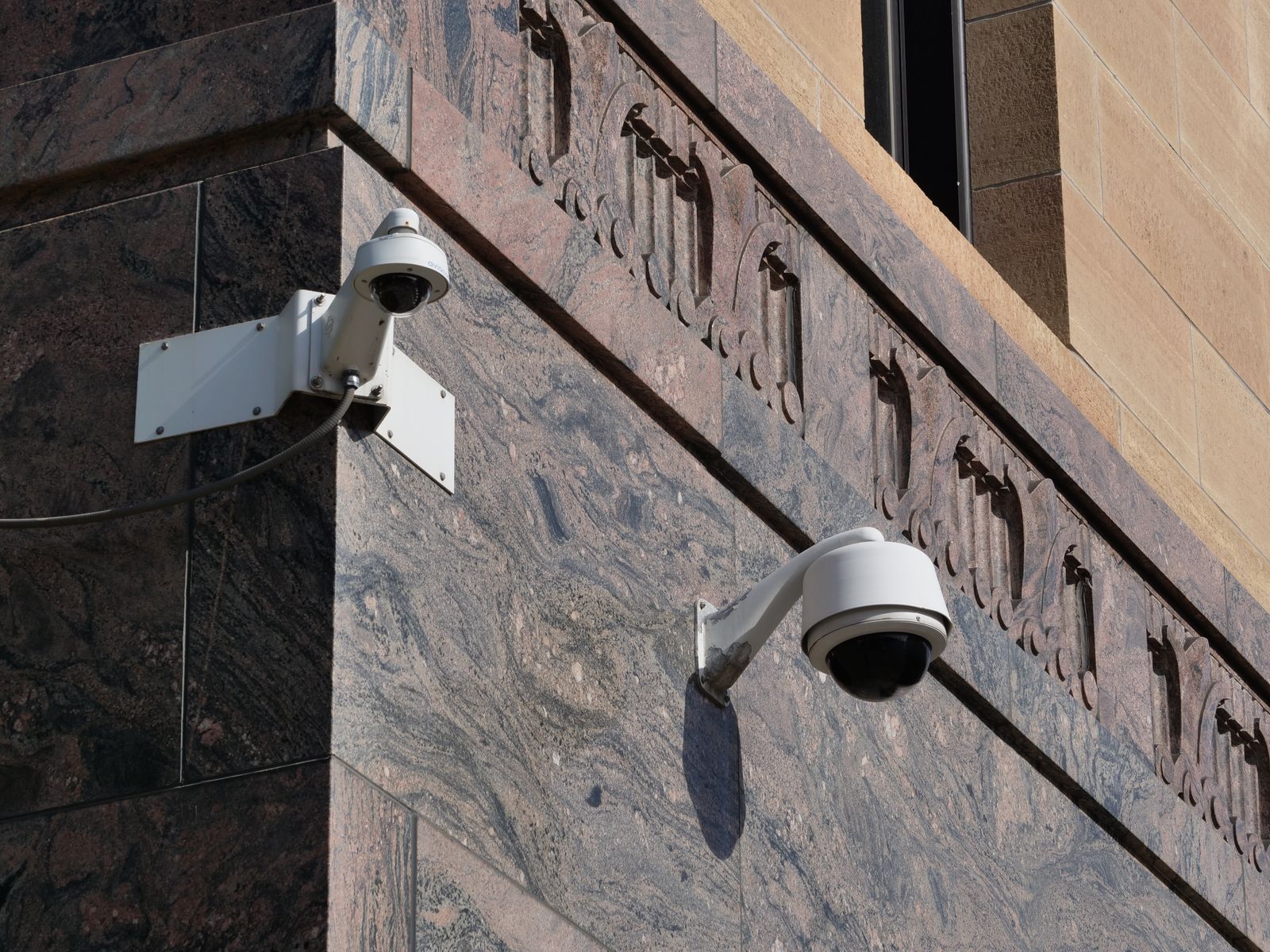
Photo by Giant Asparagus on Pexels
| Factor | Cloud storage | Local memory card | |---|---|---| | Survives camera theft | Yes, clips are already off site | No, footage leaves with the camera | | Ongoing cost | Recurring subscription, usually per camera | One-time cost of the card | | Needs internet | Yes, uploads require a working connection | No, records with the network down | | Retention | Set by the plan, older clips age out | Loops and overwrites the oldest files | | Access from anywhere | Yes, through the app | Stays local until the file is retrieved | | Bandwidth use | Continuous small uploads on every event | None | | Failure mode | Missed uploads during an outage | Card wear, corruption, or a full card |
When cloud storage is the better choice
Cloud storage wins whenever the footage matters more than the camera. That is almost always true. A camera is a replaceable piece of hardware; the ninety seconds showing a face, a vehicle, or a license plate is not.
Choose cloud-first if any of these apply:
- The camera is mounted low enough to be reached, or somewhere an intruder would notice it before leaving.
- Nobody is on site daily to pull a card, which is the normal situation for a second property, a yard, or a closed shop.
- More than one person needs the footage, such as a business owner and a manager.
- You want clips to keep existing even if the camera is disconnected mid-incident.
When a local card is enough
A card is the better primary choice in a narrow set of situations, and it is a good secondary choice in nearly all of them.
Local recording makes sense when the internet at the location is slow, metered, or unreliable, because a camera that cannot finish an upload is a camera with gaps in its history. It also makes sense when the camera is mounted high, out of reach, and mainly there to document routine activity rather than to catch a determined thief. And it makes sense when a monthly fee is simply not going to happen, in which case a card is far better than no recording at all.
Two practical cautions. First, cards in outdoor cameras work harder than cards in phones, because they are written to constantly and sit through heat and cold, so treat them as a wear item and replace them rather than waiting for silent failure. Second, a looping card only holds a fixed window of time, and the window shrinks as motion events increase. A busy driveway can overwrite a quiet Tuesday faster than owners expect.
How to set up storage properly in seven steps
Placement is also a legal question, not only a technical one. Rules on recording audio and on capturing images of a neighbor's property vary widely by state, country, and sometimes city, and two-way audio in particular can fall under recording consent laws. Aim cameras at what you own or control, never position or zoom a camera to see inside someone else's home or fenced yard, and check the rules that apply where the camera is installed before finalizing an angle. In a rented unit the same care applies to shared hallways and communal areas, which comes up throughout this guide to choosing a camera when you rent.
Does a PTZ camera change the storage math?

Somewhat. A pan-tilt-zoom camera covers a wider area than a fixed lens, so it can be triggered by more activity across that area, and more triggers mean more clips. On a card, expect the retention window to be shorter than it would be on a narrow fixed view. On cloud, expect more events in the timeline, which is useful for review but makes tight detection zones more important.
The upside is that one PTZ unit often replaces two or three fixed cameras, so the total storage and subscription footprint can end up smaller than a multi-camera fixed layout covering the same ground. Business owners weighing that trade-off will find the coverage side of the argument laid out in this look at PTZ advantages on larger sites.
How storage choice interacts with solar power
Uploading uses radio time, and radio time uses battery. A camera that sends every clip to the cloud does more work than one writing quietly to a card, which matters in short winter days when the panel has fewer usable hours to recover. That is not a reason to skip the cloud. It is a reason to tune sensitivity and zones so the camera is not uploading a hundred clips of a swaying branch. For the underlying power model first, start with this explanation of how solar cameras charge and manage power.
FAQ
Is cloud storage safer than a card? For preserving evidence, yes, because the clip is off the property within seconds of being recorded. Nothing that happens to the camera afterward can erase it. A card is safer only in the narrow sense that it keeps recording when the internet is down.
Can a camera use both at once? That is the usual recommendation. The card acts as the continuous local buffer and covers internet outages, while the cloud holds the copy that survives theft or vandalism. Availability of both paths depends on the model and the plan chosen.
How much history is actually needed? Most incidents are reviewed within forty-eight hours, so a short retention window handles the majority of real situations. Longer retention matters mainly for slow-moving problems such as repeat trespassing or a workplace dispute, where the pattern is the evidence.
What happens to cloud clips after a plan is cancelled? Access typically ends with the subscription, and stored clips are removed after the provider's grace period. Download anything that may be needed, especially footage tied to an insurance claim or a police report, before cancelling.
Practical next step
Pick the worst case, then match the storage to it. Walk to the camera position, look at how reachable it is, and ask whether the footage would still exist if the unit were gone. If the answer is no, turn on cloud storage before adjusting anything else, then tighten detection zones so the plan is spent on real events rather than moving shadows.
Cover photo by Giant Asparagus on Pexels.