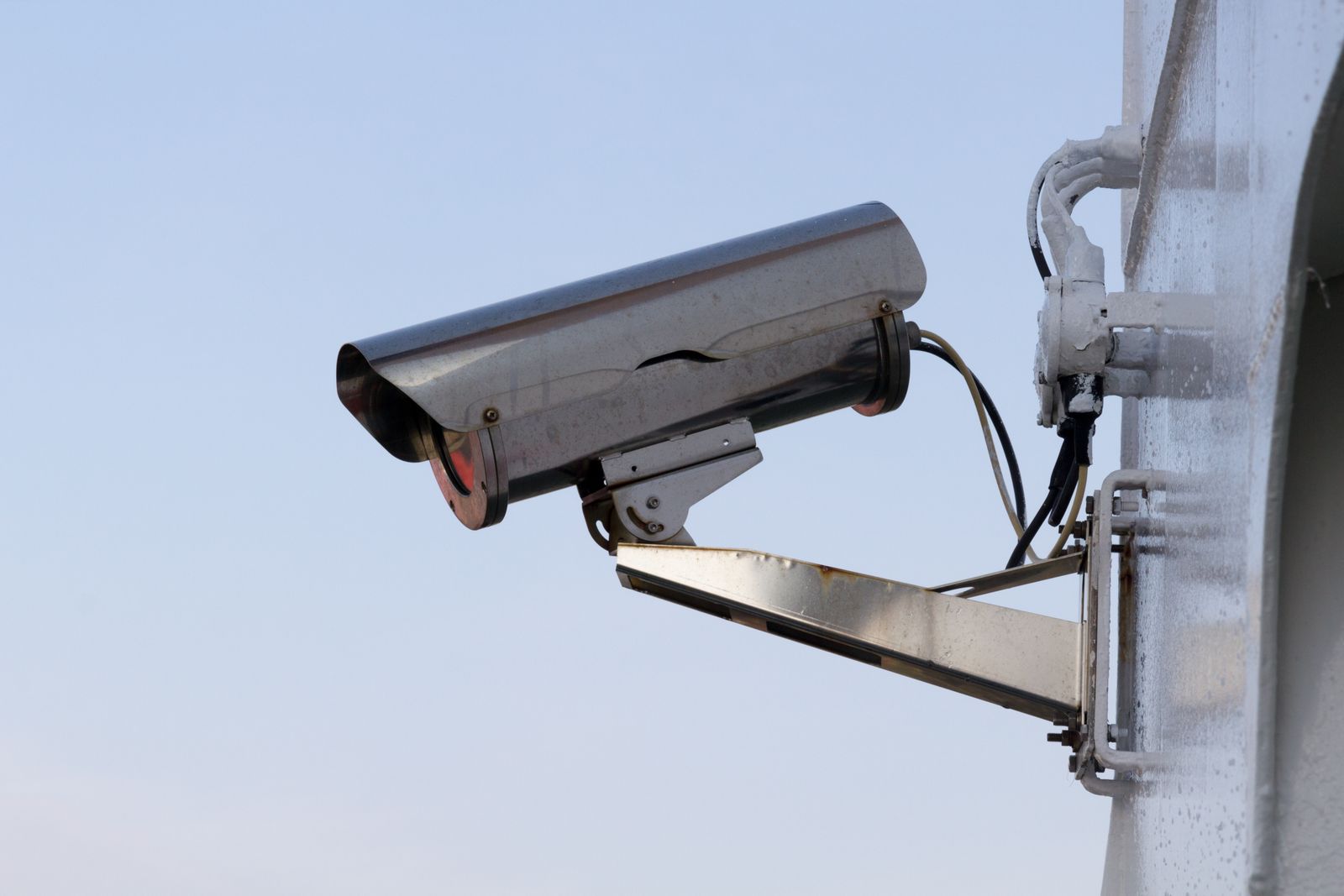
How to Fix Outdoor Security Camera WiFi Disconnections and Offline Alerts
Is your outdoor security camera dropping offline repeatedly? To permanently fix an outdoor solar security camera that keeps disconnecting, verify that your camera's RSSI reading is stronger than -65 dBm, isolate a dedicated 2.4GHz network band, assign a static IP address in your router settings to prevent DHCP lease expiry, and ensure low battery voltage isn't forcing the WiFi chip into deep sleep.
Camera Offline Diagnostic Flowchart
- Does the app display 'Device Offline' or fail to connect to live view? → Yes: Check battery charge level and solar panel connection LED.. No: If video lags or stutters, skip to RSSI signal strength check..
- Is battery charge above 20% and receiving direct sunlight? → Yes: Proceed to test network RSSI value inside camera app settings.. No: Clean solar panel glass and charge camera manually via USB to rule out low-voltage sleep modes..
- Is your camera RSSI reading stronger than -65 dBm (e.g., -50 dBm)? → Yes: Check router DHCP settings; assign a Static IP reservation to stop IP address dropping.. No: Signal is too weak. Move camera closer, separate 2.4GHz band, or add an outdoor mesh node..
Solar Camera WiFi Failure Modes & Troubleshooting Matrix
Photo by Star Zhang on Pexels
| Failure Mode | Observed App Symptom | Root Cause | Actionable Solution |
| --- | --- | --- | --- |
| Dual-Band Steering Kickoff | Camera drops offline every few hours; reconnects only after hard reset. | Router combines 2.4GHz & 5GHz under one SSID, attempting to push the 2.4GHz-only camera to 5GHz. | Access router settings. Split SSIDs into separate names (e.g., HomeWiFi_2.4G) and lock camera to 2.4GHz. |
| DHCP IP Expiry Conflict | Camera displays 'Offline' overnight or during low-activity periods. | Router reassigns the camera's dynamic IP address while the camera chip is in power-saving sleep mode. | Log into router admin panel (192.168.1.1) and assign a Static IP Reservation to the camera's MAC address. |
| Physical Wall Attenuation | Live view drops to low-resolution SD, buffers continuously, or fails to connect. | 2.4GHz radio waves are heavily absorbed by brick, stucco wire mesh, or Low-E window glass. | Relocate router closer to exterior wall, re-angle antenna, or install an outdoor mesh WiFi node. |
| Battery Voltage Dip Sleep Mode | Camera records local SD events but fails to connect to cloud or live app stream. | Cold weather or shaded solar panel causes battery voltage to drop below 3.6V, turning off WiFi chip. | Re-angle solar panel for 3-4 hours direct sunlight; manually bench-charge battery pack to 100% via USB. |
Identify your specific camera symptom below to understand the technical root cause and apply the verified resolution.
Pro Security Tip: Measure RSSI, Not WiFi Bars
Never rely on the WiFi signal icon on your smartphone to judge signal strength at your camera's mounting location. Smartphones possess large multi-antenna arrays and high transmission power, allowing them to show 'full bars' where a compact outdoor camera struggles to talk back.
Open your security camera app, navigate to Device Settings -> Device Health / Network Info, and examine the actual RSSI (Received Signal Strength Indicator) value expressed in negative dBm:
- -30 dBm to -55 dBm: Excellent signal. Instant live view start and smooth PTZ control.
- -56 dBm to -65 dBm: Good signal. Reliable connection for 2K video streaming.
- -66 dBm to -75 dBm: Marginal signal. Video buffering, delayed motion alerts, and intermittent offline states occur.
- -76 dBm or weaker: Unusable signal. Camera will frequently drop off the network.
Pre-Troubleshooting Connectivity Checklist
- Confirm solar panel receives at least 3-4 hours of direct sunlight daily to maintain battery voltage.
- Verify your mobile device is connected to a 2.4GHz network during initial pairing or reconfiguration.
- Check that camera RSSI reading in app is stronger than -65 dBm (e.g., -50 dBm is better than -70 dBm).
- Ensure router firmware is updated to the latest version to prevent DHCP memory leaks.
- Confirm the security camera app has background data refresh and auto-reconnect permissions enabled.
Decision Support: Range Extender, Mesh Node, or Camera Relocation?
- Is your RSSI weaker than -70 dBm at the installation site? → Yes: Check exterior building material between router and camera.. No: Hardware upgrade unnecessary. Focus on router channel configuration and static IP binding.
- Is the exterior wall made of brick, concrete, or wire-lath stucco? → Yes: Install an outdoor-rated Mesh WiFi node on the inside or outside of that exterior wall.. No: Try re-angling router antennas or moving the camera 3 to 5 feet away from metal gutters.
Calculate Your Outdoor WiFi Signal Decay
Estimate your expected WiFi signal strength at the camera site based on distance and exterior building cladding.
Signal Loss Across Exterior Building Materials
| Building Material | Typical Thickness | 2.4GHz Signal Loss (dB) | Effective Range Reduction |
| --- | --- | --- | --- |
| Standard Vinyl / Wood Siding | 0.5 to 1.0 inch | -2 dB to -3 dB | 15% to 25% reduction |
| Double-Pane Standard Glass | 0.75 inch | -3 dB to -4 dB | 25% to 30% reduction |
| Low-E Energy Efficient Glass | 0.75 inch | -10 dB to -12 dB | 65% to 75% reduction |
| Solid Red Brick Veneer | 3.5 inches | -6 dB to -8 dB | 50% to 60% reduction |
| Stucco over Metal Wire Lath | 1.0 inch | -12 dB to -15 dB | 75% to 85% reduction |
| Poured Concrete / Cinder Block | 6.0 to 8.0 inches | -14 dB to -20 dB | 85% to 95% reduction |
Wireless radio signals at 2.4GHz degrade rapidly when passing through exterior structural cladding. Review the attenuation chart below to understand how your home's construction impacts performance.
Upgrade to Seamless Surveillance with High-Gain WiFi
If continuous disconnections are frustrating your security efforts, upgrade to a camera designed specifically to maintain ultra-stable long-range connections.
Essential Rules for Stable Solar Security Camera Connections
Photo by Atypeek Dgn on Pexels
Keep these core networking principles in mind when troubleshooting or installing outdoor security equipment.
Step-by-Step Guide to Fixing Persistent WiFi Drops
Follow these technical steps in sequence to configure your home network for permanent outdoor camera stability.
5 Critical Mistakes That Worsen Outdoor WiFi Drops
Avoid these common setup errors that compromise signal penetration and camera responsiveness.
Frequently Asked Questions About Outdoor Camera WiFi Disconnections
Find fast solutions to common edge cases and technical questions regarding outdoor surveillance connectivity.
Immediate Action Plan for Uninterrupted Monitoring
Your decision: Identify whether your camera disconnects due to low RSSI, router IP dropping, or battery power-saving sleep modes.
Do this next: Measure RSSI in your camera app settings, assign a static IP reservation in your router dashboard, and ensure your 2.4GHz band has a dedicated SSID.
- Read next: Mesh WiFi vs. Range Extenders for Outdoor Security Cameras: Which Is Best?
- Read next: How to Extend Your WiFi Signal to Outdoor Solar Security Cameras
If hardware replacement is required, consider our Outdoor Solar Security Camera Pack with high-gain WiFi antenna technology.
Take these concrete steps today to eliminate offline camera notifications and ensure continuous protection for your property.
Explore Related Wireless Networking & Security Guides
Provide internal link paths for extended learning.
Cover photo by Pixabay on Pexels.